






Instagram Reel dimensions and aspect ratio
Make every Reel upright, 9:16, at 1080 × 1920 pixels: Meta's size for 9:16 video.[2] For Reels ads, Meta asks for 1440 × 2560, the same aspect ratio with more pixels.[3][9] Instagram's own help pages set no pixel size for the video itself: only the shapes it takes, 1.91:1 to 9:16, and its least resolution, 720 pixels at 30 fps.[1]
Point at or tap a spec to hold it on the reel.
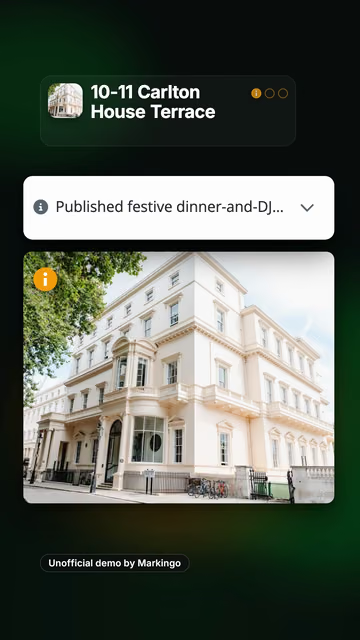
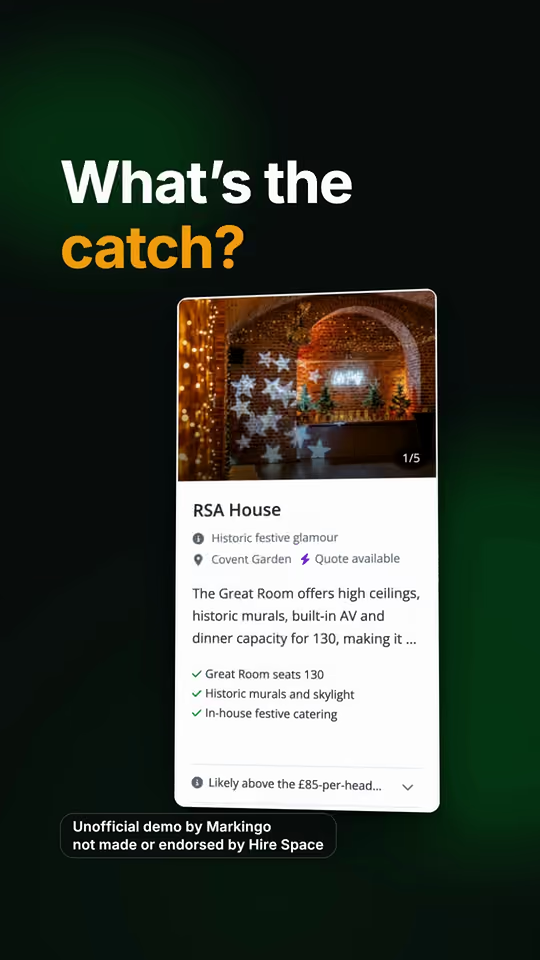
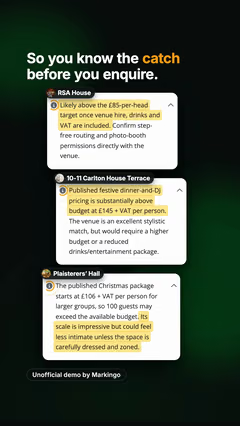
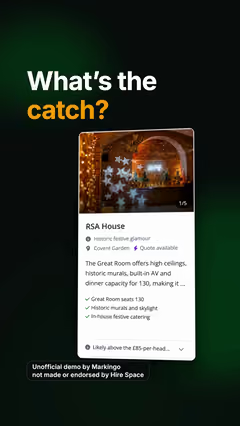
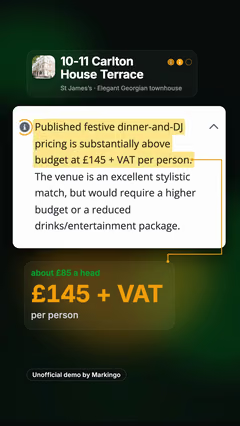
Made independently by Markingo from Hire Space's live product. Not made or endorsed by Hire Space.
- Size
Meta's size for 9:16 video, the full-screen shape.[2]
- Aspect ratio
Full screen. Instagram takes any shape from 1.91:1 to 9:16, but recommends vertical reels.[1][10] Where words stay clear
- For Reels ads
On Instagram and Facebook: the same 9:16, with 1.78 times the pixels.[3][9]
- Facebook's rule
Facebook asks for sides divisible by 16. 1440 × 2560 passes; 1080 doesn't (67.5).[11]
- Resolution
The least Instagram takes. Instagram shows blurry or low resolution reels less often.[1][10]
- Frame rate
Instagram asks for 30 or more, Facebook for 30 or less: 30 suits both.[1][11]
- File
H.264 video with AAC sound, as Meta lists for Reels ads and Facebook reels.[3][11]
- Instagram video size
Since July 2022, video posts under 15 minutes are shared as reels; videos in a carousel are not.[12][13]
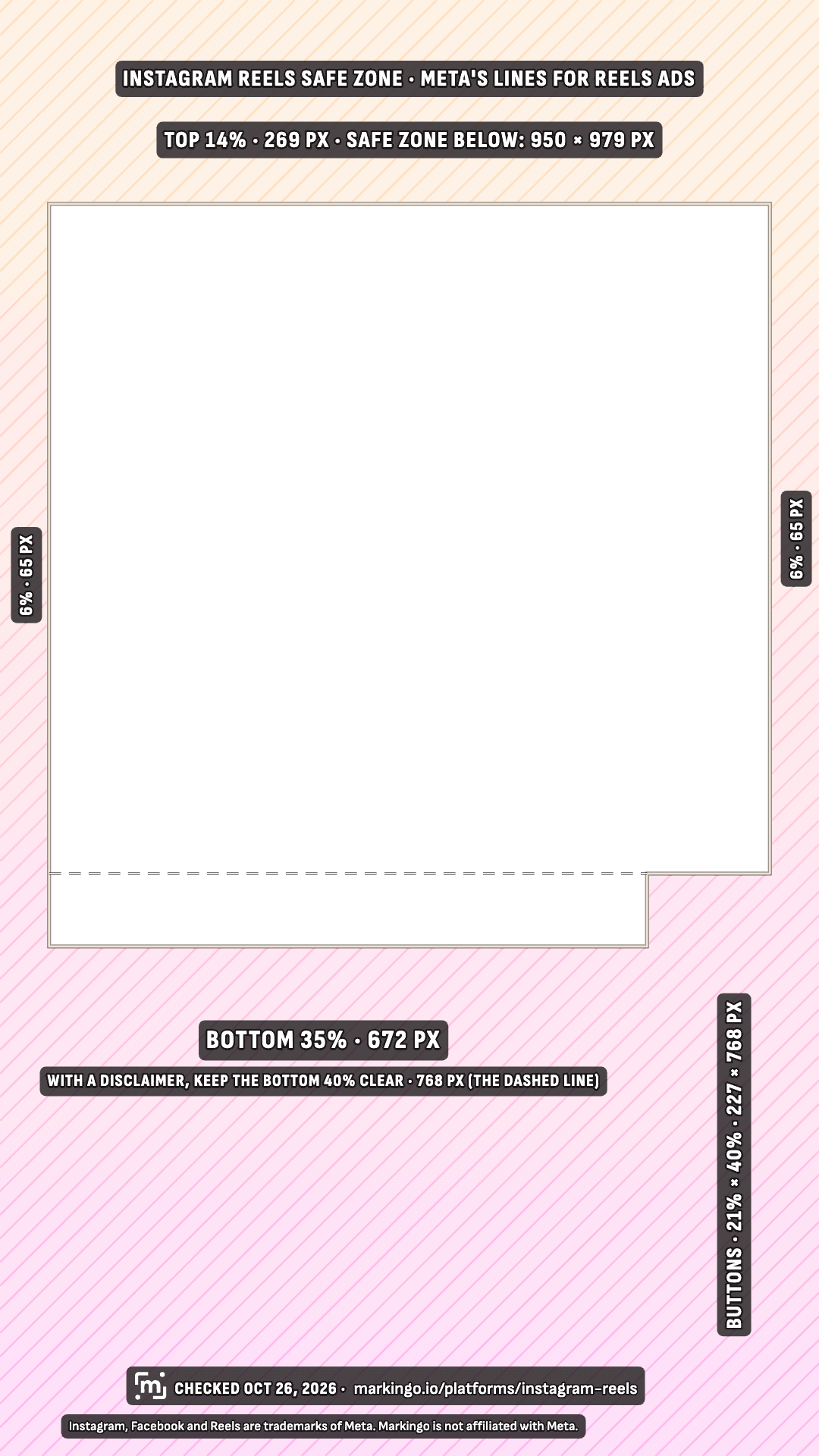
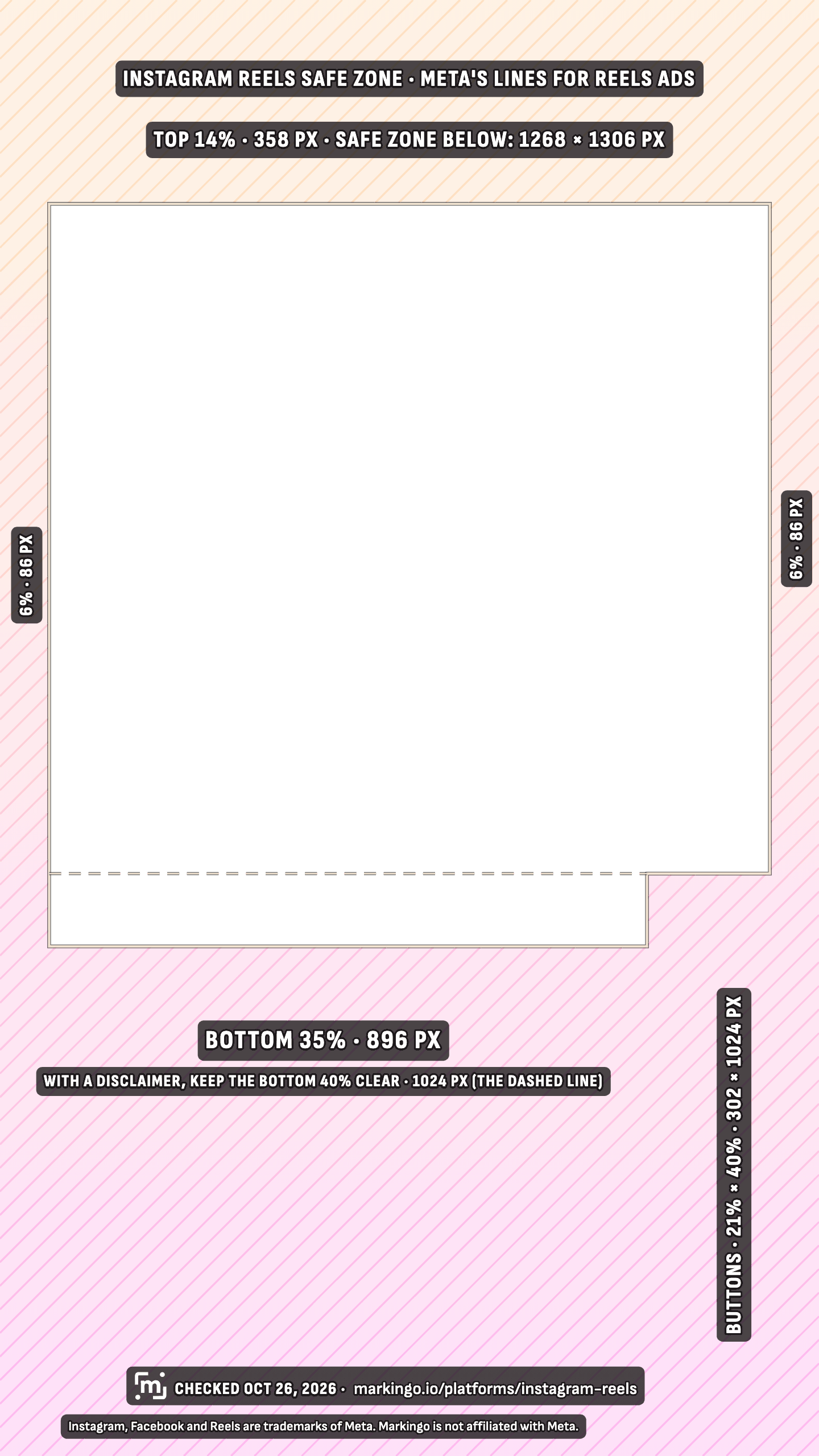
Why two sizes? They come from two of Meta's ad spec pages: 1080 × 1920 from video ads in Instagram's feed,[2] 1440 × 2560 from Reels ads.[3] If one file has to work everywhere, 1440 × 2560 meets each of Meta's figures on this drawing.[11] Where words stay clear on it
Before you upload Instagram has a setting to always upload reels at the highest quality. Turn it on.[1]
For your editor Instagram's help page lists H.264 High profile, progressive, a keyframe every half second at 30 fps, 4:2:0, and stereo at 48 or 96 kHz.[1] Facebook asks for 44.1 kHz, so export the sound once for each app.[11]