



Unofficial demo of Marloo's product · Made Sep 27, 2026How we made it: Marloo's product video

Our process, step by stepEleven steps, then your first film. Pick any step to watch it.
Types of video
What it's for
Where it plays
Watch the films
People and money
Sales and customers
Learn
About us
Films for the LinkedIn feed
A LinkedIn® video post can be 256 × 144 to 4096 × 2304 pixels, up to 15 minutes and 5 GB.1
Longest post1
Longest post: 15 minutes, every specLargest post file1
Largest post file: 5 GB, every specAd length2
Ad length: 3 seconds to 30 minutes, every specUnofficial demo of Marloo's product · Made Sep 27, 2026How we made it: Marloo's product video
Your first LinkedIn film is on us.
You give us your domain. We do everything else, and it's ready in under 48 hours.It's on its way, ready in under 48 hours.
01Sizes and specs
One of our films in all four shapes LinkedIn takes, then every size and limit for posts, video ads and Thought Leader Ads, each from LinkedIn's own pages.
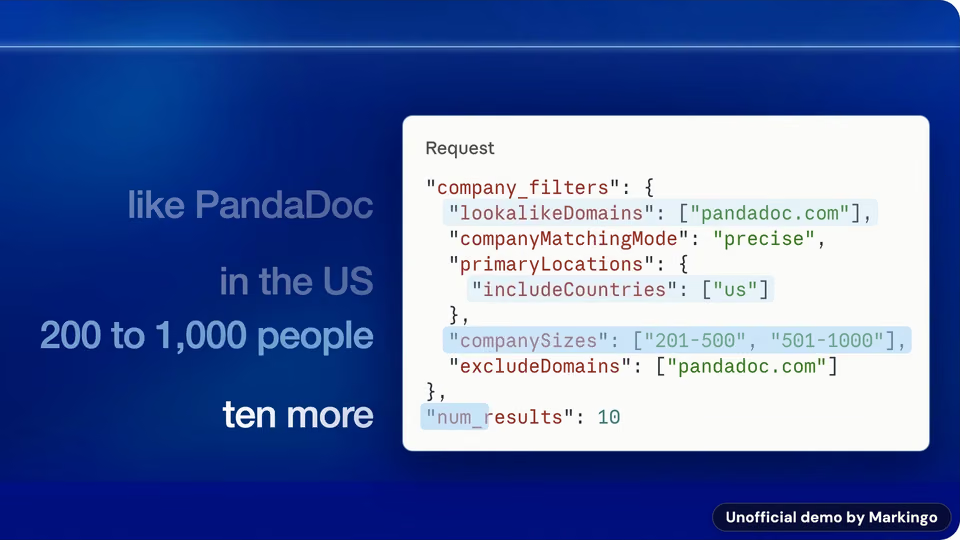
Unofficial demo of Ocean.io's product, and its reel Made Oct 6, 2026
16:9 · Landscape
1920 × 1080
From 640 × 360
Our film of Ocean.io's product, as it isPipeline, in plain English.
1:1 · Square
Up to1920 × 1920
From 360 × 360
The same film, set whole in a square post with a line of its own words above and belowPipeline, in plain English.
4:5 · Portrait
720 × 900
Up to 1080 × 1350, LinkedIn's recommended ratio for ads
The same film, set whole in a 4:5 post with a line of its own words above and below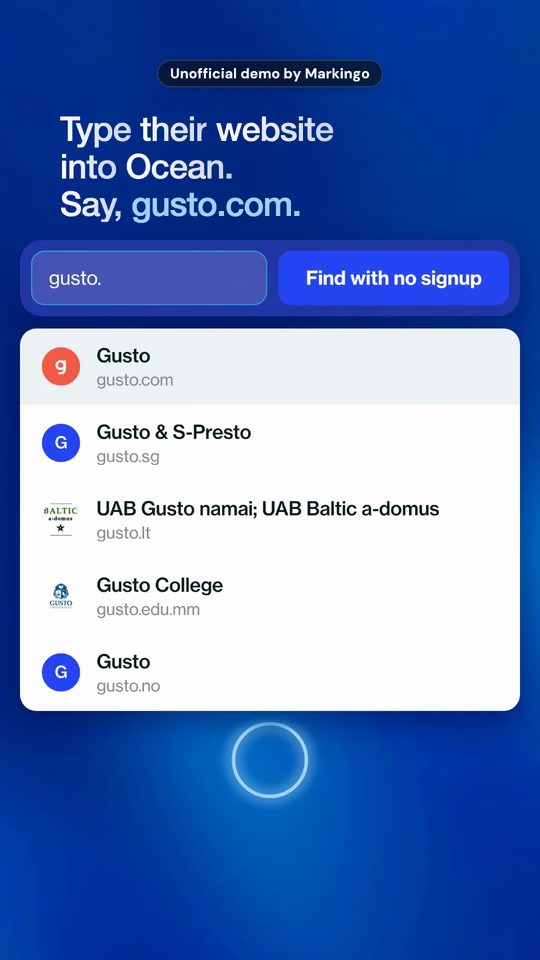
9:16 · Vertical
720 × 1280
Up to 1080 × 1920
Its reel, made uprightOne film, four posts: our film as it is, set whole in a square and a 4:5 post, never cropped, and its reel. The sizes are LinkedIn's for video ads;2 a post takes any of them, at any size from 256 × 144 to 4096 × 2304.1 We make a version for every screen, ready to post: step 11 of Our process.
| In a post | As a video ad | |
|---|---|---|
| Dimensions, in pixels |
The picture can be any size in between. |
|
| Aspect ratio | 1:2.4 to 2.4:11 So 9:16, 4:5, 1:1 and 16:9 all work. LinkedIn's creator team recommends filming upright, "since our video surfaces are built for vertical video" (their words).3 | 9:16 to 16:94 LinkedIn calls 4:5 its recommended vertical ratio.2 |
| Length | 3 seconds to 15 minutes1 The shortest is 3 seconds from a computer and 2 from the phone app.1 LinkedIn's creator team puts the sweet spot at 30 seconds to 2 minutes, and its creator hub says 60 to 90 seconds.56 | 3 seconds to 30 minutes2 LinkedIn recommends 15 to 30 seconds, so an ad qualifies for every placement.2 Before a publisher's or creator's video (pre-roll): 3 to 30 seconds on LinkedIn's pre-roll pages;78 its main video ad specs page allows in-stream ads up to 90 seconds.2 |
| File size | 75 KB to 5 GB1 One video per post, and animated GIFs are not treated as video.9 | 75 KB to 500 MB2 It was 200 MB on Nov 9, 2023.10 |
| File format | MP4, MOV and more1 AVI, WEBM, MKV and WMV too. ProRes files may upload, but LinkedIn cannot process them.1 | With AAC or MPEG4 sound.2 |
| Frame rate | 10 to 60 frames a second1 At a bit rate from 192 kbps to 30 Mbps.1 | Under 30 frames a second2 LinkedIn's help pages say under 30; its ads site recommends 30.4 |
| Thumbnail size | No published size11 LinkedIn offers a thumbnail upload in the desktop steps. Our advice: match the video, as the ad rule asks.2 With none, LinkedIn may make one from the video.12 | JPG or PNG, up to 2 MB2 Optional, and the same shape and pixel size as the video, so a 1920 × 1080 video takes a 1920 × 1080 thumbnail.2 |
| Captions | An SRT file added on desktop, or LinkedIn's automatic captions for every member and Page in 10 languages: English, Spanish, Portuguese, French, German, Italian, Indonesian, Turkish, Arabic and Dutch. They arrive a little after posting, and can be checked before anyone sees them.14 | |
| Text, and where it cuts | Up to 3,000 characters16 | Cut at about 150 characters2 That's the intro text; the headline cuts at about 70. See where it cuts |
| How it plays | Muted, as people scroll17 Many videos start playing without sound, and videos under 30 seconds loop.17 On phones, a tap on any feed video opens LinkedIn's full-screen upright player.18 | Muted at first19 Under 30 seconds, an ad loops until at least 30 seconds have played.2 Ads show in the LinkedIn feed and on partner apps and sites.15 |
| Safe zone | Top 260, bottom 560, left 112, right 210 px20 Clear of words and logos on a 1080 × 1920 upright video, in LinkedIn's own diagram, leaving a 758 × 1100 area in the middle (our arithmetic). Keep text, logos and key moments off the edges, where LinkedIn's buttons sit.1 LinkedIn publishes no safe zones for square, 4:5 or landscape video.1 See it drawn on a reel | |
02Dimensions to scale
Every shape at the largest size LinkedIn lists for ads, all from one corner.2 The hatched ones are the widest and tallest posts.1
16:9
Up to 1920 × 1080 as an ad, from 640 × 3602
Our films are made in this shape, and LinkedIn publishes no safe zone for it.1 Here, our film of Wellio's product, at 0:21.
1:1
Up to 1920 × 1920 as an ad, from 360 × 3602
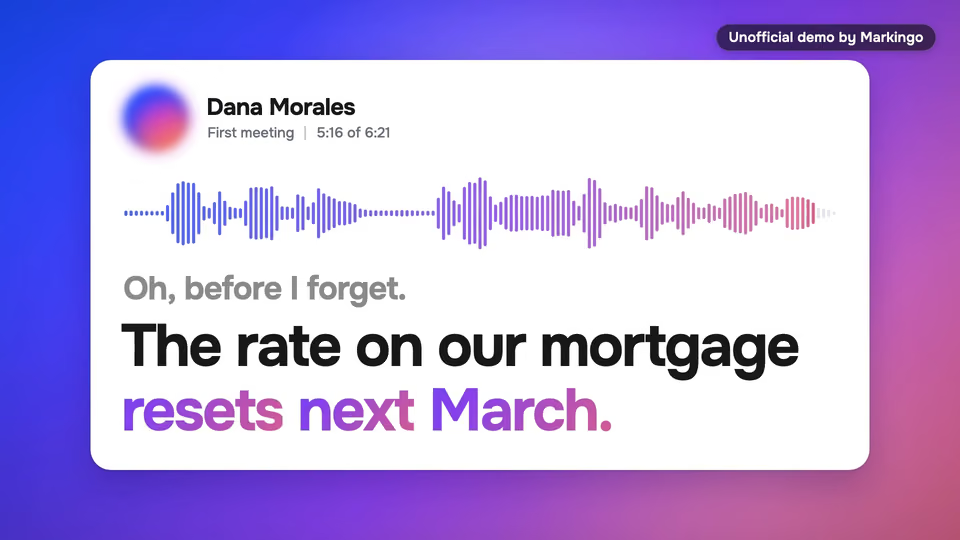
We set a 16:9 film whole in a square post, a headline above it; LinkedIn publishes no safe zone for squares.1 Here, our film of Marloo's product, at 0:56.
4:5
720 × 900, up to 1080 × 1350 as an ad2
LinkedIn's recommended ratio for ads,2 with no published safe zone.1 Here, our film of BriefCatch's product, set whole in a 4:5 post, at 0:41.
9:16
720 × 1280, up to 1080 × 1920 as an ad2
LinkedIn's safe zone: keep the top 260, the bottom 560, the left 112 and the right 210 px clear,20 and put words and logos in the 758 × 1100 middle (our arithmetic), clear of LinkedIn's buttons.1 Here, our reel of Juno's product, at 0:03; the tag at its top is our disclosure, not part of the reel.
An ad shows about 150 characters of its intro text and about 70 of its headline before LinkedIn cuts them.2 Type yours over our example.
Our logo animation · Made Oct 21, 2026
03LinkedIn post ideas
Each with a real film of ours, in LinkedIn's shape, and three ideas for your product. Save the ones you like.
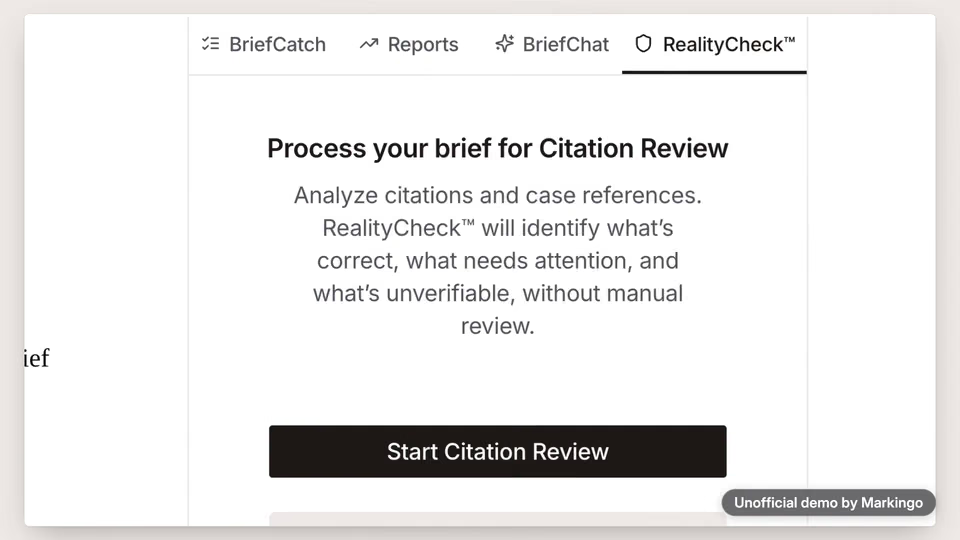
Unofficial demo of BriefCatch's product · Made Sep 29, 2026
BriefCatch reads each case the brief cites against the case itself, and flags the two the brief gets wrong. Turn the sound on and the whole film plays on from here.
For your product
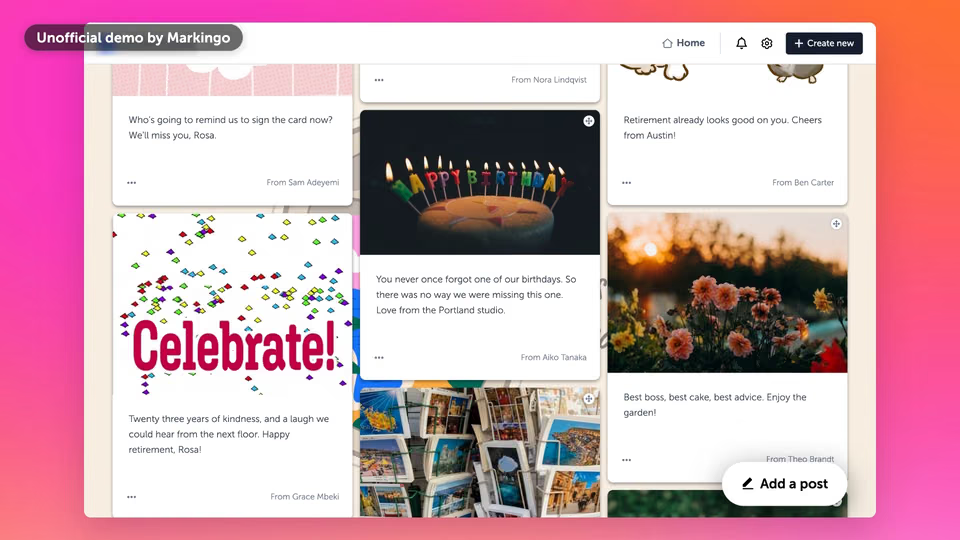
Rosa's team is spread across four cities, so their farewell posts land on one Kudoboard: memories, photos and GIFs, each more than a signature. Turn the sound on and the whole film plays on from here.
Unofficial demo of Juno's product · Made Oct 6, 2026
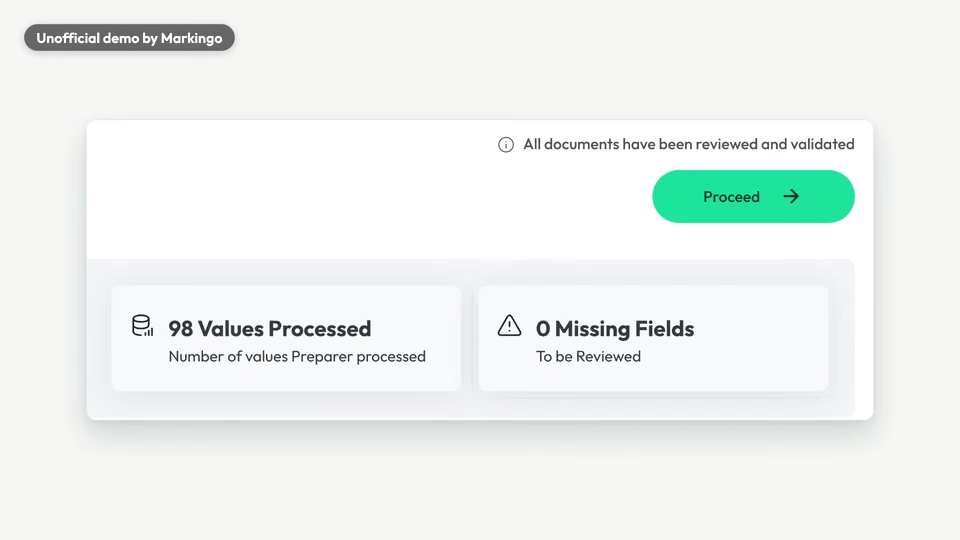
A tax return's pile of files goes into Juno: each file is sorted and renamed, a duplicate is removed, and every value comes out checked, with nothing left to review.
For your product
Our GrumpySpark explainer · German, our English captions · Made Oct 18, 2026
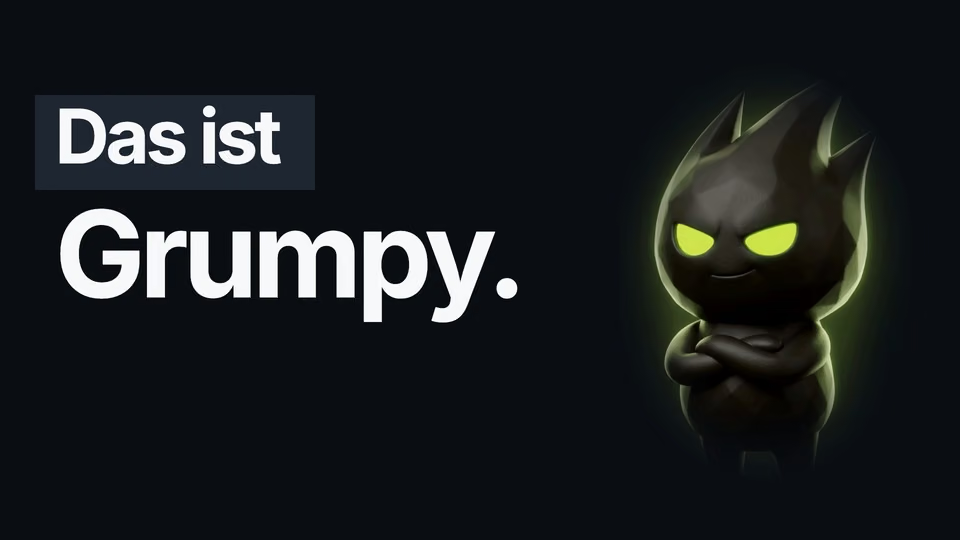
This one is ours: our character explainer for GrumpySpark, software that turns electrical plans into a building-automation project. Its words are German; the English lines on it are our translation. We make every kind of explainer: from your real product, with characters or cartoons, on a whiteboard, or live action.
For your product
Unofficial demo of Canny's product, its reel · Made Oct 2, 2026
A gym owner's chatty email goes into Canny's Autopilot, which finds her two asks and files them.
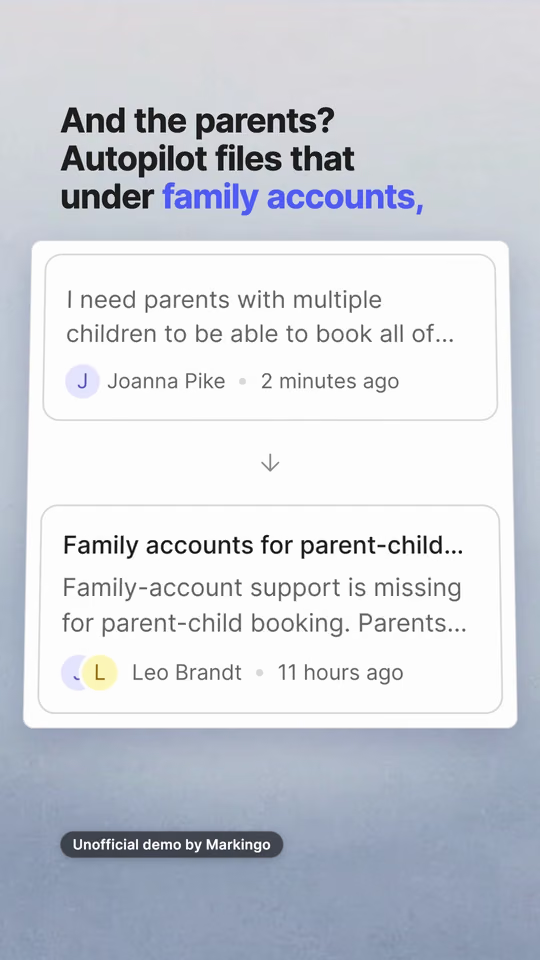
A gym owner's chatty email goes into Canny's Autopilot, which finds her two asks and files them.
For your product
Unofficial demo of Ocean.io's product · Made Oct 6, 2026
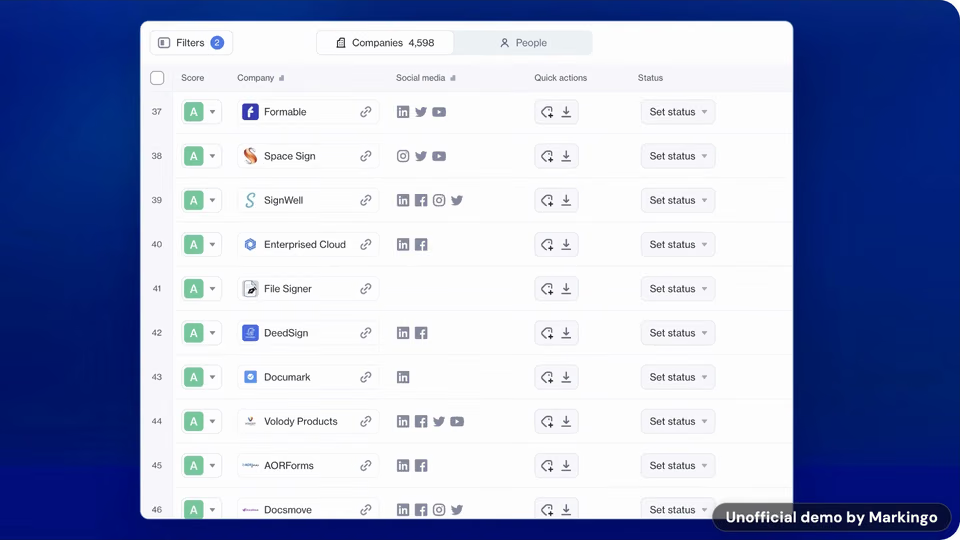
For your product
Eight more kinds for LinkedIn, and how a film of ours fits each.
A customer's own words, shown in your product as their problem is solved. LinkedIn: "Share stories of customer success"26
Our how-to starts from one customer's email: see it above.
A video whose story is in words on screen, for the sound off. LinkedIn: "Consider adding subtitles to your video."28
Our reels carry their whole story in words: see one in Why ours work.
How it was made: the plan, the screens, the choices. LinkedIn: "...behind-the-scenes moments that feel genuine and human."29
Every part of our own making is on this page: see Done for you.
Your founder on camera: a problem, a lesson, a decision. LinkedIn: "Promote founder posts or behind-the-scenes commentary"30
Your founder can post your product film in their own words.
What to see at your booth, or the demo for all who couldn't stop by. LinkedIn: "Preview your event"26
A short loop of your film, clear on mute, can run at your booth.
Your team, your mission and the roles open now. LinkedIn: "Provide behind-the-scenes glimpses of your culture and work"27
Your product film shows candidates what they'd work on.
A short highlight from a live stream or a webinar, posted after it. LinkedIn: "Give a sneak peek of your webinar"26
Your product film can open the live stream or the webinar.
A post of slides that people swipe through. LinkedIn: "Videos can't be added to carousel image ads."15
The film can't go in one, but its frames can be the slides.
Any of these can be your first film, on us.
Get your first film04Why ours work
Three of LinkedIn's own tips, and our real films doing each one.
Unofficial demo of Ocean.io's product, its reel · Made Oct 6, 2026
"Think like a silent film director"26
LinkedIn's video ad tips. In LinkedIn's research, 79% of feed videos were watched with the sound off;3132 its creator hub now says 85%.6
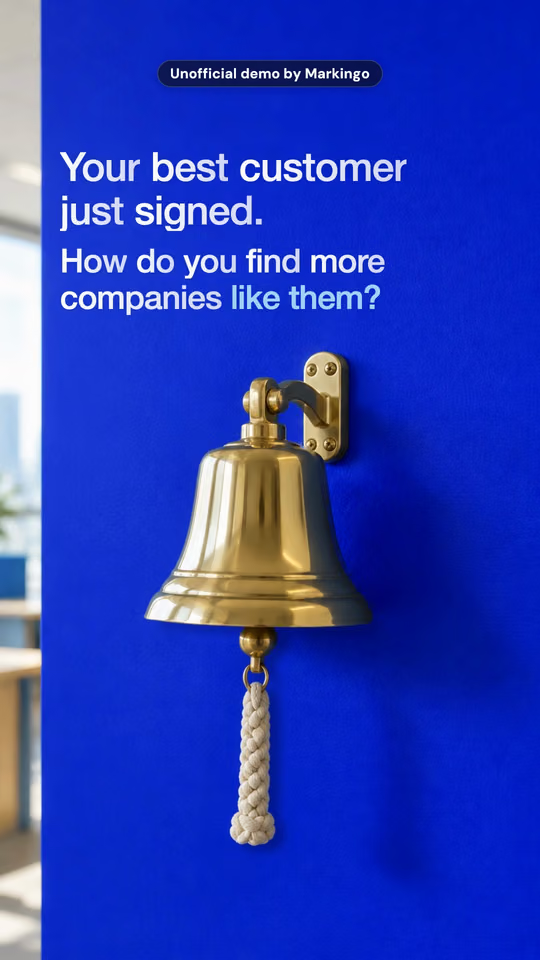
The reel's words, 0:00 to 0:22
"The first three seconds matter the most..."6
LinkedIn's creator hub. LinkedIn counts a view at 2 seconds of watching.33
Stopped at 0:00.5, each reel's whole hook is already on screen.
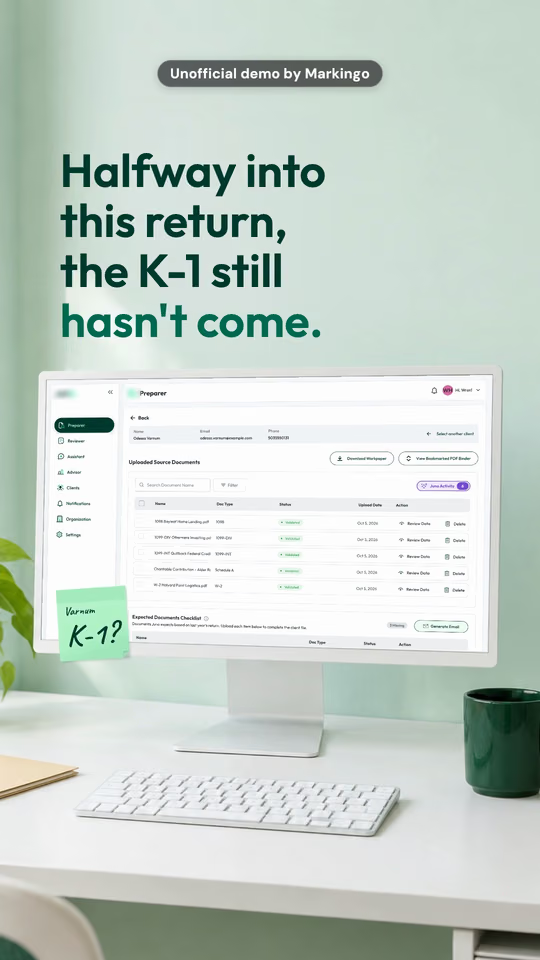
Juno0:00.5With soundPaused
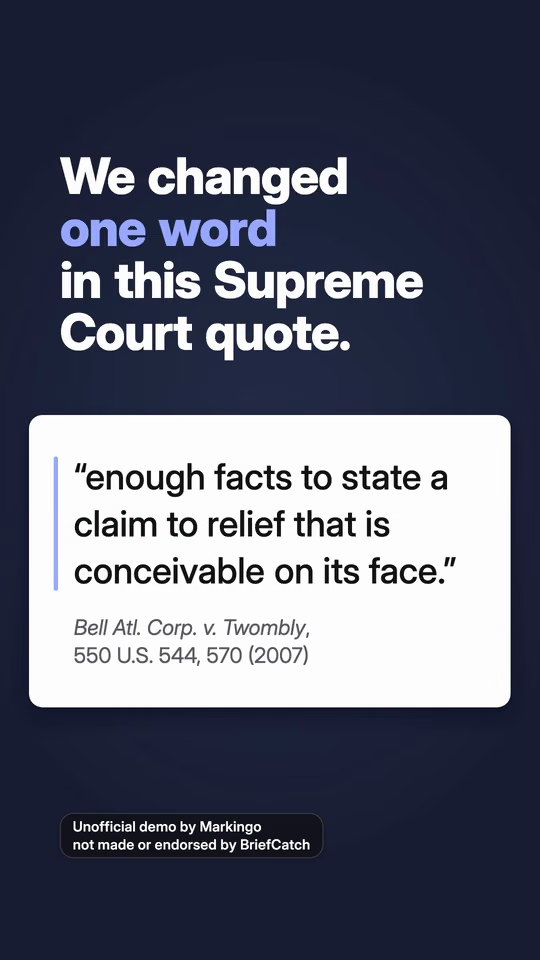
BriefCatch0:00.5With soundPaused
Ocean.io0:00.5With soundPaused
"Show a quick demo of your product"26
LinkedIn's video ad tips. In LinkedIn's research on 3,649 US and Canada video ads, product demos drove the highest completion, engagement and click-through rates.31
Frames from our unofficial demos. We film every screen sharp enough to read.
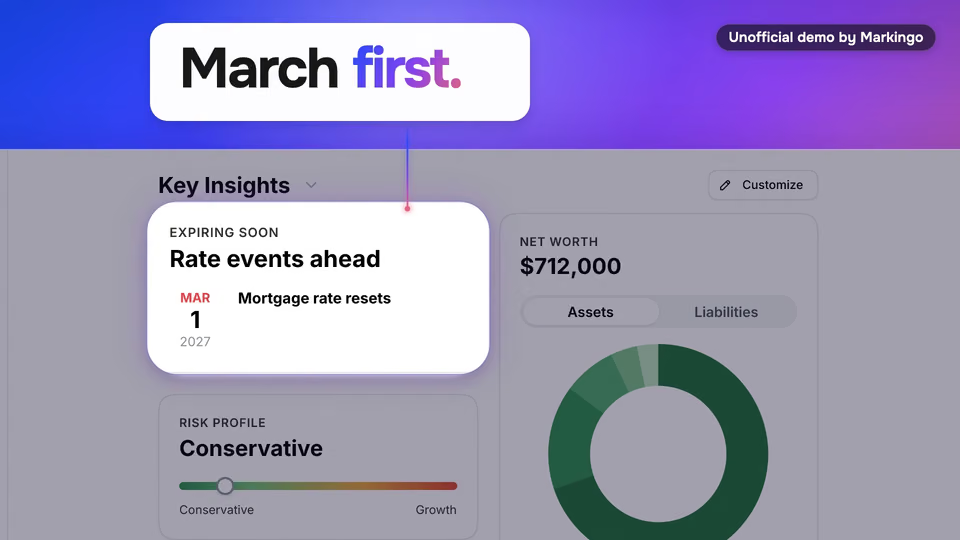
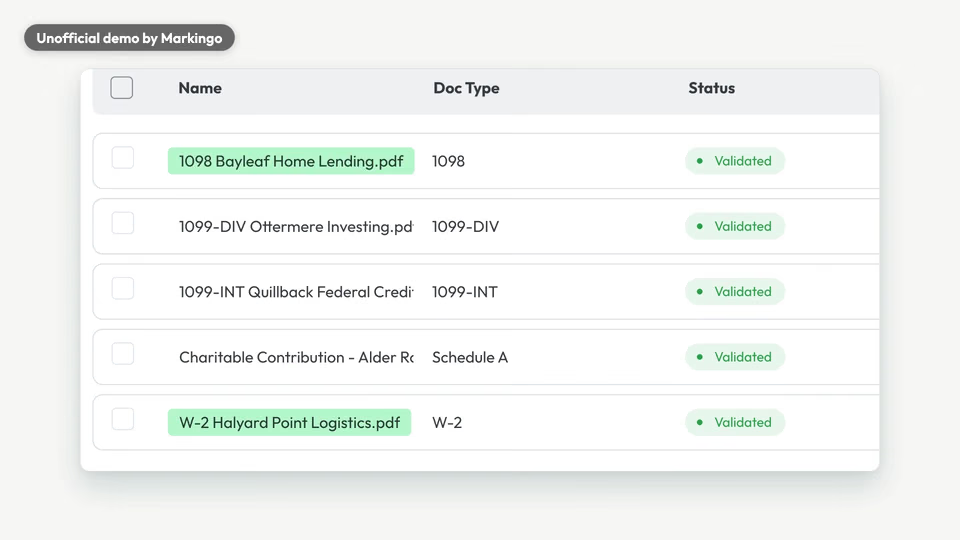
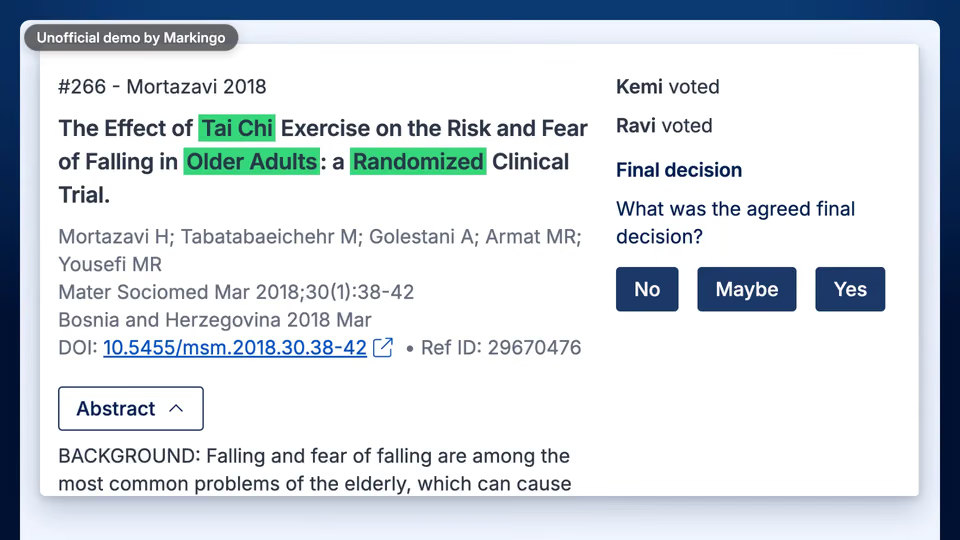
05Done for you
When you post a video on LinkedIn, the post can carry captions as an SRT file,13 a thumbnail11 and up to 3,000 characters of words.16 We do every part below except one, and that one is yours.
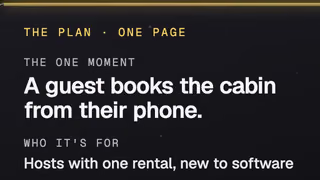
A one-page plan you say yes to first. Step 08
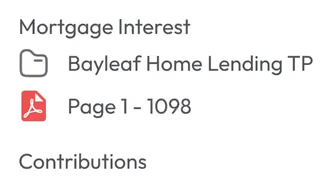
Every screen filmed in your live product. Step 07
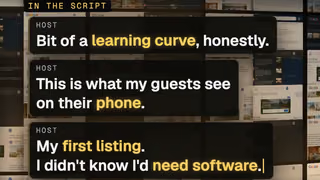
From your customers' own words. Step 04
You just havethe conversation.
A narrator, and music for your brand. Step 09
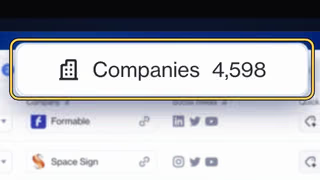
Every shot planned, then animated. Step 10
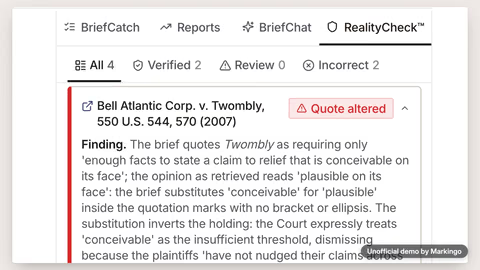
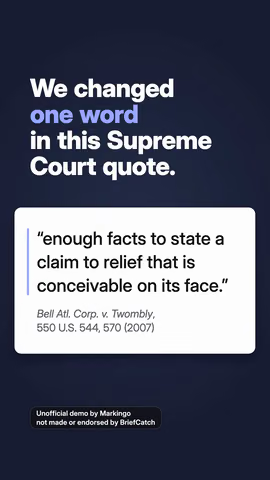
16:9, 1:1, 4:5 and 9:16, each for its screen. Step 11
Every word timed, as an SRT file. Step 11
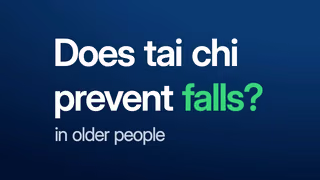
From the film, shaped like the video. Step 11
Your part
Tell us what to change.
Whenever you like. We revise without limit.
Keep the film.
Even if you don't like it.
Pay nothing.
Your first film is on us, ready in under 48 hours.
Every step of our video production processBook a call with Shivam
06Questions
Short answers, the point first. Each fact links to LinkedIn's own page.
Any size from 256 × 144 to 4096 × 2304 pixels, up to 5 GB.1
Yes: a post can be any shape from tall 1:2.4 to wide 2.4:1.1
Both work, and LinkedIn recommends filming upright.3
Use the share box on your home feed, a Group or a Page.11
Your first one is on us, yours to keep even if you don't like it.
We're that sure of it. After that, we price each project with you by what it needs.
Just your website. The rest is ours, start to finish.
We study your market, film your real product, write the story, give it a voice and music, animate it and make a version for every screen, ready to post, in under 48 hours. You never brief or chase anyone: send feedback whenever you like, and revisions have no limit.
07Your first film
You give us your domain. We do everything else, and it's ready in under 48 hours.
From your real product · Ready by
Yours to keep, even if you don't like it. Any feedback, whenever you like, and revisions without limit.
Book a call with ShivamGo deeper
Every step we'd take to make your product video, and one real film taken apart, screen by screen.
Sources
Every LinkedIn number here comes from LinkedIn's own pages, which we read on Oct 26, 2026. Beside each is the date the page gives.
LinkedIn is the registered trademark of LinkedIn Corporation or its affiliates. The use of the LinkedIn trademark in connection with this product does not signify any affiliation with or endorsement by LinkedIn Corporation or its affiliates.