Yours to keepYours to keep, even if you don't like it
Any feedbackAny feedback, as often as you like. We revise without limit.
01Shorts for B2B and B2C SaaS
YouTube Shorts
The YouTube Shorts length limit is 3 minutes (180 seconds) for any square or vertical video;[1]9:16 at 1080 x 1920 pixels is the standard size.[2] It rose from 60 seconds on Oct 15, 2024,[3][4] and most songs from YouTube's library can run 90 seconds.[1]
YouTube Shorts can be up to 3 minutes long: 180 seconds, for any square or vertical video uploaded on or after Oct 15, 2024.[1][3] Before that, a Short could run 60 seconds.[4]
We cut every Short to the length its story needs. Ours on this page end between 0:52 and 0:56.
YouTube's limit is 3:00. Until Oct 15, 2024 it was 1:00. Our Shorts on this page end at 0:52.3 (BriefCatch), 0:53.0 (Hire Space), 0:53.8 (Kick), 0:54.4 (Ocean.io), 0:54.9 (Juno), 0:56.0 (CloudResearch); our product films run 1:08 to 1:18, so a whole one fits in a Short now.
Our Shorts on this page
0:001:002:003:00
1:00 · The limit until Oct 15, 20241:00 · Until Oct 15, 2024
Survey research softwareCloudResearch · Short · 0:56 · Original music, made for it
How long should a YouTube Short be?
As long as its story, and no longer. YouTube says its system favors no type or format of Short; it ranks each Short on how many viewers choose to watch it, how long they watch and how much of it they see.[19] So the right length is the one people watch to the end.
No minimumYouTube publishes no minimum length for a Short; one of its editing tools needs at least 5 seconds of footage.[20]
In the appThe camera in the YouTube app records 3 minutes too, in clips that add up.[20][21] Pages that still say 60 seconds are out of date.
As an adA Shorts ad can run 3 minutes, but the feed plays only its first 60 seconds. Google suggests under a minute, and 10 to 30 seconds for an ad that asks for an action.[9]Shorts ads
MusicMost songs from YouTube's library can run 90 seconds in a 3 minute Short; some stop at 60 or 30.[1]Music for Shorts
Too longIn the app, Edit into a Short trims a longer vertical video to 3 minutes or less.[22]
Older videosVideos uploaded before Oct 15, 2024 stayed long videos, whatever their shape.[1]
A seriesEach episode of a Shorts series can run at most 180 seconds.[15]
For viewersA limit on watching, not making: viewers can set a Shorts feed limit, even zero.[23]
YouTube Shorts use the 9:16 aspect ratio: vertical video at 1080 x 1920 pixels, the size Google recommends for Shorts.[2] YouTube takes them at up to 1080p.[21]
It fills the whole screen of an upright phone, so your product shows at its biggest.
Any square or vertical video up to 3 minutes counts as a Short.[24] At the same width, a square stands 56% as tall.
YouTube keeps it a regular video.[1] Cut into a Short in YouTube Studio, it gets a blurred crop above and below;[25] we make yours upright instead.
One piece of work, every shape: your product film for your homepage and YouTube, and its Shorts for the feed, every step done for you. How we make a version for every screen
Bookkeeping softwareKick · Short · 0:53 · Original music, made for it
Google's safe area for ads · 39% of the frameGoogle's simpler rule · 59% of the frame
YouTube publishes no pixel map for Shorts posts: its editor shows guides where the like button, comments and description may appear.[5] For vertical video ads, Google says to keep logos, product and words out of the top 288, bottom 672, left 48 and right 192 pixels of a 1080 x 1920 frame.[30]
Drag across our Short: left of the line it plays as we made it, right of it under Google's guide. We made it as a post, not an ad: our "Unofficial demo by Markingo" tag sits inside Google's top bands. Its own words start below the top 10%, but its first caption line and most of the card that checks the quote fall outside the ad diagram.
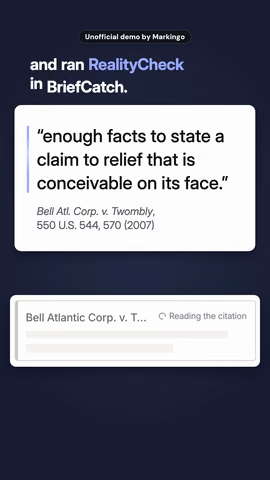
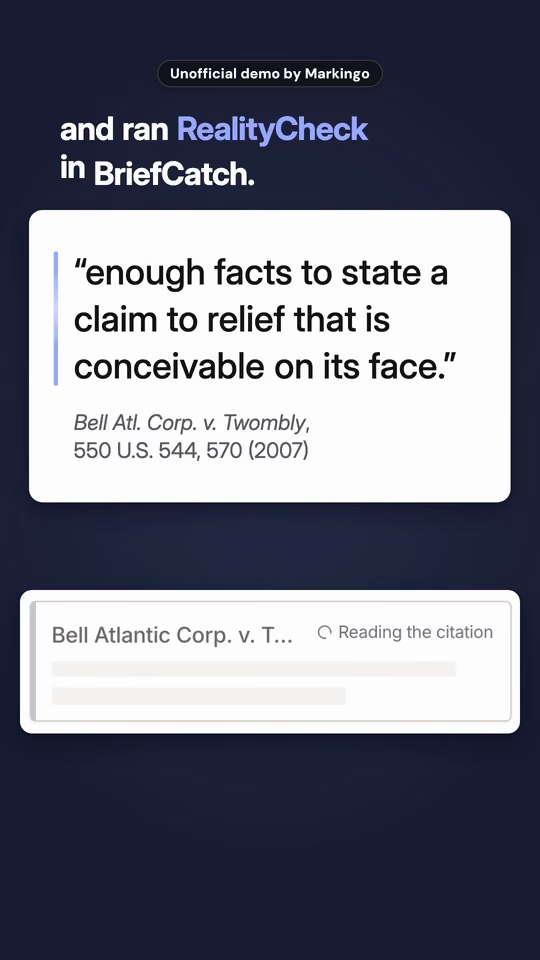
Legal writing softwareBriefCatch · Short · 0:52 · Original music, made for it
The safe zone, in detail
For your ShortKeep your product's one moment, your logo and your words in the middle.[30] Start your captions below the top 10%.[17] One Short can run as a post and as an ad, each laid out for its place.
Google's simpler ruleGoogle's Shorts ads page says to avoid the top 10%, the bottom 25% and the right 10%, "where the channel name, caption, and engagement buttons reside". That leaves 972 x 1248, 59% of the frame.[17]
In YouTube's editorWhite lines warn when text gets too close to an edge, where it may be partly hidden on some screens.[5] The Sound button sits in the lower-right corner.[31]
ElsewhereGoogle's top results for Shorts sizes and safe zones give at least four different pixel maps that come from neither YouTube nor Google, and none shows Google's ad diagram. We looked on Oct 26, 2026.
Every screenButtons sit in different places for each format, kind of campaign and screen, so no one map fits every phone.[30]
Our Short, measuredIn every frame we play here, our tag sits 120 to 174 px down, inside the top 10% (192 px); the Short's own words start 225 px down, below it, and the card that checks the quote reaches at most 1,466 px down, 218 px into the ad diagram's bottom 672.
Video storytelling in one upright Short: one problem, your product solving it on screen, and the result, all under a minute.
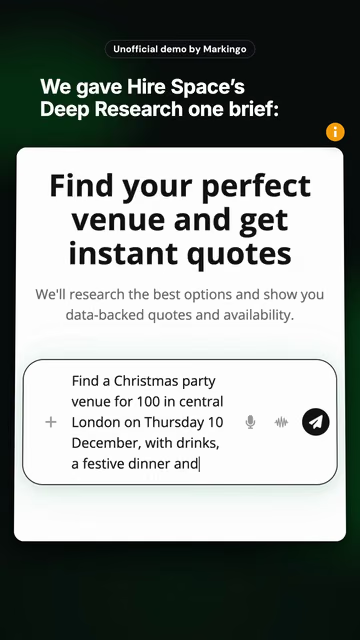
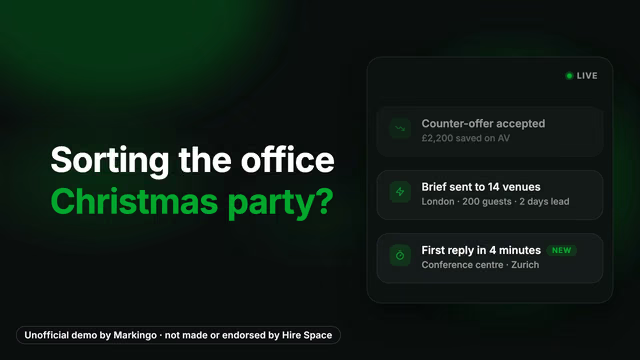
Ours.Hire Space's Short, act by act
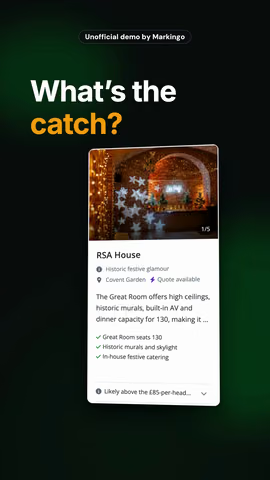
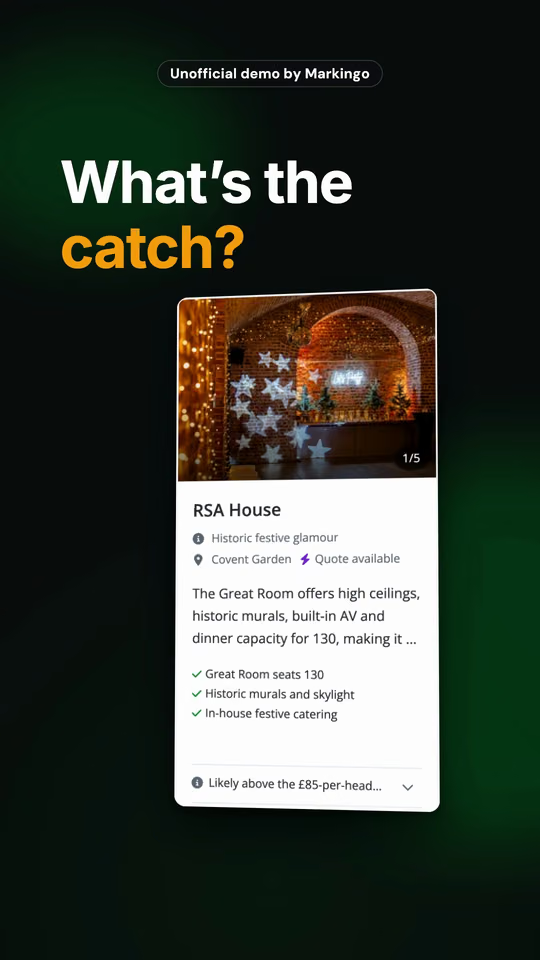
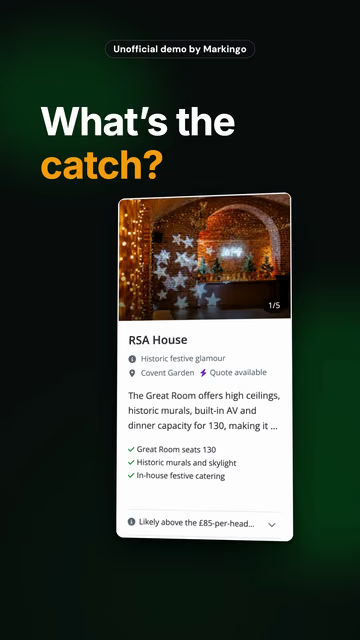
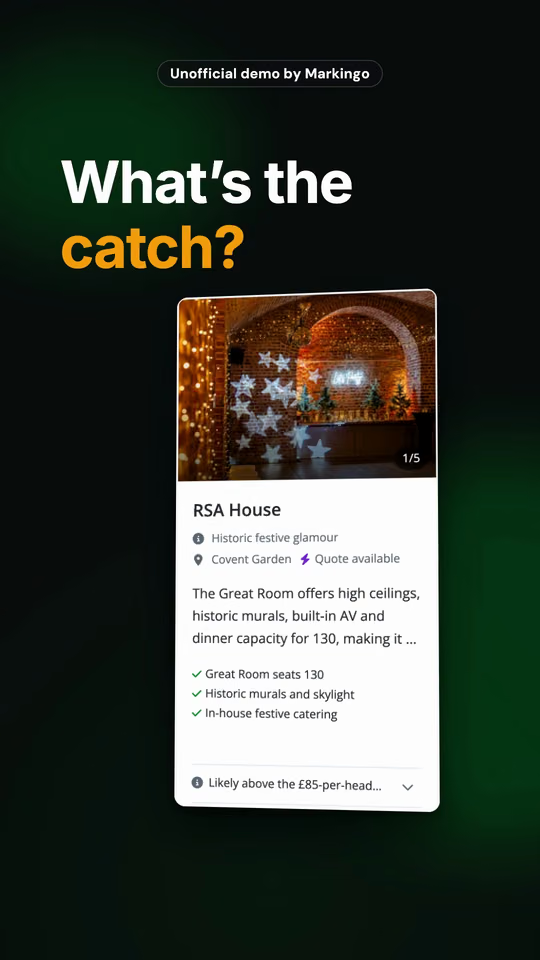
What's the catch?
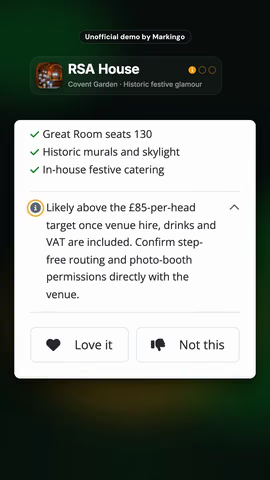
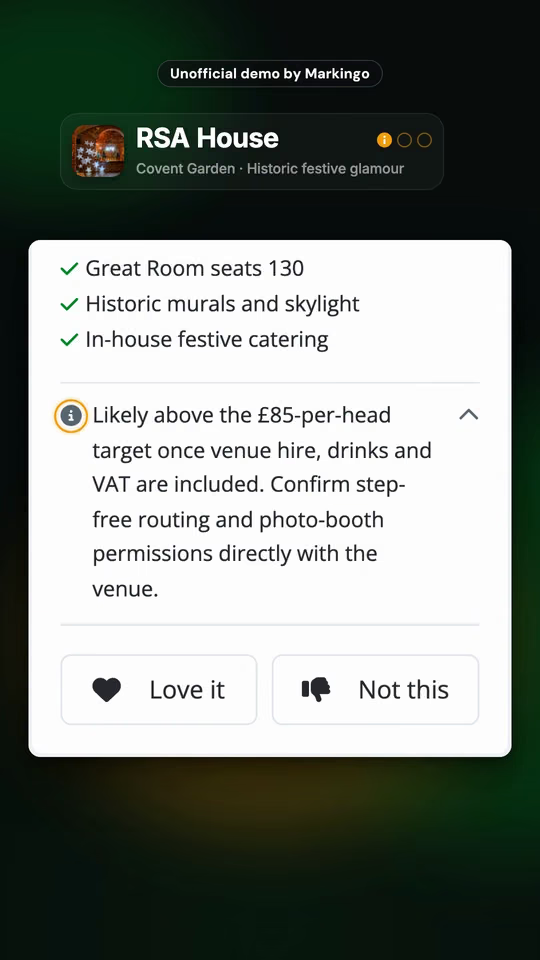
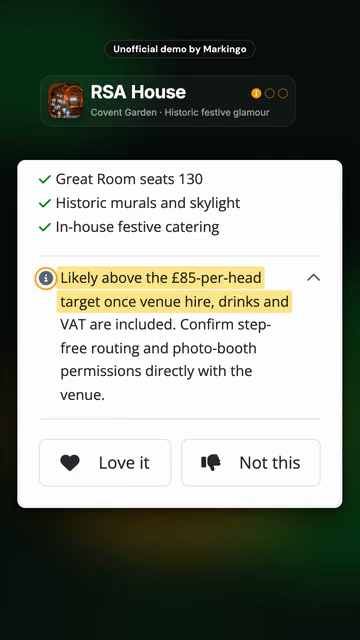
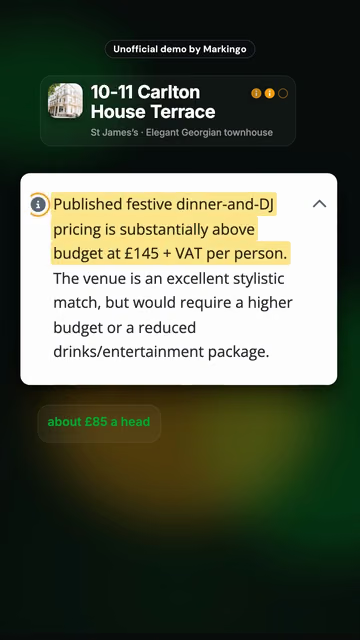
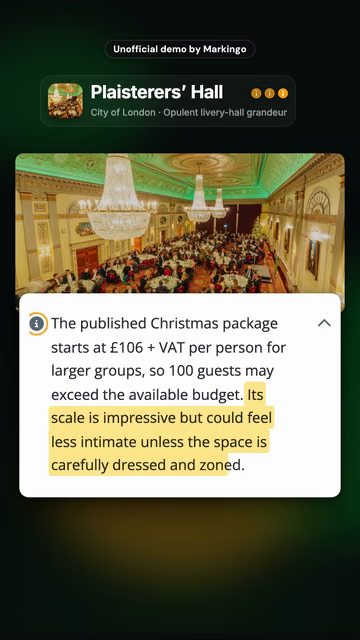
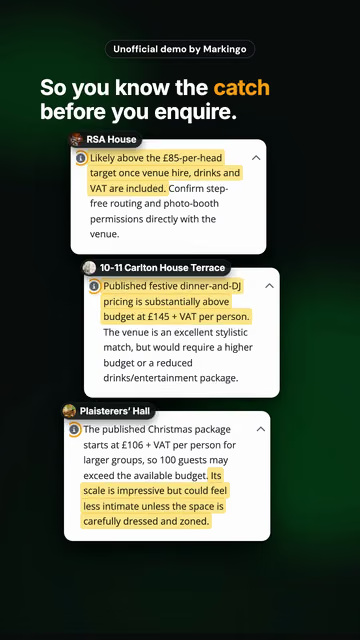
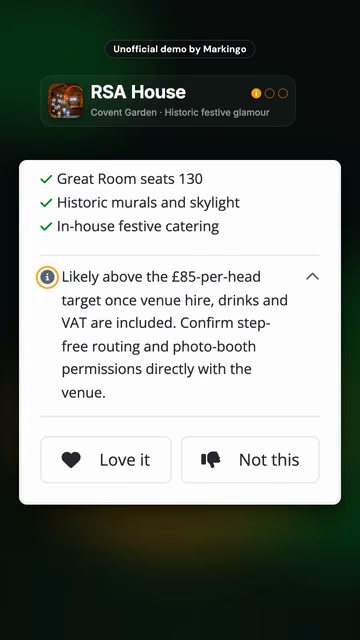
Three first ideas came back, each with its catch spelled out.
RSA House0:14Carlton House Terrace0:22Plaisterers' Hall0:33
So you know the catch before you enquire.
0:53, then it plays again from the top.
Venue booking softwareHire Space · Short · 0:53 · Original music, made for it
Yours.
We find the moment your buyers know and tell it start to finish, in yourproduct.com. How we write the story
Ideas for yours
The question every demo starts with, answered start to finish
A new user's first hour, from sign-up to the first result
The report your buyers rebuild every Monday, from blank to done
Press Keep, or double tap the Short, to keep this idea for your call.Kept. It waits for you in your own Short at the end.
Why it works on ShortsYouTube ranks a Short by how people watch it: how many chose to watch, how long and how much of it they saw.[19] A story with a payoff keeps them to the end, and the loop plays it again.
On YouTubeGoogle's ABCD for Shorts ads: hook early, show the brand early, keep it human, end with one clear action.[17] The story ends on its one ask.
HonestlyThe event brief was ours. The venues, their prices and their catches are what Hire Space's Deep Research answered.
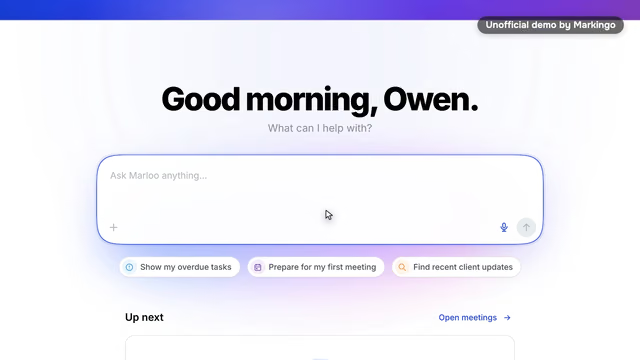
Software for financial advisersMarloo · From our product film · 1:12 · Original music, made for it
Unofficial demo by Markingo, not made or endorsed by Marloo
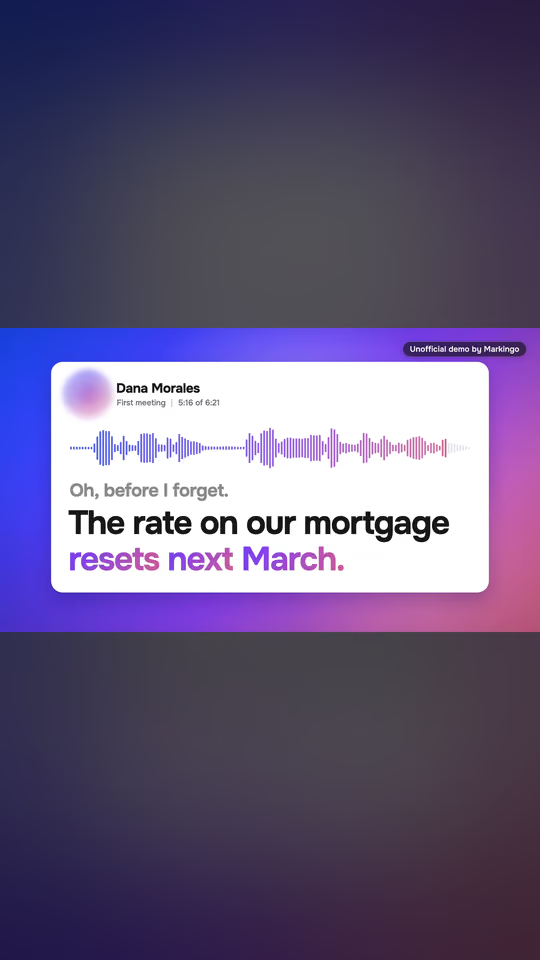
Ask Marloo, now across the whole book
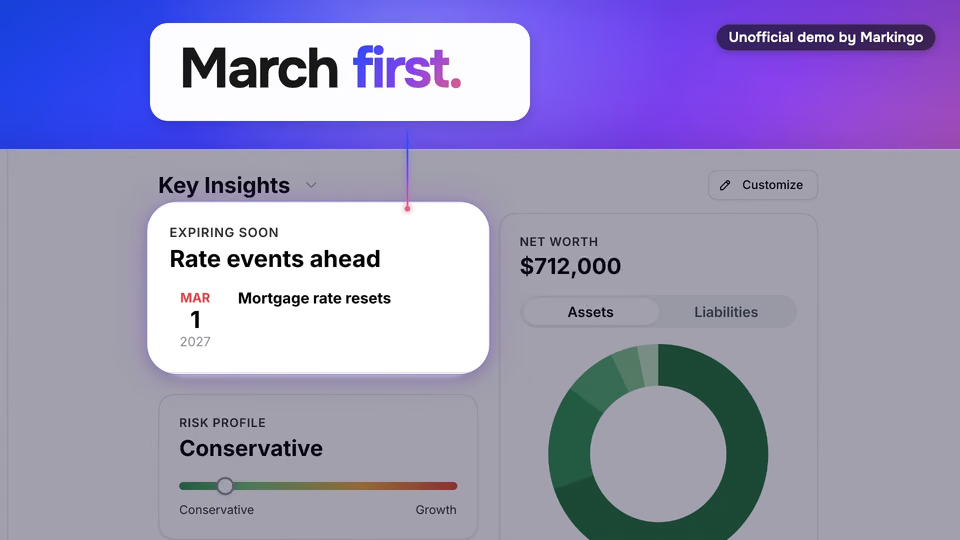
Now ask about all of them.Which clients have debt that could cost more if rates move?Marloo checks every client, and answers with names.Dana's reset in March.Priya's home equity line.It even explains why Tom isn't on the list.Then it drafts the note to Dana, while March is still months away.
Unofficial demo by Markingo, not made or endorsed by Marloo
The integration your buyers kept asking for, working once
The feature your changelog undersells, named in the first second
Why it works on ShortsBesides the feed, Shorts show in Subscriptions and in notifications,[21] so on release day a Short is news to the people who already follow you.
On YouTubeEach Short can link one related video from your channel, shown under your channel name:[35] send people from the launch Short to the full film. It needs the channel's advanced features.[35]
HonestlyWe made our film twelve days after the launch; this is its Ask Marloo moment, set as a launch Short. The firm and its families are a demo we set up.
A feature video at Shorts length: one button, one result, from the press to the payoff.
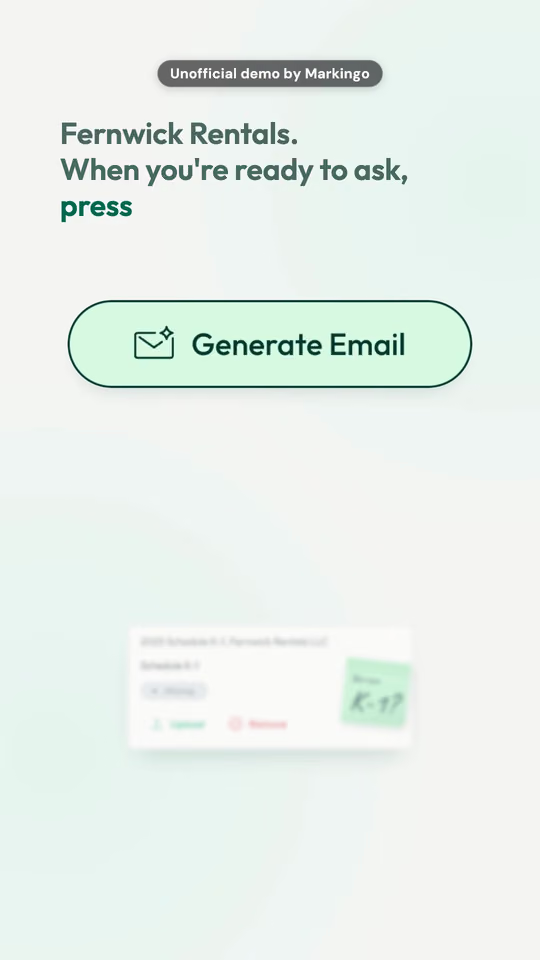
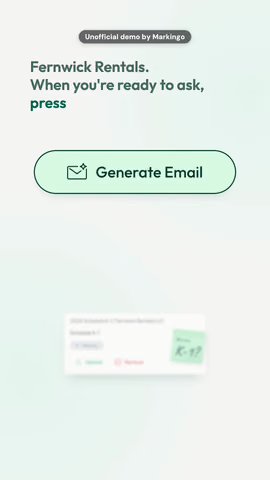
Ours.11 seconds of our 0:54 Short for Juno: one button, from the press to the payoff
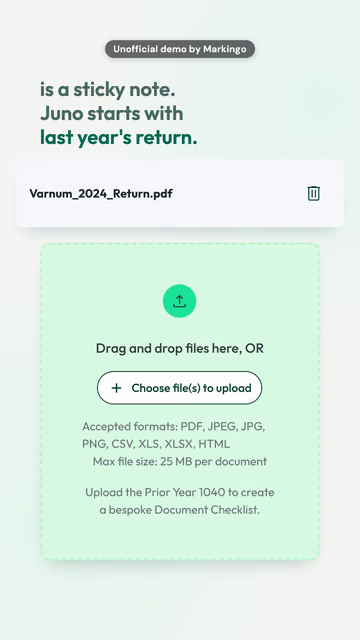
press Generate Email.
55 seconds from the press to the payoff
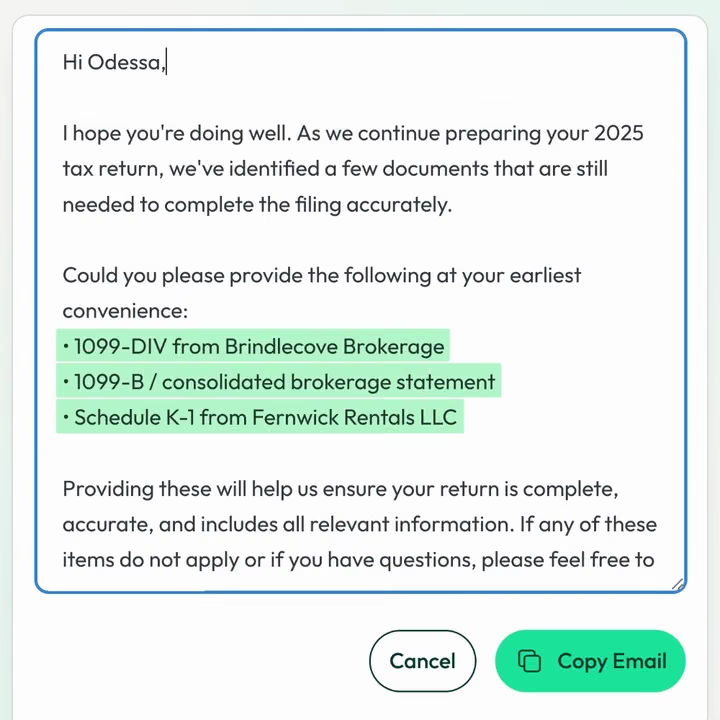
Juno drafts the email, naming each missing document.
Edit it, copy it, and send it on your terms.
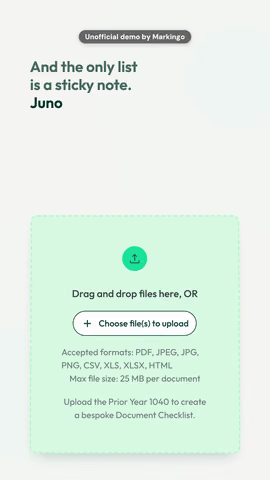
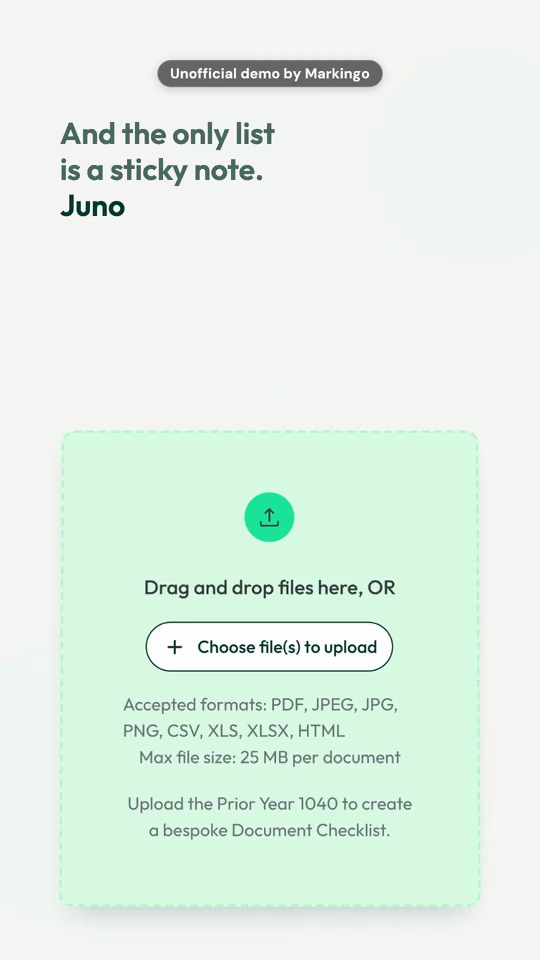
Tax preparation softwareJuno · Short · 0:54 · Original music, made for it
Yours.
We find the feature of yourproduct.com your buyers ask about most and film it from the press to the payoff. How we use your product
Ideas for yours
The one button new users never find
The shortcut your power users swear by
The export your support team explains every week
Why it works on ShortsOne button, one result: short, specific and complete, and the loop shows it again before they scroll. Start in the middle of the action: the first one to two seconds matter most.[32]
On YouTubeName the feature in the title: a Short's title can run to 100 characters.[22]
HonestlyThe taxpayer and her forms are a demo we set up; the email is the one Juno wrote for them.
A product how-to video, cut to a Short: three labelled steps in the real product, then what you get.
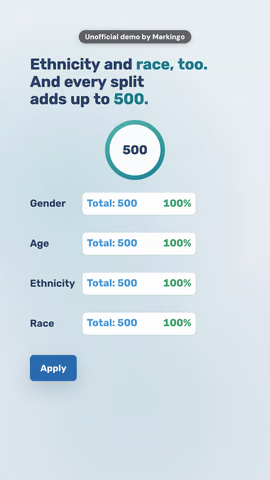
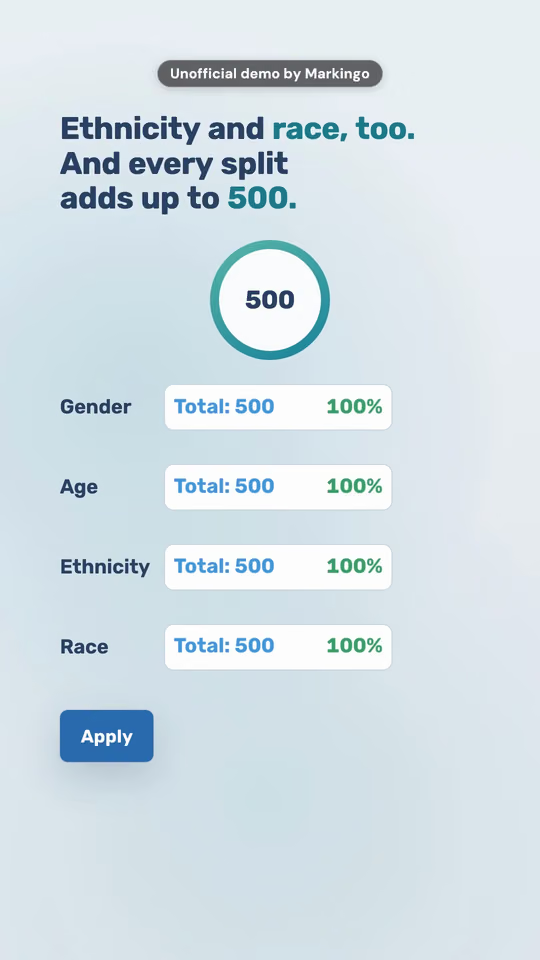
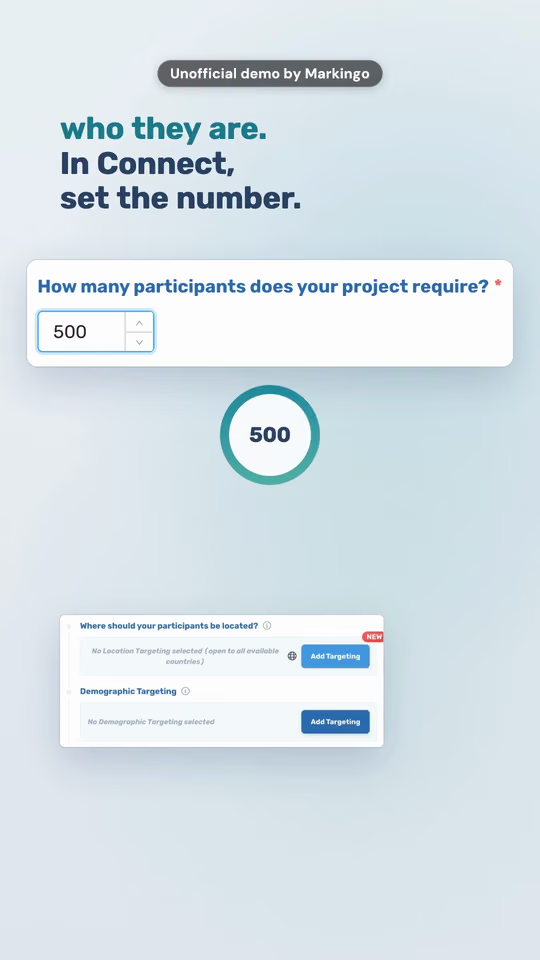
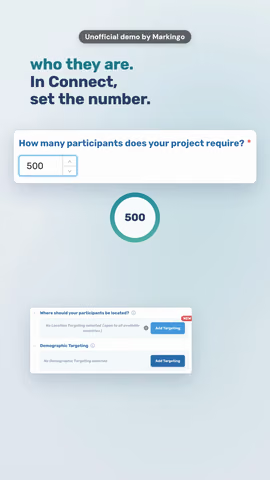
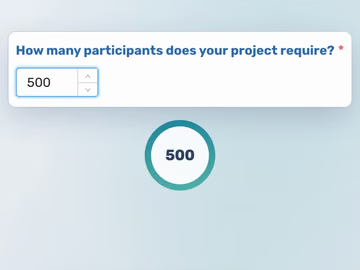
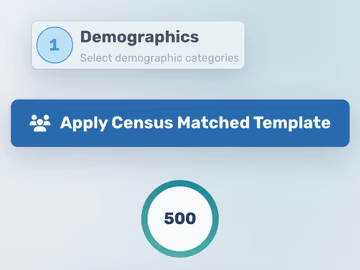
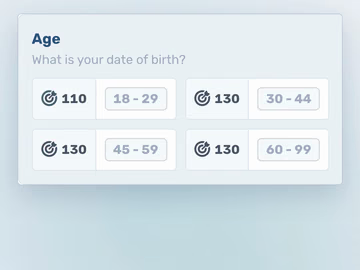
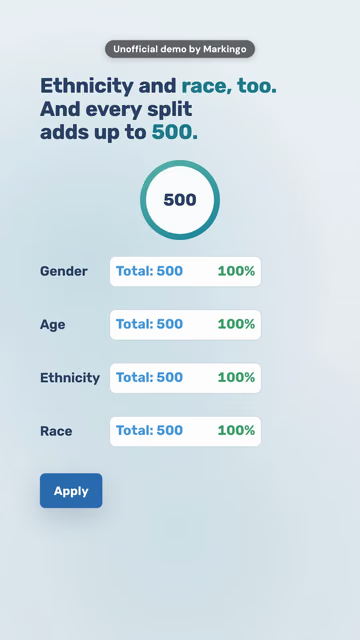
Ours.28 seconds of our 0:56 Short for CloudResearch, step by step
1
In Connect, set the number. 500.
2
Then one button.
3
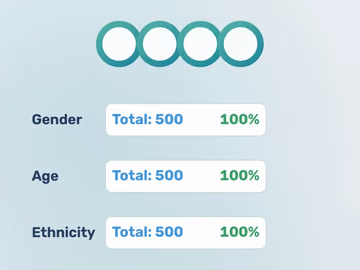
242 men. 258 women. 110 under thirty.
500
And every split adds up to 500.
Survey research softwareCloudResearch · Short · 0:56 · Original music, made for it
Yours.
We take a job your buyers search for and film it in three labelled steps, in yourproduct.com. How we film every screen
Ideas for yours
Your setup, in three steps
The help article your customers open most
Moving in from the product people leave for yours
Why it works on ShortsGoogle's own examples of businesses on Shorts include quick tips and tutorials that lead to the long video.[32] Words on screen help viewers follow along, YouTube's editing tips say,[33] so each step carries its label.
On YouTubeA Short you cut in YouTube Studio from your long tutorial links back to it on its own.[25]
HonestlyThe study is one we set up; the 242 and 258 are Connect's own split of 500 people.
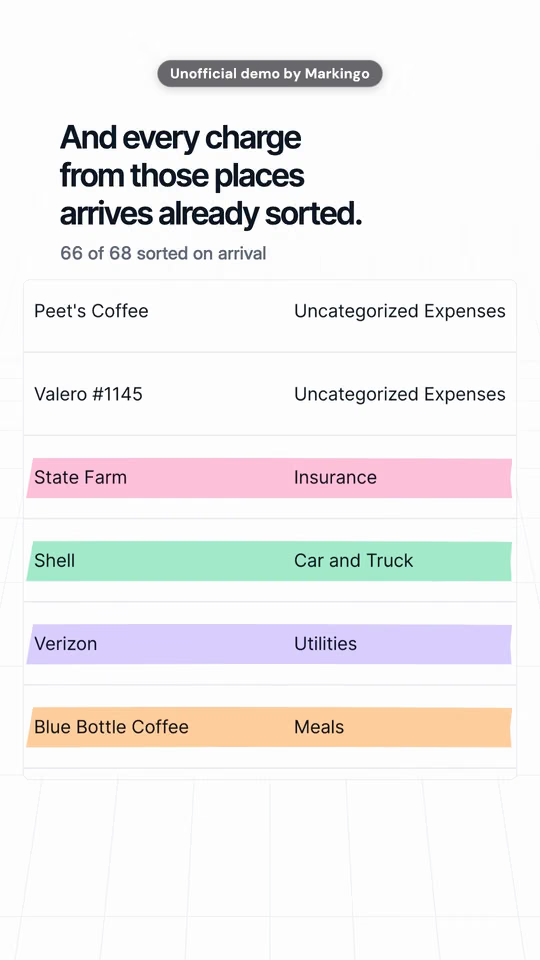
The spreadsheet your product replaces, then your product
Your old screen, then the redesign you just shipped
A Monday before your product, then a Monday after
Why it works on ShortsSince June 2026 viewers can mute a Short in two taps.[10] A before and after reads at a glance, with the sound on or off.
On YouTubeIn the app, Align lines up your next clip with the last one, for a clean cut from before to after.[36]
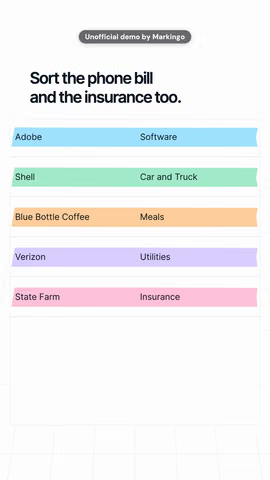
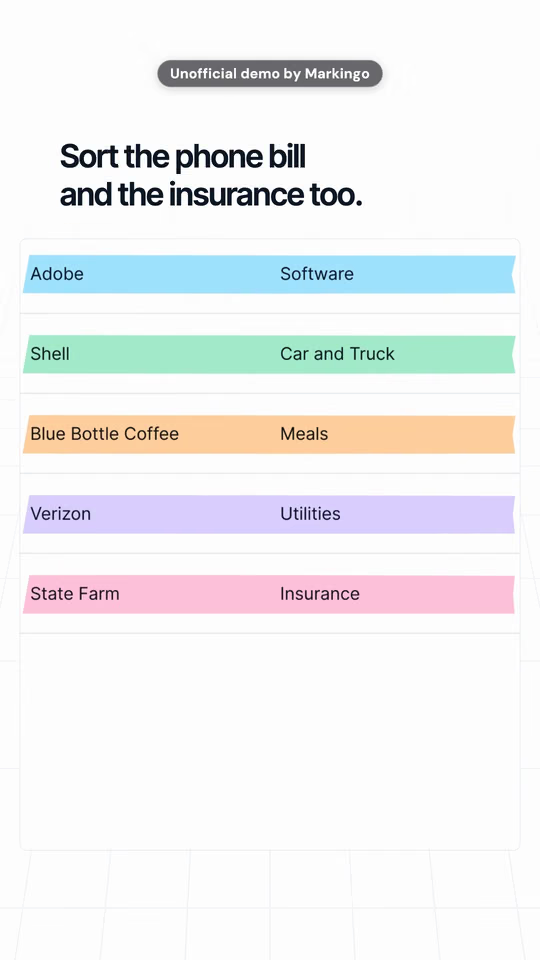
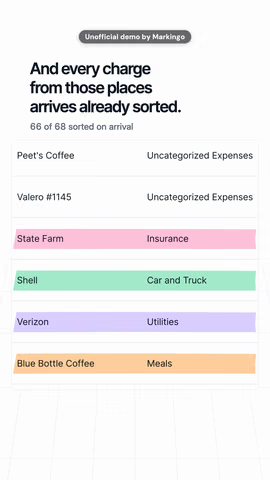
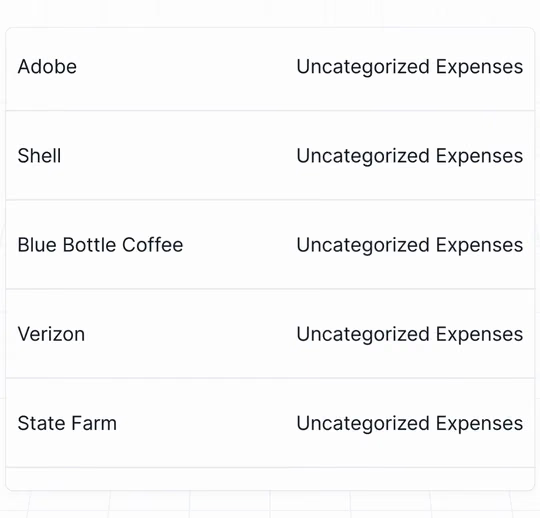
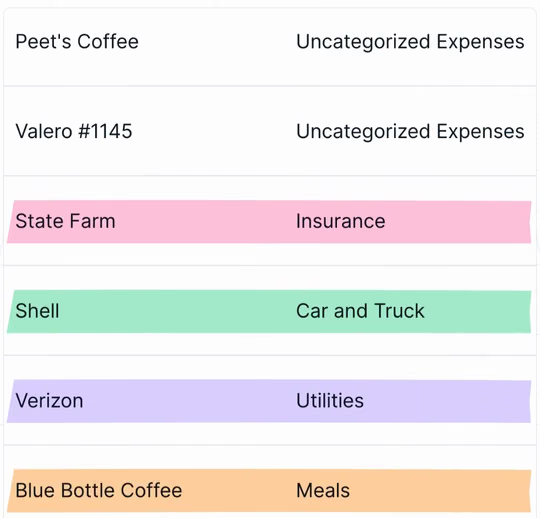
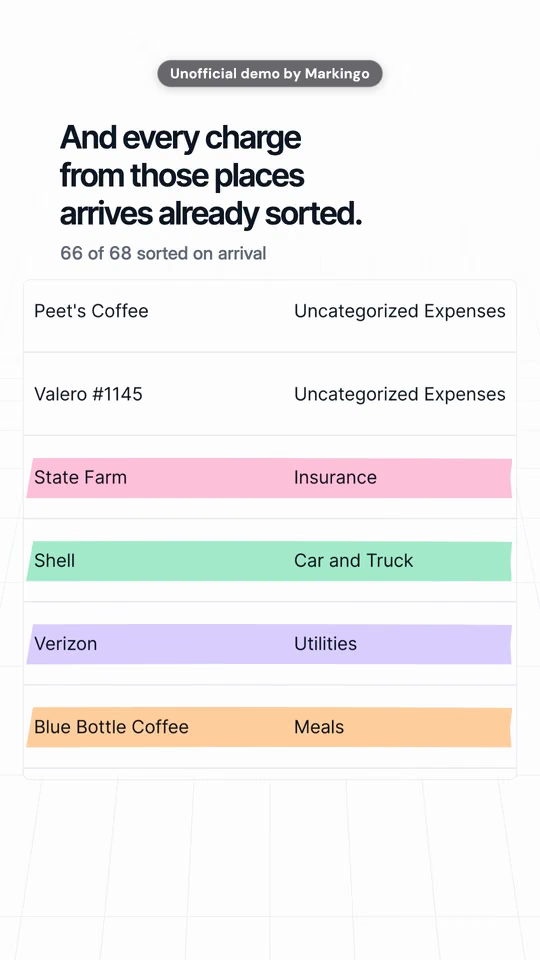
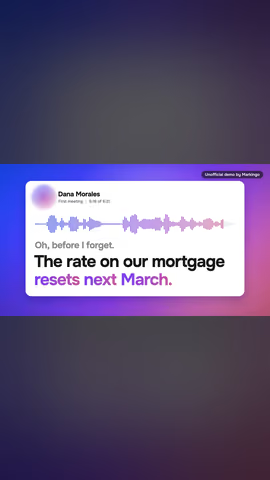
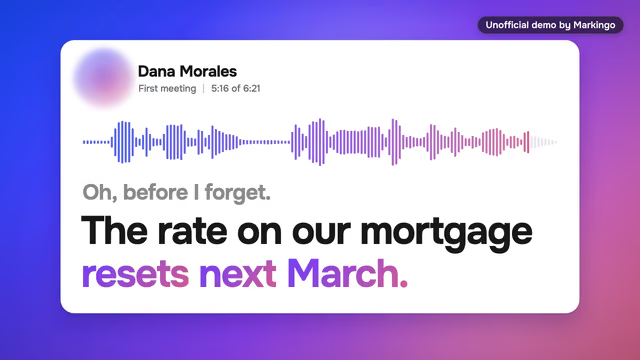
HonestlyBoth halves come from one film: the same list before Kick sorts it, then the charges that arrive after. The bike shop and its charges are a demo we set up; the places are real names.
The first number your product finds in a new customer's own data
The total your report shows that the spreadsheet never did
The one figure your buyers check every Monday morning
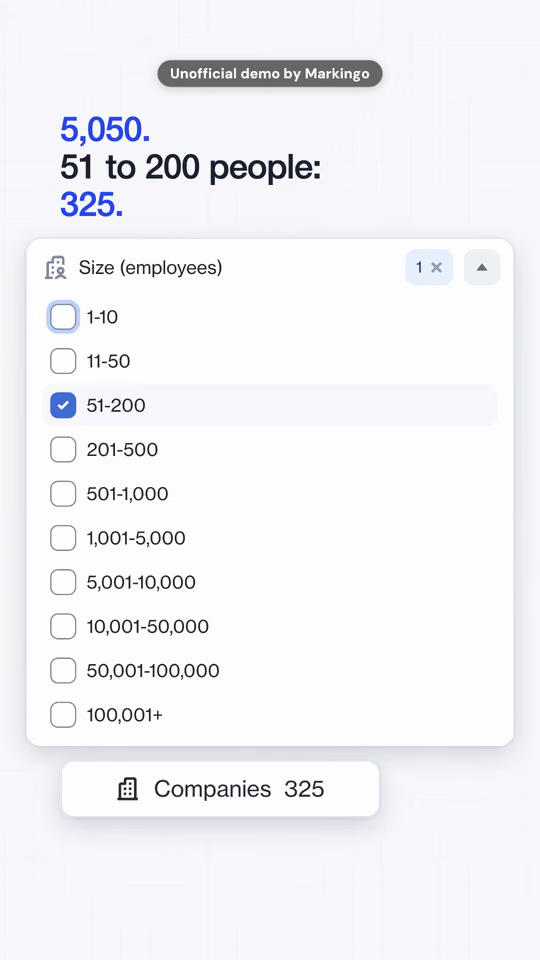
Why it worksA specific number stops a scroll faster than an adjective, and viewers can repeat it. Google's guide to Shorts ads asks you to bring in your product early:[17] its own number does that in the first frame.
On YouTubeYour number moment gets a number of its own: YouTube Analytics shows the share of viewers who watched your Short instead of swiping away.[13]
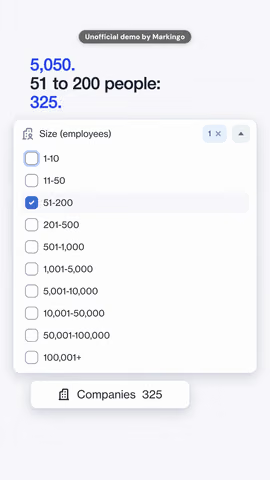
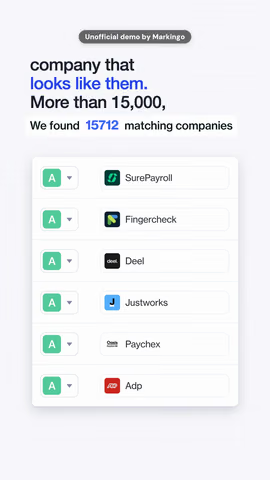
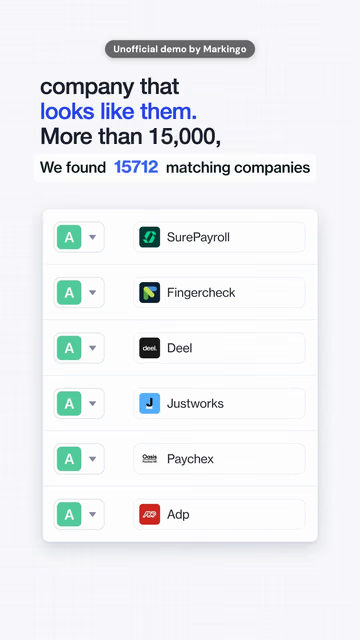
HonestlyEvery figure is Ocean.io's own count, from the search in our Short. None is a result anyone achieved.
The question new users type into search in their first week
The question your pricing page leaves open
Why it worksA question opens a loop the viewer wants closed. Google studied over 2,000 Shorts ads: kick off with a question, and show the product in action.[37]
On YouTubeHand the next question back: the Q&A sticker turns viewers' answers into public comments.[5]
HonestlyThe reviewers in the film are a demo team, and the 387 records come from two real searches we ran for it.
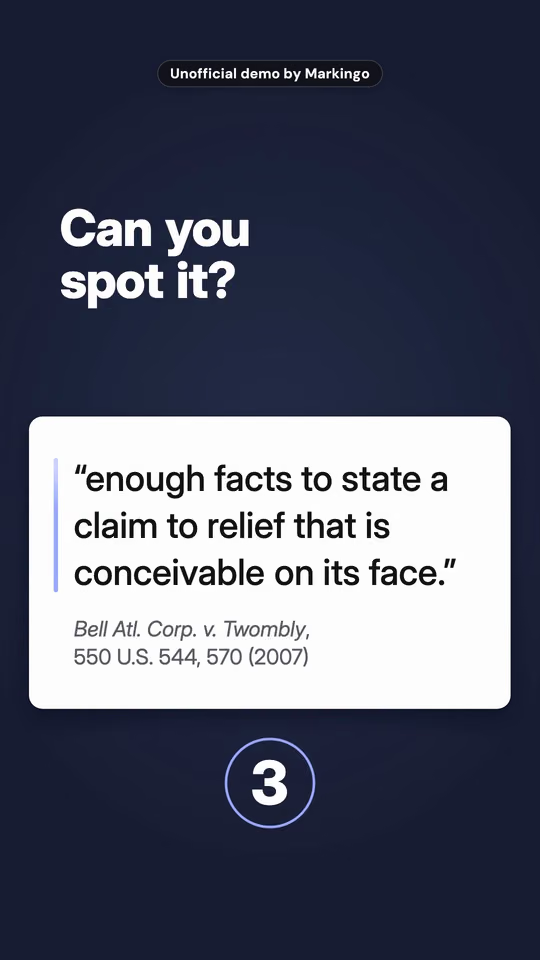
Spot the wrong total in an invoice your product checks
Spot the change between two versions of the same document
Spot the setup step new users skip, before your product points to it
Why it worksA dare turns a viewer into a player, and players stay for the answer. YouTube's own advice: use comments and polls so viewers feel invested.[38]
On YouTubePut the dare on the Short itself: the Quiz sticker shows a question with two answers.[5]
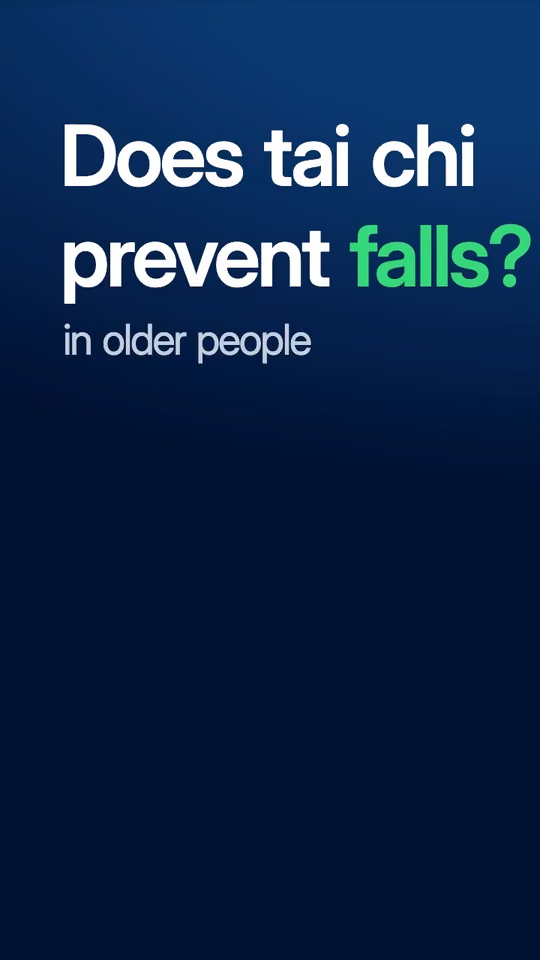
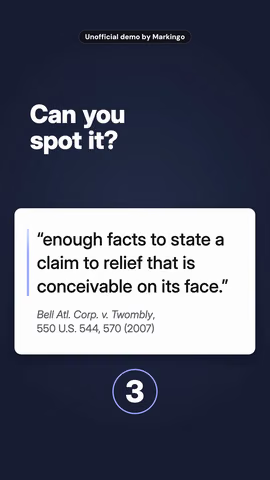
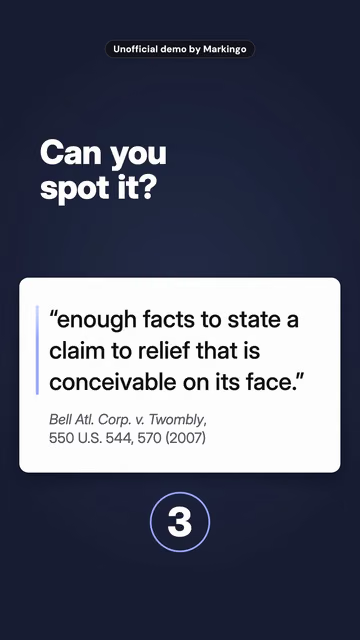
HonestlyWe planted the mistake on purpose, in a brief written for the film. The case is real, and the Court's word is "plausible".[39]
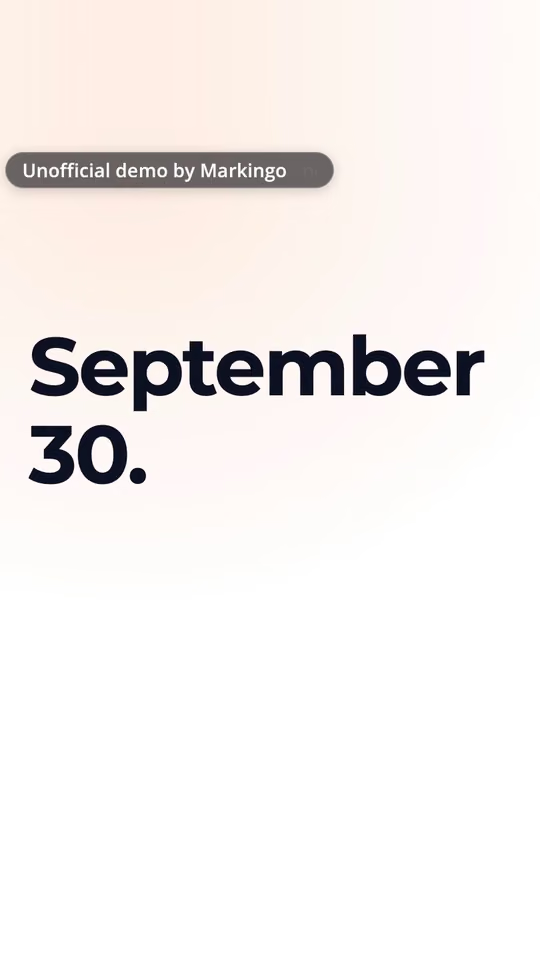
The day a rule changes The setting in your product that handles it
The day a tool shuts down The move into yours, step by step
The week of a deadline The report that meets it
Why it worksIn a feed, timely beats evergreen: your buyers are already thinking about it. Google says brands can join Shorts trends to grow their reach.[41]
On YouTubeShorts show up in YouTube search too, so people looking up the news can find yours.[21]
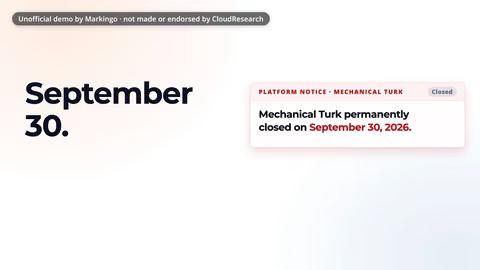
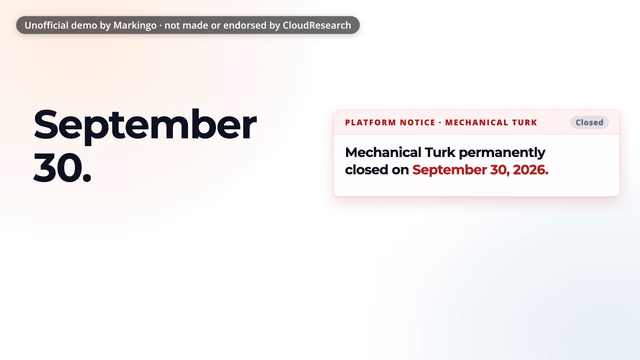
HonestlyThe closing is real: Amazon's own page says so.[40] The notice card is our film's own design, and the 600 answers were written for the film.
Sound off, story on: the big words on screen carry the whole story, so your Short lands for anyone scrolling muted, with or without YouTube Shorts captions.
Ours.Wellio's first 14 seconds, said and shown
14 seconds: 27 words said, 11 shown big
Every Short on this page plays muted until you turn the sound on.
School wellbeing softwareWellio · From our product film · 1:11 · Original music, made for it
Unofficial demo by Markingo, not made or endorsed by Wellio
Read it with the sound off.
Sound off
Unofficial demo by Markingo, not made or endorsed by Wellio
Yours.
We write the story of yourproduct.com so every line that matters is on screen, big enough to read on a phone. How we set the words in motion
Ideas for yours
Your release notes as a Short, every change written on screen
A how-to where each step is one line on screen
The sentence your buyers repeat most, set big over your product
Why it works on ShortsYouTube itself puts professional captions first, because its automatic ones can mishear;[6] words designed into the picture never do.
On YouTubeA Short cut in YouTube Studio from a long video gets automatic captions where available, which you can restyle or switch off.[25] Captions and the first second have their own Short: The first second.
HonestlyThe three problems on screen are Wellio's own words, from its homepage; the opening line and the voice are ours, written from them.
Most songs in the Shorts audio library can play for up to 90 seconds in a 3 minute Short; some stop sooner.[1]
For a business YouTube says the music and sounds in its library are only for personal, non-commercial use, unless you have the appropriate licenses.[5] So a company's Short needs music it owns or licenses. Tracks from the Audio Library in YouTube Studio get no Content ID claim.[1]
How to add music In the YouTube app, tap Add sound before you record, or Sound after. Volume balances the song, your video's own sound and your voiceover.[5]
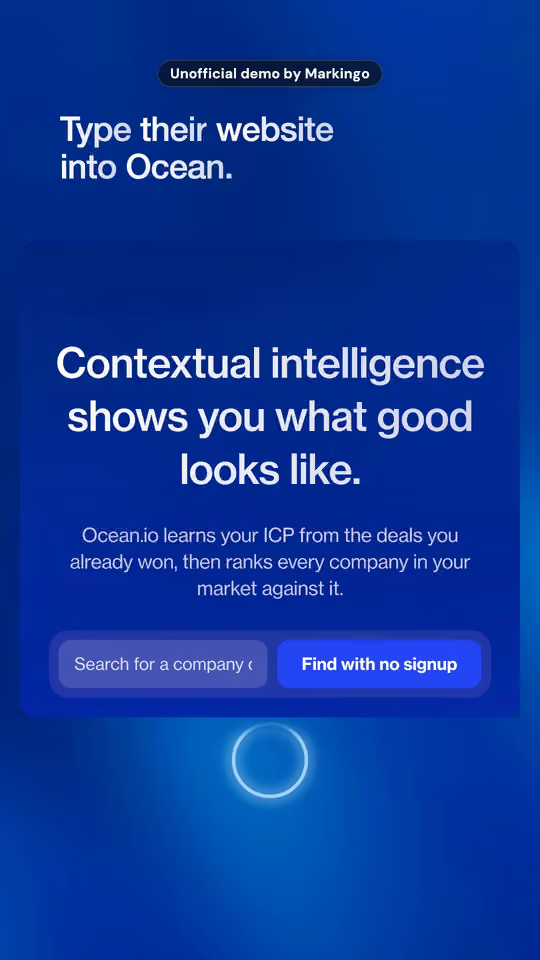
Its own music 22 bars, written to this Short's 0:54. The bar playing now is lit on the line. Ours are made for the picture too: in this Short, a ship's bell rings for the signed deal, and one sonar ping goes out with the search.
The limit Most library songs stop here.[1] That's half of a 3 minute Short at most.
Sooner Some stop at 1:00 or 0:30.[1] Selecting a song in the app shows how many seconds it will cover.[20]
You never license a song or brief a composer: every Short we make gets music written for it, to its exact length, with every sound timed to its picture.Every Short we make gets music written for it, to its exact length.How we make the music
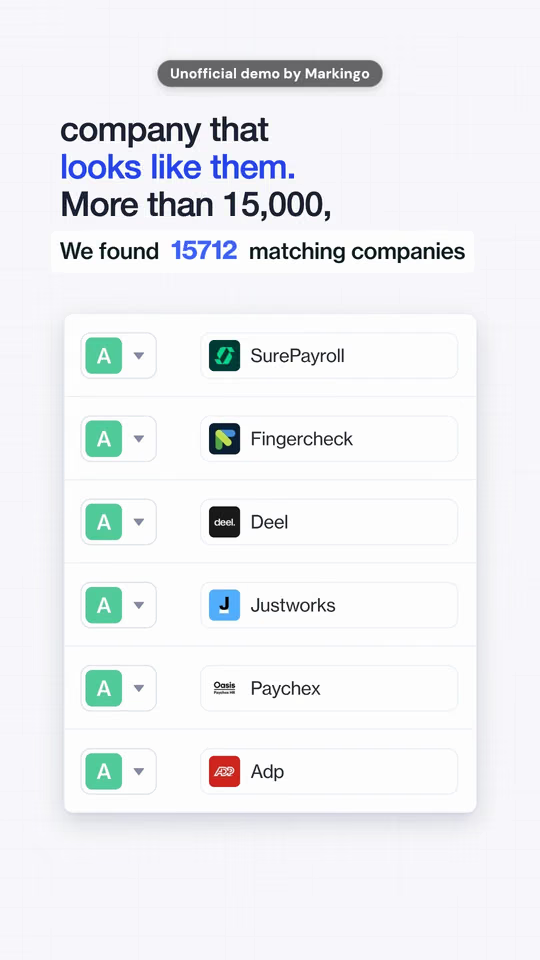
Sales prospecting softwareOcean.io · Short · 0:54 · Original music, made for it
Music, in detail
How to add musicIn the YouTube app, tap Add sound before you record, or Sound after. Volume balances the song, your video's own sound and your voiceover.[5]
Past 1:00YouTube's own pages disagree today. Its page on three-minute Shorts says a Short over a minute with a copyright claim is blocked globally;[1] its page on making Shorts says such a Short is no longer automatically blocked.[20] The safe rule: music you own or license.
Longer ShortsYouTube warns that music safe in a Short under 60 seconds may not be safe in a longer one.[42]
Audio LibraryTracks from the Audio Library in YouTube Studio get no Content ID claim.[1]
Its soundsOurs are made for the picture too: in this Short, a ship's bell rings for the signed deal, and one sonar ping goes out with the search.
Added in the appA library song added with YouTube's own tools gets a special claim you can't see or dispute; one added in another editor can get the usual claims.[43]
From a long videoA Short you cut from your own long video can't take library songs.[29]
Unofficial demo by Markingo, not made or endorsed by Juno
Tax preparation softwareJuno · Short · 0:54 · Original music, made for it
The full film
Yours.
We cut the film of yourproduct.com into episodes, and every one points back to the whole film. How we make every version
Ideas for yours
Your product film as three or four episodes, one problem each
One feature a week, every episode ending on the full tour
Your webinar's best minutes, each pointing to the recording
Why it works on ShortsYouTube's advice for a series: the same host or the same topic in every episode.[15] Ours keeps one return, one product, three steps.
On YouTubeAn episode shows a Watch series button that opens the whole series in its own feed.[15]
HonestlyWe haven't posted a series for anyone. These episodes are cut from our Juno Short for this idea, and the return in both films is a demo.
Reply to a question with a Short: take one question people really ask, and answer it in your product in under thirty seconds.
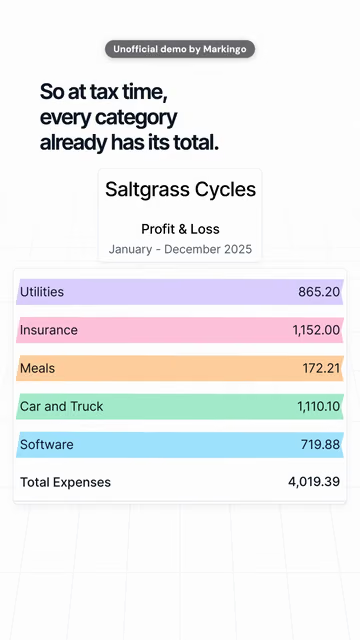
Ours.Kick answers one bookkeeping question in 7 seconds
People search the job This question is one step of bank reconciliation, searched about 6,600 times a month in the US (Google search data, Oct 27, 2026).
Bookkeeping softwareKick · From our product film · 1:08 · Original music, made for it
Unofficial demo by Markingo, not made or endorsed by Kick
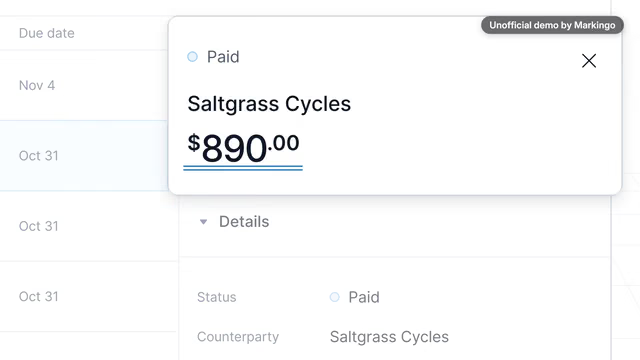
Which invoice does this payment belong to?
When the payment lands,Kick suggests the invoice it belongs to.You check the match.The difference is zero, so you confirm.It's paid, matched and booked.
Answered in0:07
Unofficial demo by Markingo, not made or endorsed by Kick
The question your sales team hears on every call, answered in your product
The most asked question in your comments, answered on screen
A support question, answered in under thirty seconds
Why it works on ShortsYouTube suggests answering a viewer's comment with a Short,[38] a quick kind of post you can make often.[44]
On YouTubeThe comment shows on your Short as a sticker, and the person who asked is told.[45]
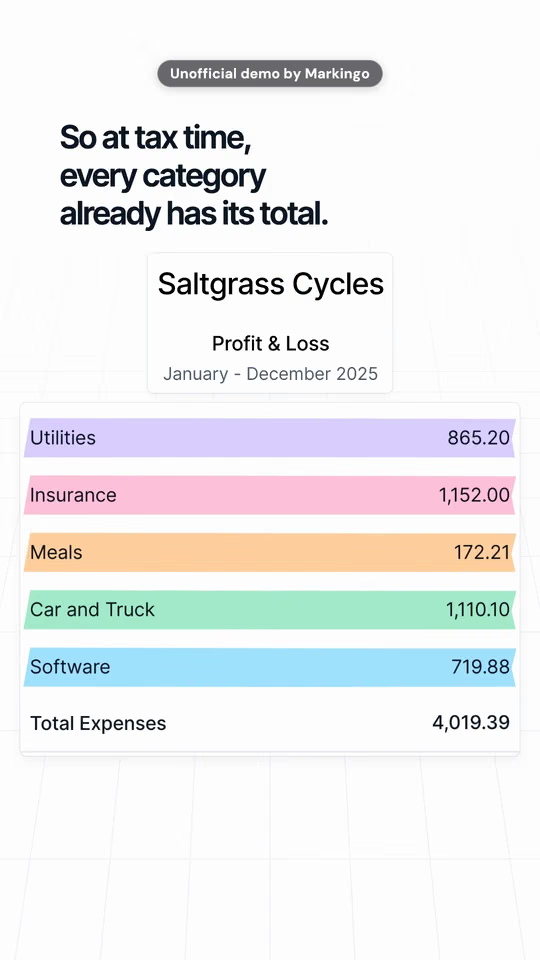
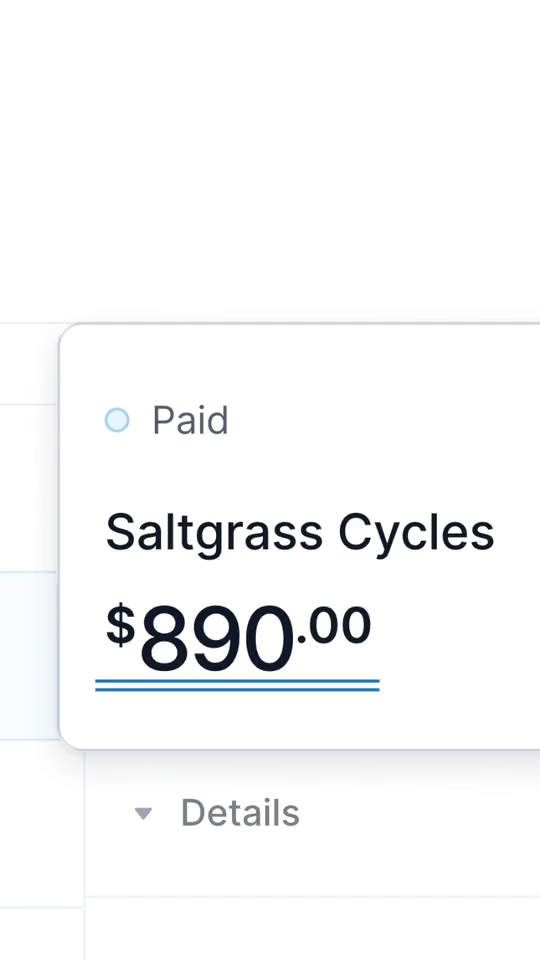
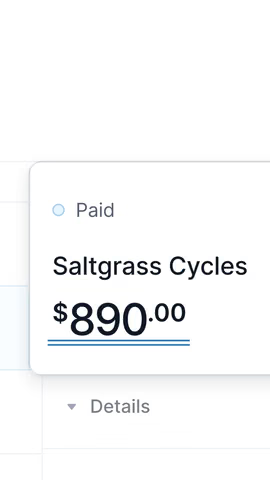
HonestlyNo real comment is drawn: the question is ours, over a search people really make. Saltgrass Cycles is a demo business; every screen is Kick's real app.
Your founder's one-line view of your market, over your product
A customer's public review, set beside the screen it praises
You talk to camera; your product plays behind you
Why it works on ShortsInvite a customer's or partner's channel onto your Short as a collaborator, up to 10 on one Short; YouTube says collaborations can bring new communities.[49][50]
On YouTubeGreen Screen makes another video your background, so you can talk in front of your own product.[31][46]
HonestlyWe have no film of anyone talking to camera. This line is Juno's founder's own, from his public post, set in type in our film; he didn't write it for us. We never show a stock face or a quote that isn't real.
School wellbeing softwareWellio · Four frames of our product film
Unofficial demo by Markingo, not made or endorsed by Wellio
Four pictures, one post.
Yours.
We pick the frames of a film of yourproduct.com that tell its story on their own, and set them as a post. How we film every screen
Ideas for yours
How your product works, in four frames of your film
Your release in four pictures: before, the change, the result, the date
One number from your product, posted the day it moves
Why it works on ShortsA post needs nothing new to film: frames of a film you already have tell its story, one picture at a time.
On YouTubeA post can hold up to 10 pictures, and viewers can open any one whole.[51]
HonestlyFour frames of our Wellio film, cropped and padded square with each frame's own background; nothing in them was redrawn. We haven't posted them.
Pick any frame of your Short as its thumbnail in the YouTube app, before or after you post.[20] Uploading your own image, in YouTube Studio on a computer, has been rolling out since Jul 24, 2026:[7][8] 2160 x 3840 pixels, 9:16, JPG or PNG, up to 50 MB.[7]
How to change it
In the app Go to your channel, then Your videos. Tap More on the Short, then Edit, and pick a frame.[20]
On a computer In YouTube Studio, open Content, then Shorts. Edit the Short and upload your image under Thumbnail.[7] In YouTube Studio on a computer only, from a verified account.[7] Partner Program channels first, more over time.[8]
Three picks On a computer you can also choose one of three suggested frames.[8]
Every Short we make opens on its thumbnail: a finished first frame, checked in square, 3:4 and 4:5 crops.Every Short we make comes with its thumbnail.How we finish every Short
Venue booking softwareHire Space · Short · 0:53 · Original music, made for it
Thumbnails, in detail
Text and filtersIn the app you can add text and filters; once an edit is done, you can't go back to an earlier one.[20]
A wide imageA 16:9 thumbnail on a vertical video is swapped for an automatic 4:5 one on Home, Explore and Subscriptions.[7]
The shape9:16 and at least 640 pixels tall: a long video's 3840 x 2160 thumbnail, turned upright.[7]
In a seriesEach Short in a series can have its own.[15]
Links typed in a Short's description or comments can't be clicked.[52] One related video from your channel can: make it your product film.[35] A Shorts ad gets a button, and the feed plays only its first minute.[9]
An ad's first minute One swipe skips it, from the very first frame.[53]
Performance Max, App and Demand Gen show their button.[9]
Video View and Video Reach show theirs; a paid view counts.[9][11]
An overlay offers the rest on the YouTube watch page.[9]
The feed stops mid-ask: the last 16 seconds of our film, its call to action, never play here.[9]
As an ad, we'd recut it: the product by 0:03,[17] the point by 0:10, the ask before 0:50. We cut your ad from the same work as your film.We cut your ad from the same work as your film.
Venue booking softwareHire Space · Product film · 1:16 · Original music, made for it
Unofficial demo by Markingo, not made or endorsed by Hire Space
First, what a Short costs and whether we can make yours. Then the questions people ask Google about Shorts, each answered from YouTube's and Google's own pages.
/
A Short for
yourproduct.com
Ready in under 48 hours. Yours to keep.
How much does a YouTube Short cost?
Your first Short is on us, and it's yours to keep even if you don't like it: we're that confident. After that, we price each project with you, by what it needs.
Yes. You give us your domain, and we make your Shorts from your real product, every step done for you: the story, the screens, the voice and the music. Your first is ready in under 48 hours, and we change anything you ask, as often as you like.
Not as a Short: a Short is square or vertical[24]. When YouTube Studio turns part of a wide video into a Short, it fills the top and bottom with a blurred copy of the picture[25].
1080p. YouTube Help says Shorts upload at up to 1080p[21], so make yours 1080 x 1920; the only 4K size YouTube gives for Shorts is the 2160 x 3840 cover[7].
In the YouTube app, the Text tool puts words on screen[5]; YouTube also publishes automatic captions when they're ready[6], though it recommends your own first[6]. We set every word into the picture, so a Short reads with the sound off.
YouTube's own pages disagree today: one says a Short over a minute with a copyright claim is blocked[1], another that it no longer is[20]. The safe rule for a business is music you own or license[5]; ours is made for each film.
Not in the description or comments: links typed there can't be clicked[52]. A Short can link one related video from your own channel[35], and brand deal links, YouTube Shopping links and remix attribution links are clickable[52].
In the YouTube app, film clips that add up to 3 minutes[20] or upload a video[1], add words with the Text tool[5] and a title of up to 100 characters[22], then post.
Four changes: a new player with Clear Screen, 2x speed and a two-tap mute (Jun 25, 2026)[10]; thumbnails you upload yourself, rolling out since Jul 24, 2026[8]; views counted from the first frame since Aug 24, 2026[11]; and Shorts series since Sep 23, 2026[14].
YouTube publishes no figure for that. Since Aug 24, 2026, a view counts the moment a Short starts[11], and the old kind of view is now an engaged view[12], so today's counts don't compare with older ones.
How many YouTube views do I need to make $2000 a month?
YouTube publishes no such figure. To earn from Shorts through the Partner Program, a channel first needs 1,000 subscribers and 10 million qualified Shorts views in 90 days[21].
Every YouTube Shorts rule, size and date on this page comes from YouTube's or Google's own pages, and what a company launched, closed or said comes from its own page or post. Each number above leads to its source here, and each source leads back to the Shorts that use it.
Checked
We opened all 57 pages again. Everything we quote is still there, word for word.
Unofficial demos. Every film on this page is an example of our work, made independently by Markingo from the company's live product. None was made, sponsored or endorsed by the company it shows. Company names and logos belong to their owners, shown only to name the product, and the logos are blurred in our films. Want your company's film off this page? Email shivam@markingo.io and it comes down the same day.
YouTube and YouTube Shorts are trademarks of Google LLC. Markingo is an independent studio, not affiliated with or endorsed by YouTube.




 Sales prospecting
 Bookkeeping
 Survey research
 Venue booking
 Legal writing
 Tax preparation