


Product films for YouTube
YouTube video size
A YouTube video is 16:9 as standard: upload 1920 x 1080 or 3840 x 2160 (4K), up to 7680 x 4320 (8K);1 thumbnails are 3840 x 2160,2 since March 2026.3 We make your YouTube films from your real product, every step done for you, and your first one is on us.
Your first film, on usin 48 hours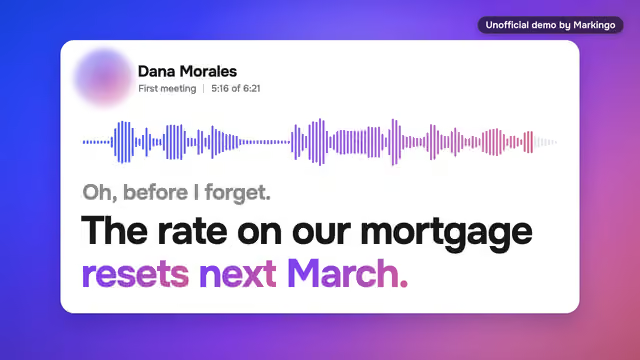
Kinds of YouTube video
Seven real films of ours. Press one to play it.
Yours, on usA YouTube film for
You give us your domain. We do everything else.
08 is yours: ready in under 48 hours, on us.
Now playing 01 Product demo
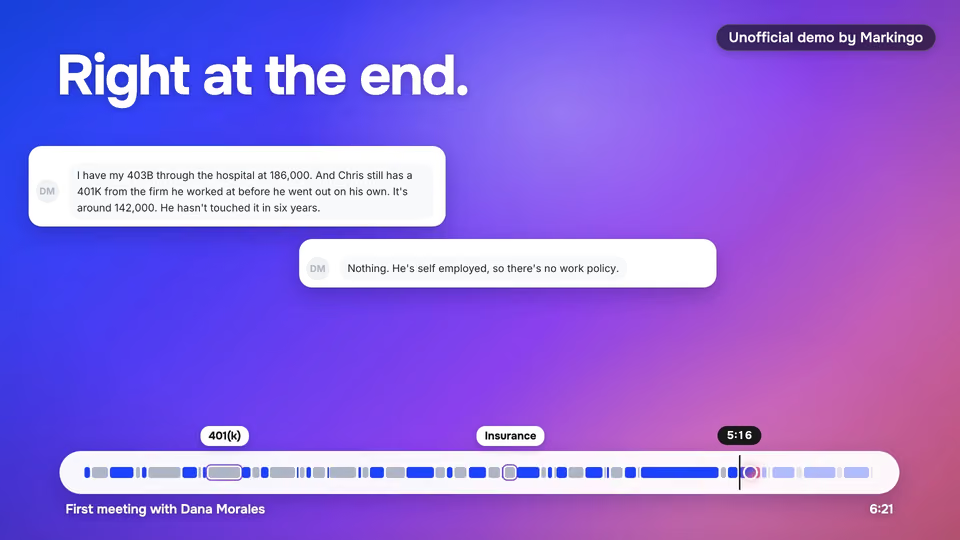
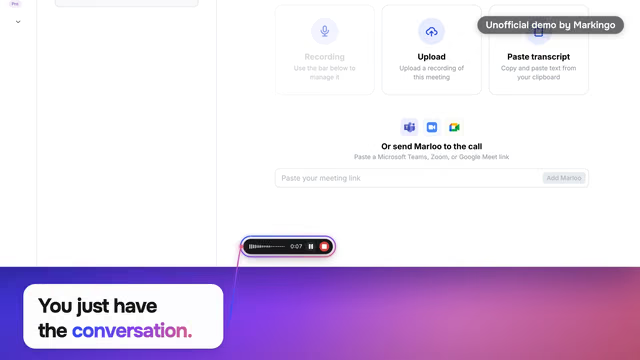
Marloo, meeting notes for financial advisers. One sentence said at the very end of a meeting, kept, dated and found again when it matters.
Why upload 4K: in the US, the TV is now the main screen for YouTube videos (YouTube data, Dec 2024).4,5
Keys, as on YouTube: J L 10 seconds, K pause, 0 to 9 through the film in tenths, ,comma .full stop one frame, M sound, C words, F full screen, Shift+N the next film.6 And T makes it wide.
As on YouTube: double tap the film's left or right side to jump 10 seconds, or touch and hold it to play at 2x.7
Chapters Press a time to play from there
Thumbnail
YouTube thumbnail size: 3840 x 2160
The old size: 1280 x 720Still the size on Mar 11, 20268Changed by Mar 12, 20263
3840 x 2160 pixels in a 16:9 aspect ratio, at least 640 pixels wide, as a JPG or PNG of up to 50 MB from a computer or 2 MB from a phone.2 That's nine times the pixels of the old size, so it stays crisp on a TV.9,10
Most pages still give the old size: on Oct 29, 2026, 6 of the 8 Google results on page one did (our check).
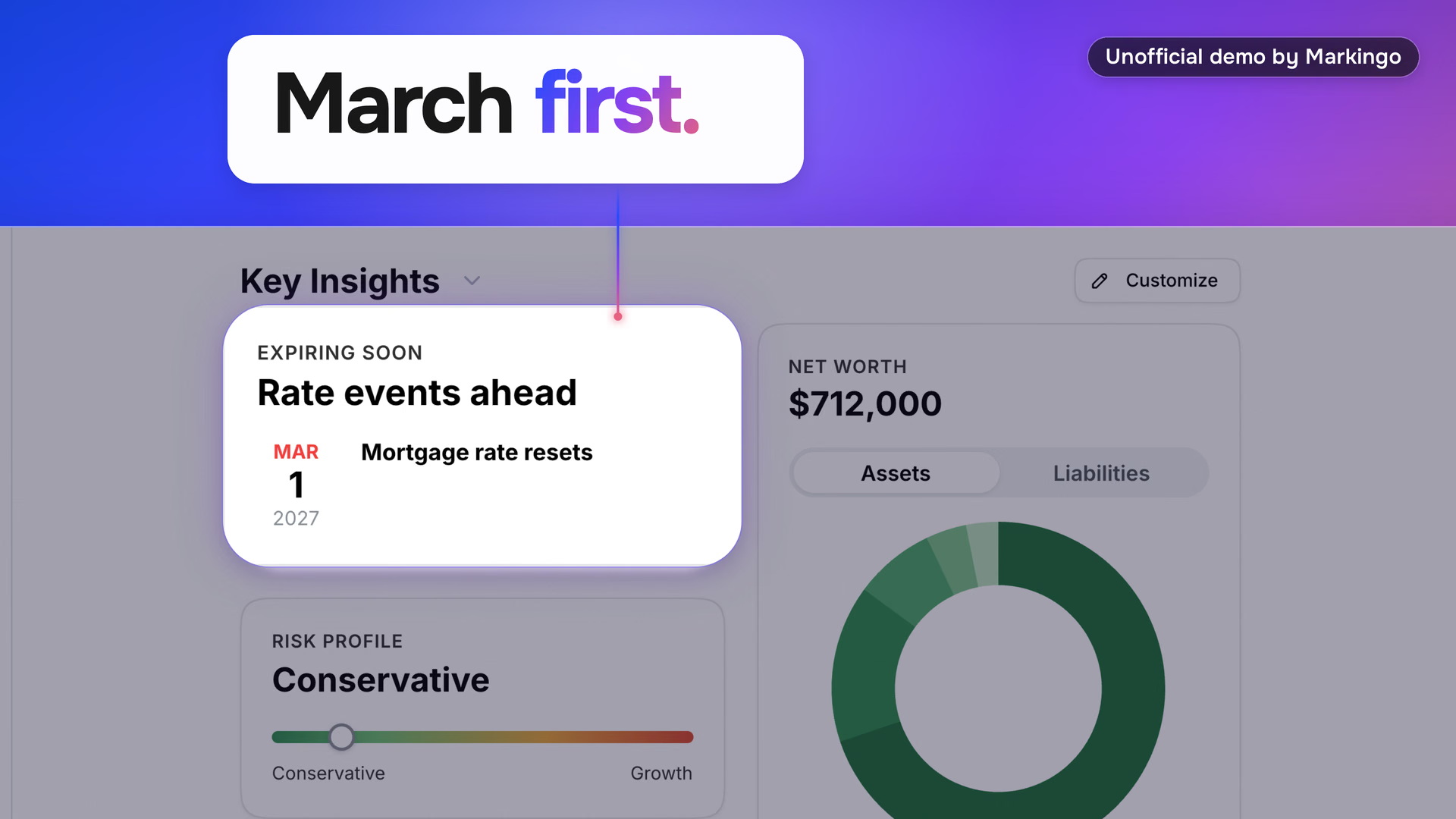
3840 x 2160The size to upload, for crisp 4K on a TV.2,10
A frame of our film of Marloo's product at , made at full 4K, not enlarged from a smaller frame. Open the 3840 x 2160 frame (opens in a new tab)
YouTube thumbnail dimensions
From your upload, YouTube thumbnails come in these resolutions, the four largest for some videos only.11,12 Point at one to see how big it is.Tap one to see how big it is.
UHD, QHD and FHD since Sep 11, 2026.13 The names are the ones the YouTube Data API uses.
Shorts have their own: 2160 x 3840, 9:16.2 The Shorts thumbnail, on our YouTube Shorts page
Think of your thumbnails as movie posters! On TV screens, they're supersized, front and center, so make them count.
What still reads when it's small
Thumbnails show up differently across devices, YouTube Help says.14 It gives the sizes of the files, not the sizes a screen shows them at, so we check every poster small.
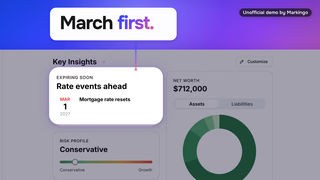
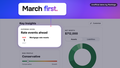
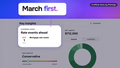
A frame of our film of Marloo's product at 0:38, made at full 4K.
What still readsAt 320 x 180 and 168 x 94, March first.
reads. In the 120-wide picture its biggest letters stand 5 pixels tall.
On yoursTwo big words over the screen they name.
When the size changed
The YouTube thumbnail size went from 1280 x 720 to 3840 x 2160 between Mar 11 and Mar 12, 2026,8,3 after the YouTube Blog announced 4K thumbnails on Oct 29, 2025.9
- Mar 11, 2026YouTube Help still says 1280 x 720, under 2 MB.8
- Mar 12, 2026It says 3840 x 2160, up to 50 MB from a computer.3
- Aug 10, 2026YouTube Help adds Shorts: 2160 x 3840.15
- Aug 22, 2026GIF leaves: JPG or PNG only.16
- Sep 11, 2026The YouTube Data API adds 1080p, 1440p and 4K for some videos.13
- Sep 14, 2026The YouTube Data API takes 50 MB files.13
- Oct 30, 2026Read again: unchanged.2
The rules for your own thumbnail
- Who can upload one
- A verified account, with a code sent by text or call.17,18 Any channel can pick one of the frames suggested for it.2
- How many
- There's a daily limit. If you reach it, try again in 24 hours.2
- What it may not show
- Nudity, hate speech, violence, vulgar words, or anything the video doesn't deliver: a thumbnail made to trick viewers counts as spam.2,19,20
- Testing
- Up to 3 thumbnails or titles at once, in YouTube Studio on a computer. The one with the most watch time wins; a test should end within two weeks. Keep each at 1280 x 720 or more, or all of them drop to 854 x 480.21
- Languages
- A long video can carry one thumbnail per language.22
What makes a product film's thumbnail work
- A frame of the film itself. It never promises what the film doesn't show, so it never reads as clickbait.19,20
- Bold words, a simple picture. YouTube Creators advises "a thumbnail that pops (bold text, simple visuals)."23
- Made big, checked small. Upload at 3840 x 2160,2 then read it at 320 and 168 wide, as on this page.
- Always your own. "90% of the best-performing videos have custom thumbnails," says YouTube Help.14
Every film we make comes with its thumbnail: a frame of the film, picked frame by frame and checked small. Your first film is on us. Get my first filmin 48 hours
Video size
YouTube video dimensions and resolution
A YouTube video is 16:9 as standard, and YouTube Help lists eight sizes to encode it at, from 426 x 240 to 7680 x 4320 (8K).1 There is no single best one: YouTube Help advises 4K if people watch you on a TV, and Google's ad specs recommend 1080p.4,24
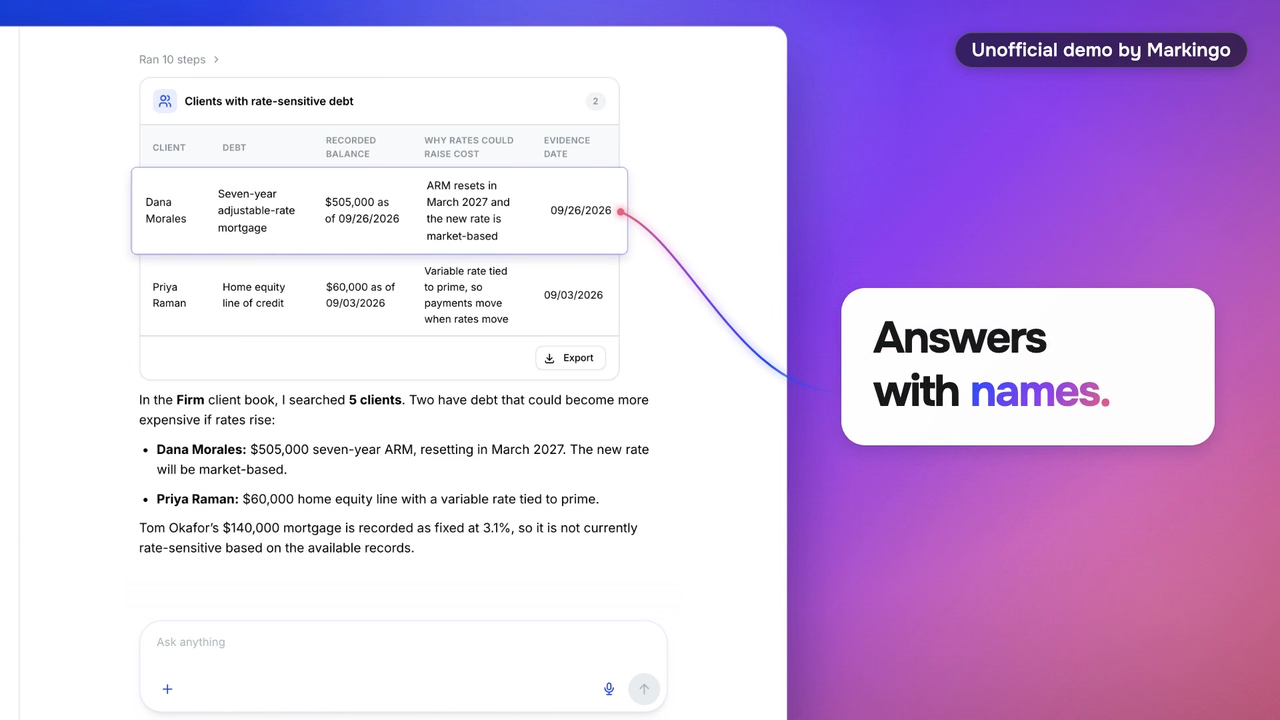
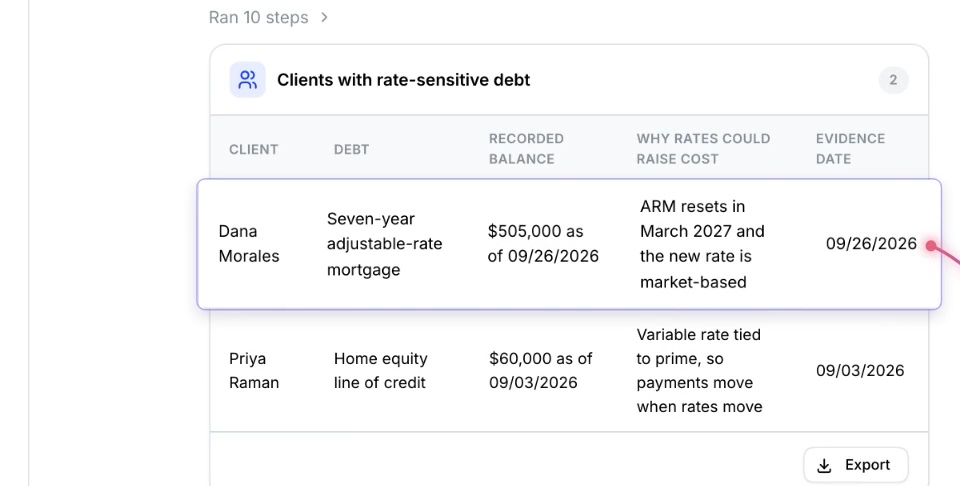
YouTube video format, checked on our film
Our film of Marloo's product as we export it, marloo.mp4, 32.2 MB.
The picture
- 16:9 on a computer.1
- One of the eight sizes YouTube lists. Skip the sizes between 4K and 8K.1
- Keep the frame rate you filmed at: 24, 25, 30, 48, 50 and 60 are common.27
- Never add black bars: on a computer YouTube may add its own padding, white or dark gray.1
Square and vertical videos play too: the player adapts to them.1 At 3 minutes or less, they count as Shorts.28 More in Length
The file
- MP4, set to fast start (its index at the front, so it plays while it loads).27
- H.264, High Profile, progressive, 4:2:0, with BT.709 color.27
- Sound: AAC-LC or Opus, stereo, 48 kHz.27
- Up to 256 GB.17
YouTube also takes MOV, MPEG, AVI, WMV, FLV, 3GPP, WebM, DNxHR, ProRes, CineForm and HEVC, but never sound on its own.29 How long a video can be: Length.
We make a version for every screen, ready to post: you never touch a setting. Our process, step by step
Video ideas
YouTube video ideas for your product
Twelve kinds of long video a software company can post on YouTube, each shown with a real film of ours. Press one to watch it wide, right here.
Show how it works
 1:09
1:0901Product demo
One product's main job, start to finish, in about a minute.
On YouTube Against TV, streaming and social apps, US video viewers rank YouTube first for researching a product, a survey Google ran with Kantar found (Dec 2025 to Jan 2026).30
Your version Your product doing its one big job.
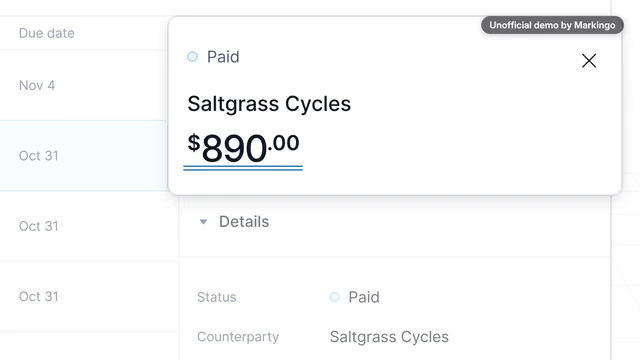
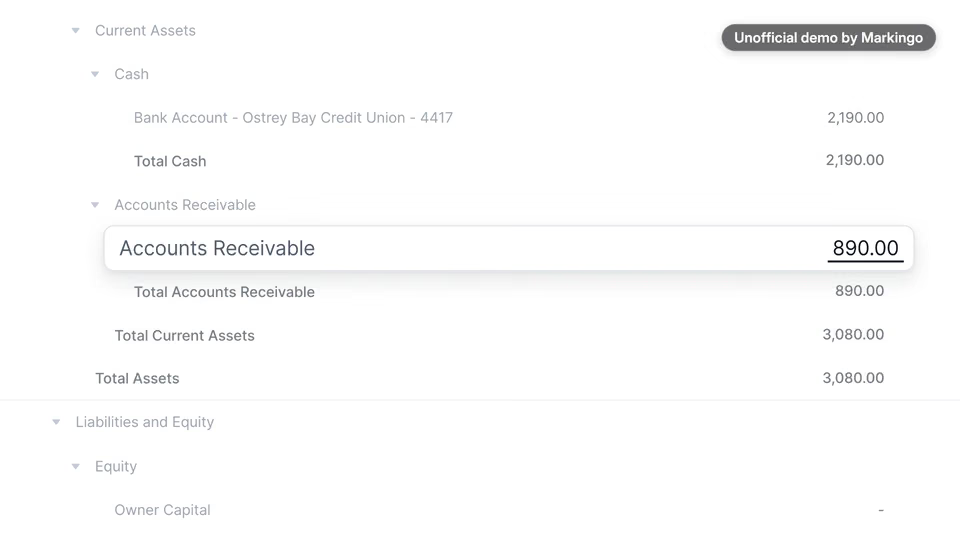
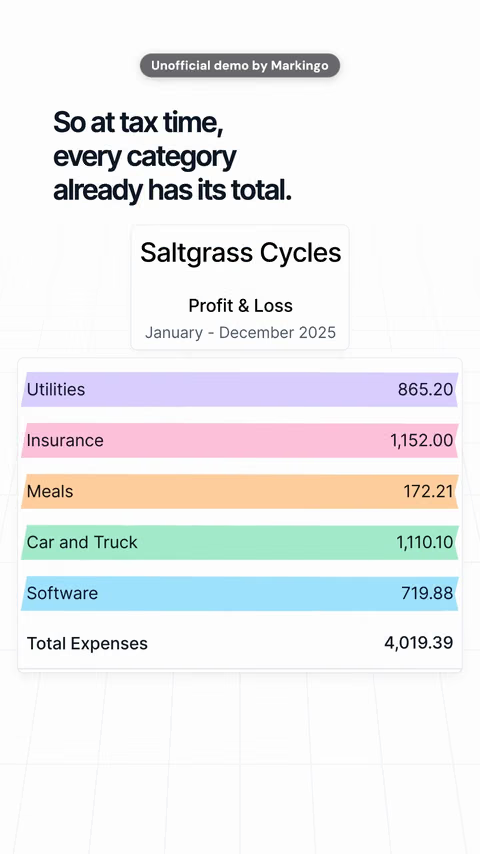
Part of our unofficial demo of Kick's product · bookkeeping and invoicing
 1:17
1:1702Feature release
One feature, from its problem to its result.
On YouTube A card can point viewers on to your full demo, at the second you choose.31
Your version The feature your customers asked for most.
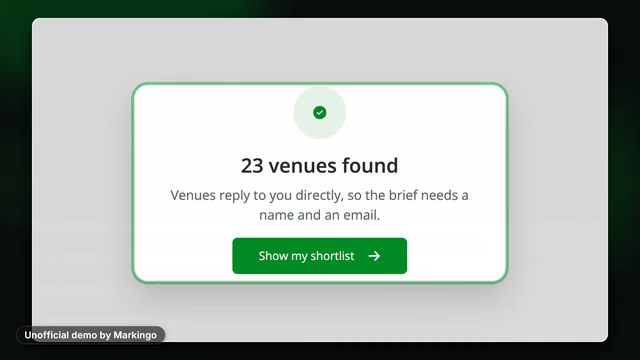
Part of our unofficial demo of Hire Space's product · event venue search
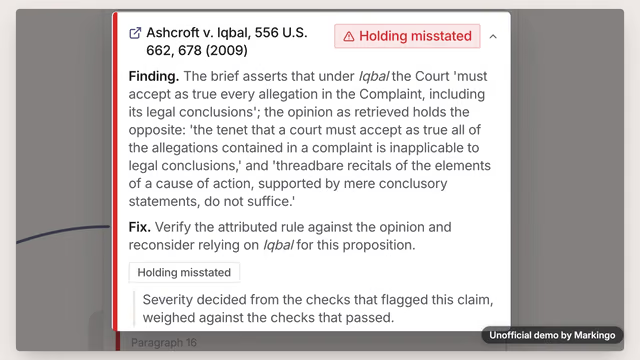 1:15
1:15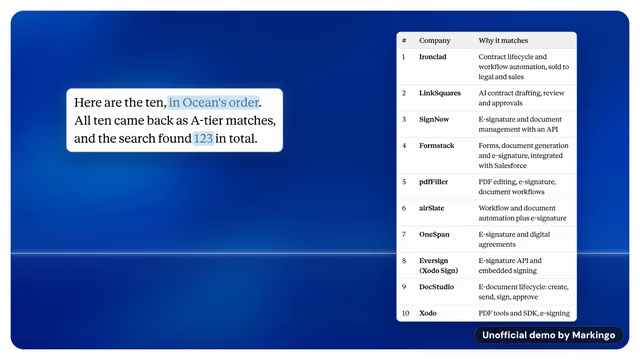 1:09
1:0904Integration demo
Your product at work inside another tool.
Your version Your product inside the tool your buyers live in.
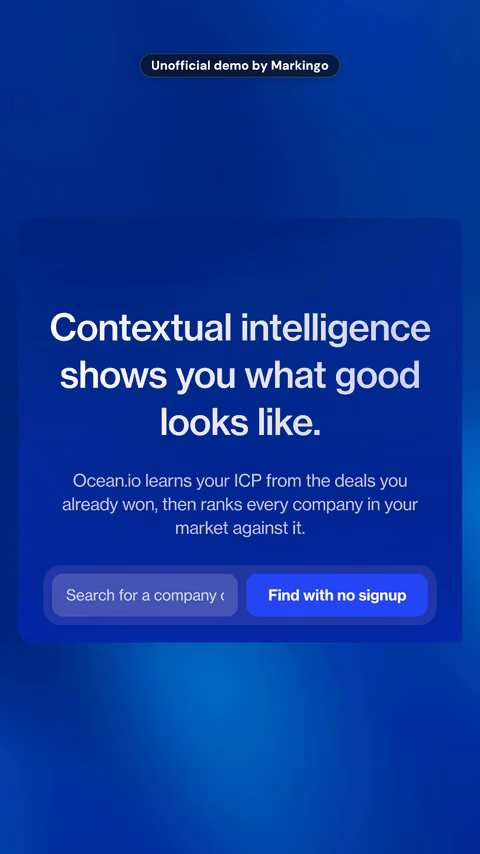
Part of our unofficial demo of Ocean.io's product · finding companies to sell to
Tell it as a story
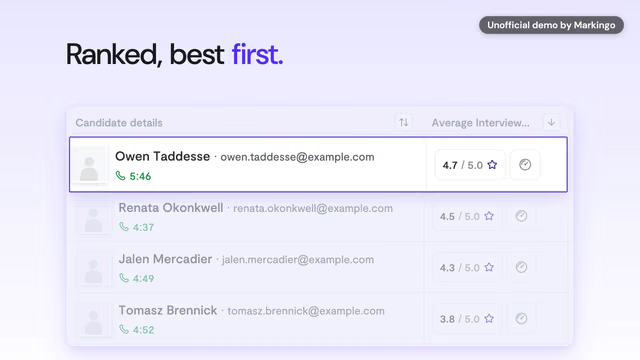 1:24
1:2405Use case, by role
The product told through one customer's day.
On YouTube YouTube asks creators: "What audience are you speaking to?" One film per role answers it.23
Your version One film per buyer you sell to: their day, your product.
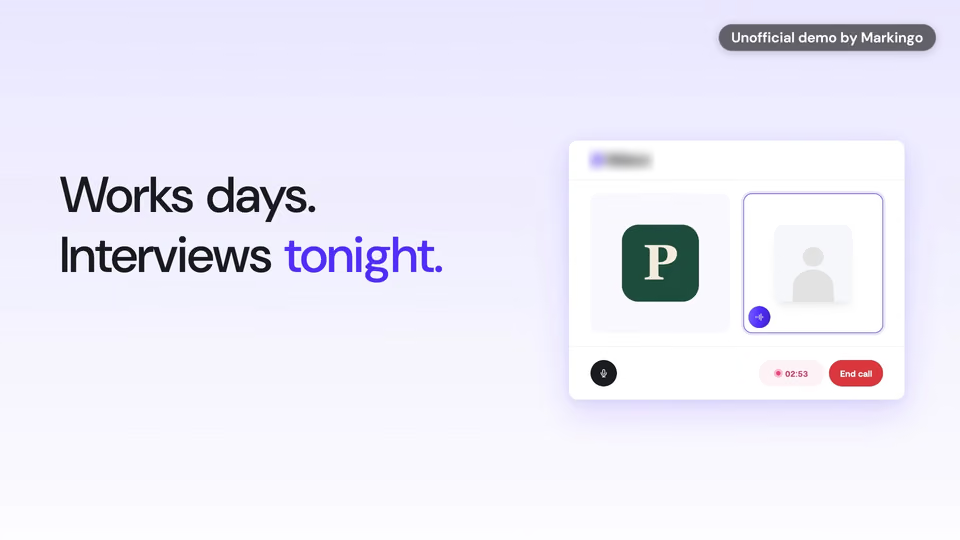
Part of our unofficial demo of Ribbon's product · interviews for hourly hiring
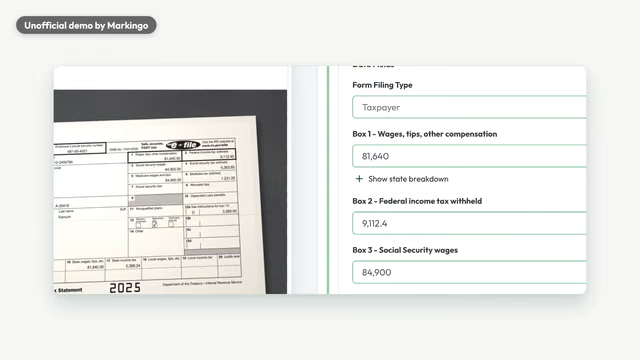 1:15
1:1506Old way, new way
A comparison: their way today, then yours.
On YouTube Google advises, for ads that build consideration: "Show users how your product fits into their lives."34
Your version Their spreadsheet today, then the same job in yours.
Part of our unofficial demo of Juno's product · tax preparation
 1:10
1:1007Explainer
Why, what and how, in plain words.
On YouTube Google names explainers among "always popular video formats" (Jan 2026).35
Your version The film your homepage needs, and your channel's first.
Part of our unofficial demo of New/Mode's product · advocacy campaigns
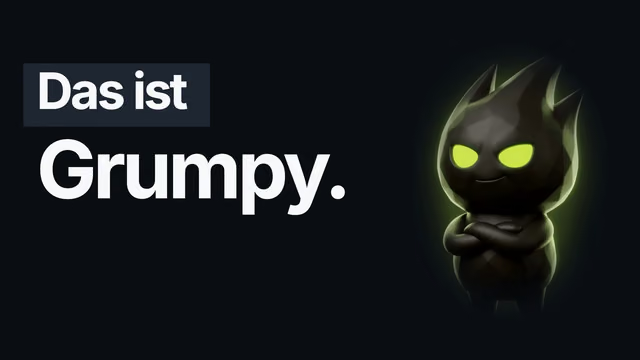 1:29
1:2908Character explainer
A character carries it; real screens prove it.
On YouTube For viewers on TV, YouTube suggests building a channel around "beloved characters."4
Your version A character for your product. Your first film, on us.
Our own film, for GrumpySpark · in German, with English words
Launches, news and your channel
 1:21
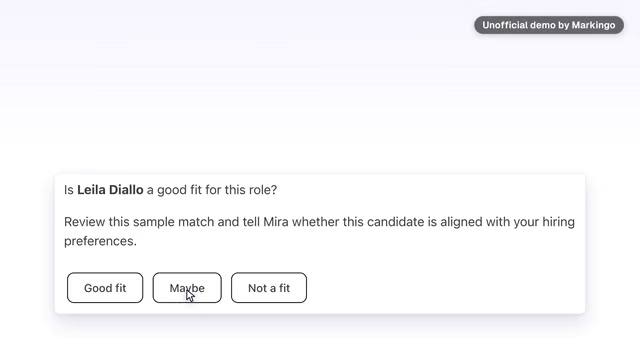
1:2109Launch film
The new thing, working, on the day it ships.
On YouTube A Premiere lets viewers watch a new video together, with a reminder about 30 minutes before.36
Your version Your next release, working, the day it ships.
Part of our unofficial demo of Metix's product · hiring for startups
 1:19
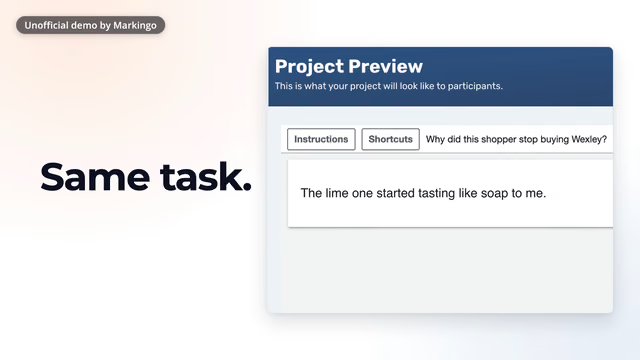
1:1910Switching guide
The market changed; here is how to move.
Your version When a tool your buyers use closes, the way to yours.
Part of our unofficial demo of CloudResearch's product · survey participants for researchers
 1:14
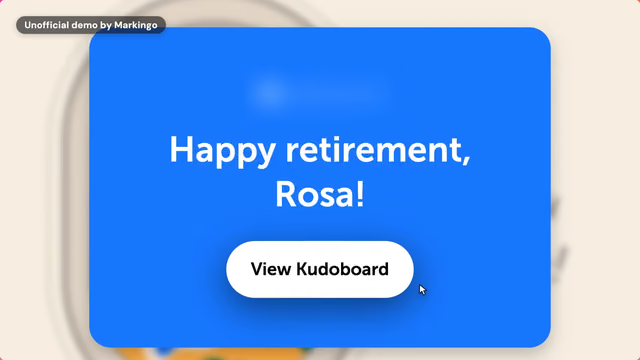
1:1411Onboarding series
Short films from sign-up to a first result.
On YouTube YouTube advises "a repeatable format" rather than one-offs.37
Your version Three short films to a new user's first result.
An idea, cut from our unofficial demo of Kudoboard's product
An idea: we have not made a series; these three are cut from one film.
 1:11
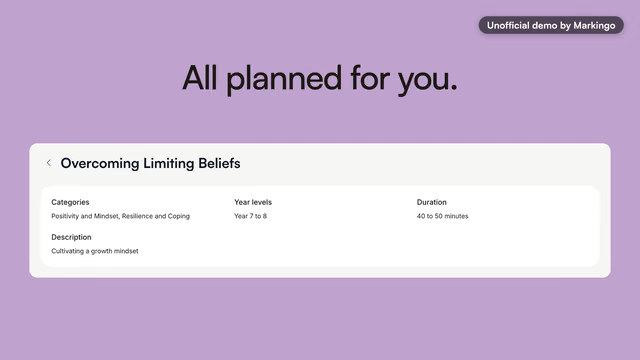
1:1112Channel trailer
Your homepage film, as your channel trailer.
On YouTube A channel trailer is a preview "so viewers can learn more and subscribe", and no ads run on it by default.38
Your version Your homepage film, working on YouTube too.
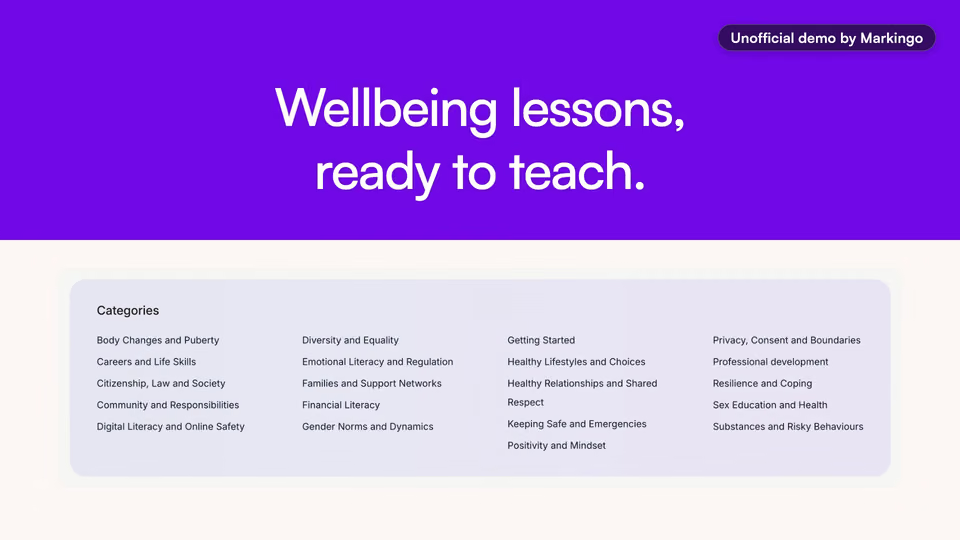
Part of our unofficial demo of Wellio's product · wellbeing lessons for schools
More ideas, cut from our films
A trade-show loop that reads with the sound off.
A film for an app marketplace listing.
A founder's own line, carried over the real product.
Not ours to show
Webinars, live demos, podcasts and customer stories. Every person in our films is a demo character, so none of them is a customer story.
Your first film can be a product demo. It's on us.
Get my first filmin 48 hoursMeasured on our films
Why our films work on YouTube
Six things that matter on YouTube, measured on every film on this page. Choose one to see it on a film.
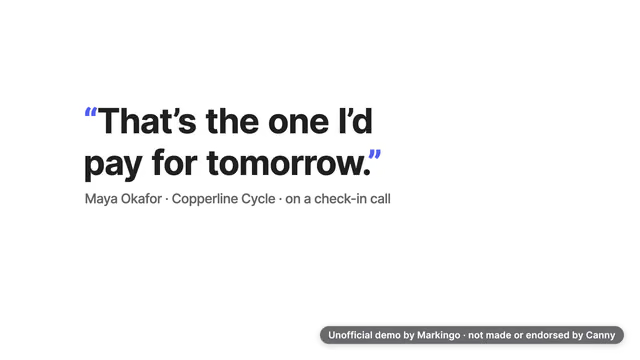
Canny's film: its first words are on screen at 0.3 seconds and its voice starts at 0.48 seconds.
All 16 films here: words on screen and a voice within 0.28 to 2 seconds.
Sound is off in this browser.
On Home and in search, a YouTube video you point at plays muted with captions on, and Google calls YouTube "almost entirely a sound‑on experience."39,40 Since Aug 24, 2026 a view counts the moment a video starts to play, so its first frame has to say something.41
Canny's film: its captions file puts the first line on screen at 0.48 seconds, as the voice says it.
All 16 films here: each with its file, the first line on screen at 0.36 to 0.8 seconds.
The film's words When a customer says this on a call...
YouTube encourages professional captions first: automatic ones can mishear accents, dialects or background noise.42
Canny's film: 5 chapters, the first at 00:00, the shortest 13 seconds.
All 16 films here: 4 to 6 chapters, the shortest 10 seconds.
The YouTube rules: the first at 00:00, three or more, each 10 seconds or longer.32
Proposales' film: a thumbnail taken from its own frame, at 1:02.
YouTube policy: no thumbnail that makes viewers think they will see something that is not in the video.19
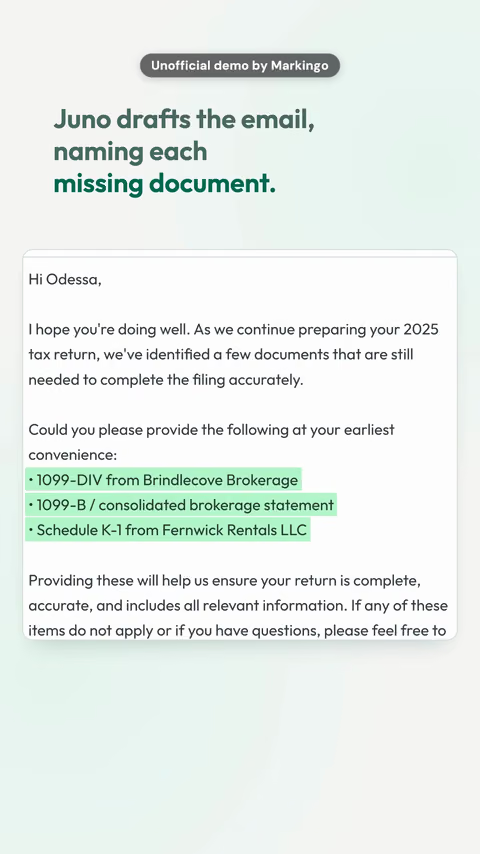
Marloo's film: its own live product answers with names, then drafts the email.
Google advises: "Make the product the ad."34
GrumpySpark, our own film, runs 1:29 and ends on its own end card; the shortest on this page runs 1:09.
Google: ads of 1 to 3 minutes lift consideration more than shorter ones.43
Every film on this page meets all six. We make yours the same way, and the first one is on us.
Length
How long can a YouTube video be
Up to 12 hours or 256 GB, whichever is less, once your account is verified with a code by text message or a voice call. Until then, 15 minutes.17
Our film of Marloo's product, start to finish.
Square or vertical and this long or less, a video is a Short.28
Longer than this, a channel earning from ads can put ad breaks inside it.44
The longest until your account is verified.17
The limit today. Older videos can be longer: YouTube has changed the limits before.17
How long should a YouTube video be
YouTube says there is no optimal length: make a video as long as its value needs, with no filler. Its retention curve shows where viewers drop off.45 And hook them in the first 5 to 10 seconds.23
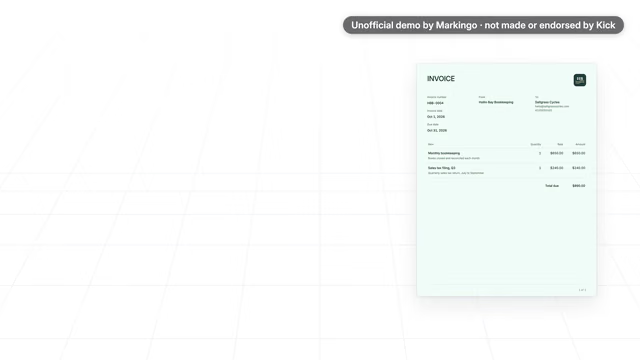
Our film of Kick's product, its first 8.6 seconds.
The hook
- 0.2 swords read
- 3.6 sthe promise
- 8.0 sthe turn
Ours on this page, by length
Ours run 1:09 to 1:29: why that works as an ad.
- 1:09Kick
- 1:09Ocean.io
- 1:10New/Mode
- 1:11Wellio
- 1:13Marloo
- 1:14Canny
- 1:14Kudoboard
- 1:15BriefCatch
- 1:15Juno
- 1:15Proposales
- 1:17Hire Space
- 1:18Covidence
- 1:19CloudResearch
- 1:21Metix
- 1:24Ribbon
- 1:29GrumpySpark (ours)
Long-form video or a Short
A 16:9 video is long-form at any length. Since Oct 15, 2024, a square or vertical video of 3 minutes or less is a Short.28 Channels that post both see more watch time and subscriber growth.46
YouTube lets you turn up to 60 seconds of your public long video into a Short that links back to it.47 Try it on our film of Juno's product: pick a part. An upright cut keeps about a third of the width.
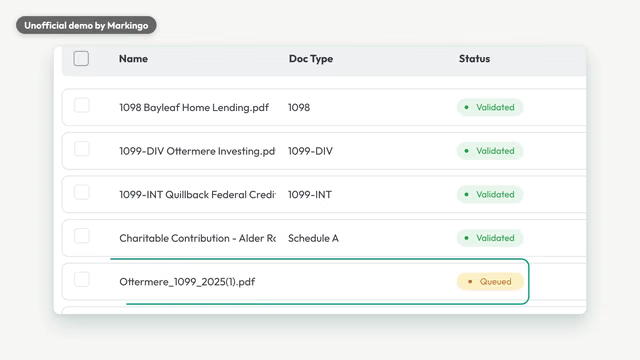
0:33 to 0:49: 16 of the 60 seconds you can turn into a Short
The brackets show what an upright cut of this part keeps.
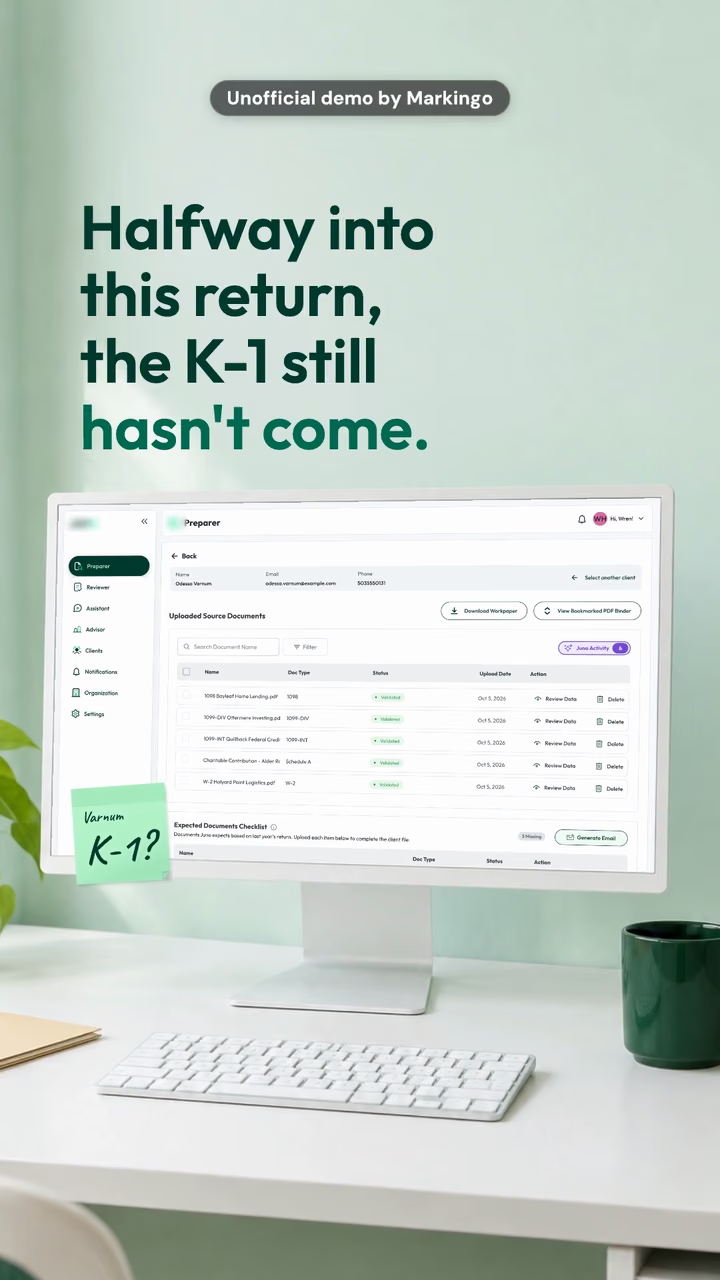 0:55
0:55Ours, laid out upright from the start: every word fits. Our Short of Juno's product, 0:55. YouTube Shorts: length and size
We make both: the long film and its Short, each laid out for its own screen. See our work
The parts of a YouTube video
Chapters, cards, end screens and captions
Four things you add to a long video after the edit. Each one works here on our film of Kudoboard's product, at the second it happens. With every film we make, all four come ready: the chapters written, the card and the end screen timed to the second, the caption file made from the film's own voice.
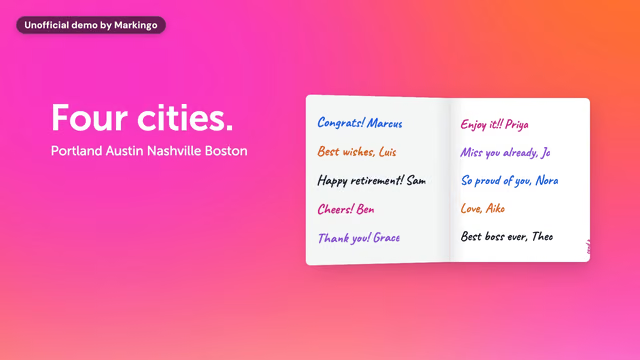
YouTube chapters
Type timestamps into the description: the first at 00:00, three or more in order, each 10 seconds or longer. Yours replace the automatic ones. Adding them needs the channel's advanced features, and Google Search can show them as key moments.32,33
As we'd upload it
Title47 of 10026
Kudoboard product video | Group cards for teams
Description332 of 5,00026
Rosa sent the card round for twenty-three years. This time her team, in four cities, made her one, and it reached her on her last afternoon. An unofficial demo we made from Kudoboard's live product.
- MetThe first at 00:0000:00
- MetThree or more, in order5 here
- MetEach ten seconds or longershortest 12 s
For yoursOne chapter for each job your product does, so a buyer jumps straight to theirs.
YouTube cards
Up to 5 a video: a video, a playlist, a channel, or a link for channels in the YouTube Partner Program. Each shows as a short teaser at the second you choose, then waits as a small mark, and cards also list under the description.31
At 0:52, as the film says the card comes to her
, a card points to how we made this film: How we made Kudoboard's film.
Cards step aside while an end screen shows.48
For yoursA card at the second a feature appears, pointing to its how-to.
YouTube end screens
Up to four elements in the last 5 to 20 seconds of a video at least 25 seconds long: a video, a playlist, Subscribe, a channel, or a link for channels in the YouTube Partner Program. Viewers can hide them, and YouTube may show them differently.48
- MetAt least twenty-five seconds long1:14
- MetIn the last five to twenty secondsthe last 13
- MetUp to four elements4 here
- VideoHow we made Marloo's film
- PlaylistKinds of YouTube video
- VideoOur process, the film
- Linkyour site
A link to your own site needs the YouTube Partner Program. Outside it, an end screen can show videos, playlists, Subscribe or a channel.48
A custom image should be at least 300 x 300.48
Our films end on their own end card: room for an end screen.
For yoursYour next film, your playlist of how-tos, and your site once you're in the YouTube Partner Program.
YouTube captions
Upload a caption file: .srt or .sbv in plain UTF-8, or .vtt.49 YouTube also makes automatic captions in 67 languages, but asks for professional ones first: automatic ones can mishear accents and noise.42
Feeds play videos muted with captions on, so the words carry a film until someone turns the sound up.39,50
The caption file (.vtt), word for word
- 1For twenty three years, Rosa was the one who made sure the card went round.
- 2But it's her turn now, and her team is spread across four cities.
We make every caption file from the film's own voice, word for word.
For yoursEvery word on screen, so your film sells with the sound off.
Skippable, bumper and in-feed
YouTube video ads
A skippable ad can be skipped after 5 seconds, a bumper runs up to 6 seconds and can't be, and an in-feed ad is a thumbnail with a headline.43,51,52
Skippable ads: the five seconds before Skip
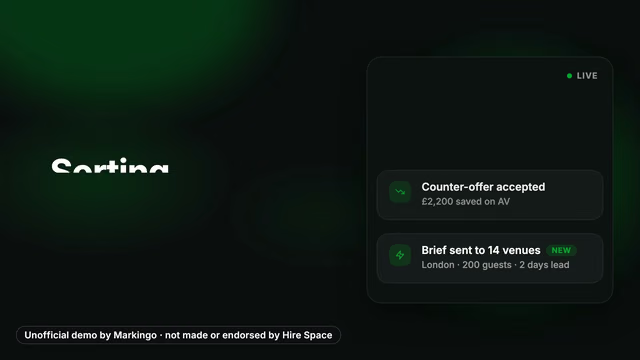
As a non-skippable ad, these 12 seconds would play whole: those run 7 to 15 seconds.51
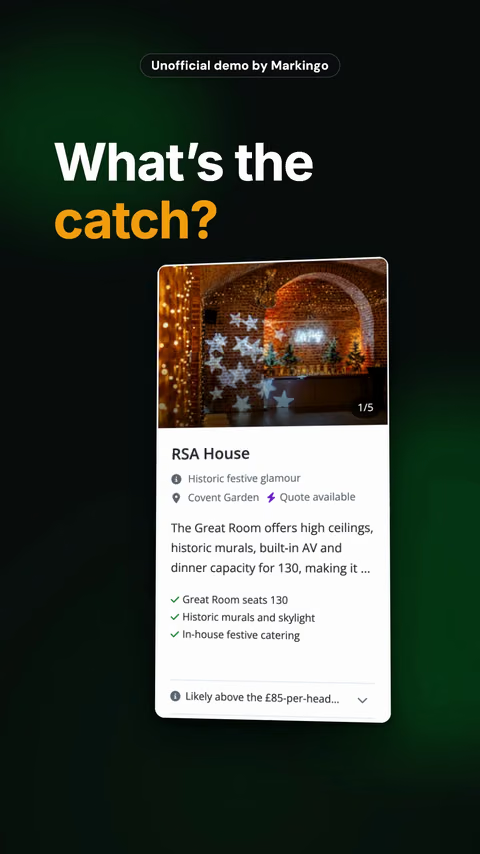
The safe zone Google gives for a wide ad: keep logos, products and words 38 px from the top and left, 162 from the right, 387 from the bottom, and out of the two top corners, 496 x 183 and 475 x 133.24 On this film the question stays inside; the live panel's lower rows and About £85 a head.
run past its foot. An ad cut would lift them.
What Google asks of every ad: the ABCDs34
Attention
"Get to the heart of the story faster."
Herea question on screen from the first frame.
Branding
"Introduce your brand or product from the start."
Herethe product from the first frame, its name at 0:10.
Connection
"Avoid doing too much in your ad."
Hereone job: a party for a hundred people.
Direction
"Say what you'd like viewers to do."
Hereits ask comes at the film's end, at 1:12.
Google calls these four the ABCDs of effective video ads.34 In its 2015 study of thousands of skippable ads, a brand in the first five seconds lifted recall but was skipped more, so tie the logo to the product.53
Each company film on this page first says its product's name between 0:09 and 0:22, never inside the five seconds (our measure, from the films' own words). An ad cut says it sooner.
YouTube bumper ads: one idea in six seconds
A bumper runs up to 6 seconds, can't be skipped, and is paid by impressions.51,54 Three cut from our films, three ways to spend six seconds. None ran as an ad.
A promise
We don't send resumes. We send interviews.
Our film of Metix's product0:00 of 0:06
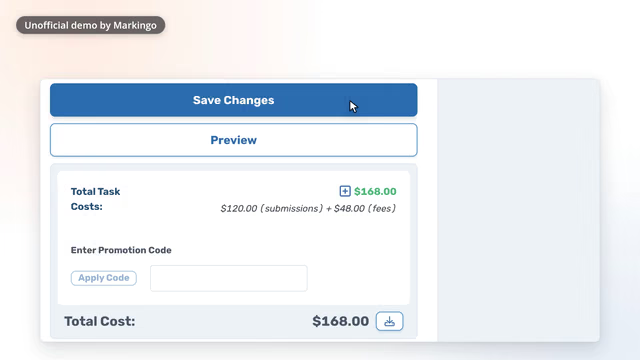
A payoff
Save it, and it's on your dashboard... ready to launch, the same day.
Our film of CloudResearch's product0:00 of 0:05
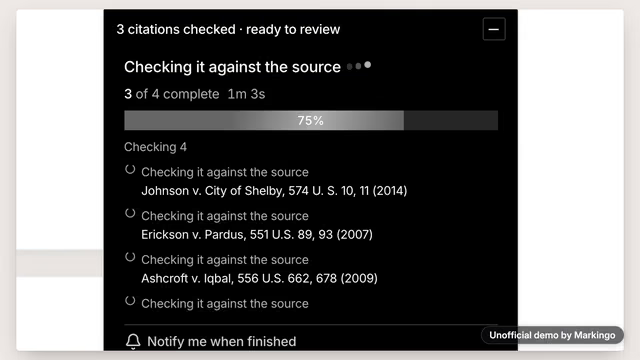
A demo
RealityCheck reads each citation, pulls the source, and checks your sentence against it.
Our film of BriefCatch's product0:00 of 0:06
In-feed video ads: the thumbnail is the ad
A thumbnail, a headline of up to 100 characters and two lines of up to 35, shown in search, beside other videos and in the Home feed; a click plays the video. Over 25 characters may be cut on some screens. In the app it may play muted with captions on, and that autoplay isn't a paid view.52
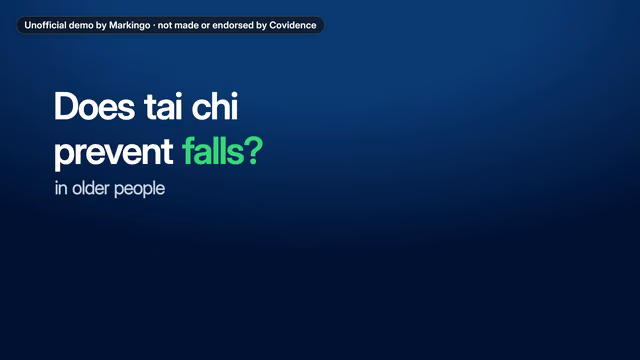 1:18
1:18Every study accounted for | Systematic reviews, from search results to the studies that count93 of 100: the underlined 25 may be all that shows52Two reviewers on every decision 31 of 35The PRISMA diagram builds itself 32 of 35
YouTube ad specs
- Skippable
- Skip after 5 seconds; any length. Google suggests 15 to 20 seconds for awareness or action and 2 to 3 minutes for consideration. Paid at 30 seconds watched, or the whole ad if it's shorter, or an interaction such as a click.43
- Non-skippable
- Up to 6 seconds (a bumper), 7 to 15 seconds, or 16 to 30 seconds on TVs, where a 30 second ad must be horizontal; some campaign types allow longer.51,54
- Size and shape
- 1080p recommended: 1920 x 1080, 1080 x 1920 or 1080 x 1080; 720p accepted, SD not advised. 16:9, 9:16 or 1:1, with 4:3, 2:3 and 4:5 accepted. Files up to 256 GB.24
- Files
- MPG recommended; MP4, MOV, WebM, ProRes and more accepted; never an audio file alone.24
- Where it lives
- Every ad's video is on YouTube, public or unlisted; an unlisted one shows no channel name or logo.43
- Shorts ads
- They play in the Shorts feed, up to the first 60 seconds.55 More on the YouTube Shorts page.
For consideration, Google advises showing how the product works.34 That is what a product film does: why ours work on YouTube.
Running yours as an ad? Say so, and we cut its first five seconds for it, with every revision you ask for.
Your first film, on usin 48 hoursWhat you get
Every part of your YouTube film, done for you.
You give us your domain. We do everything else: the film, and every part its upload asks for, in the same order. Feedback whenever you like; we revise without limit.
Your part
The only field you fill.
Then any feedback, whenever you like, and the day it goes live.
Everything else is ours.
The film The file itself, made from your live product.
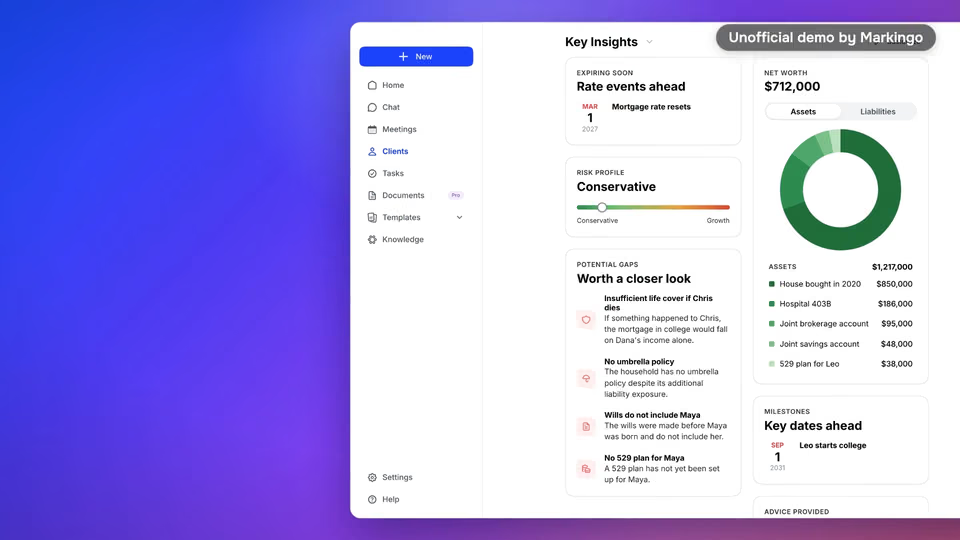
The film at the top of this page
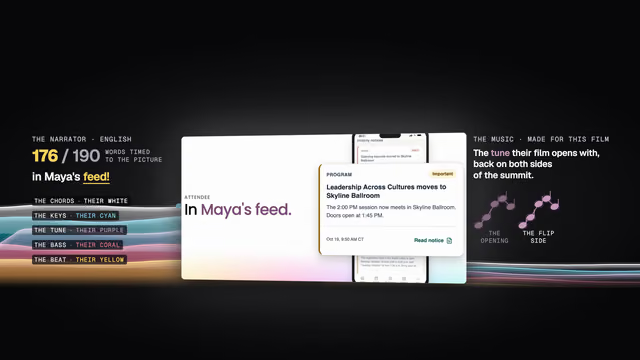
Made by Markingo, start to finish, with a voice and music made for it.
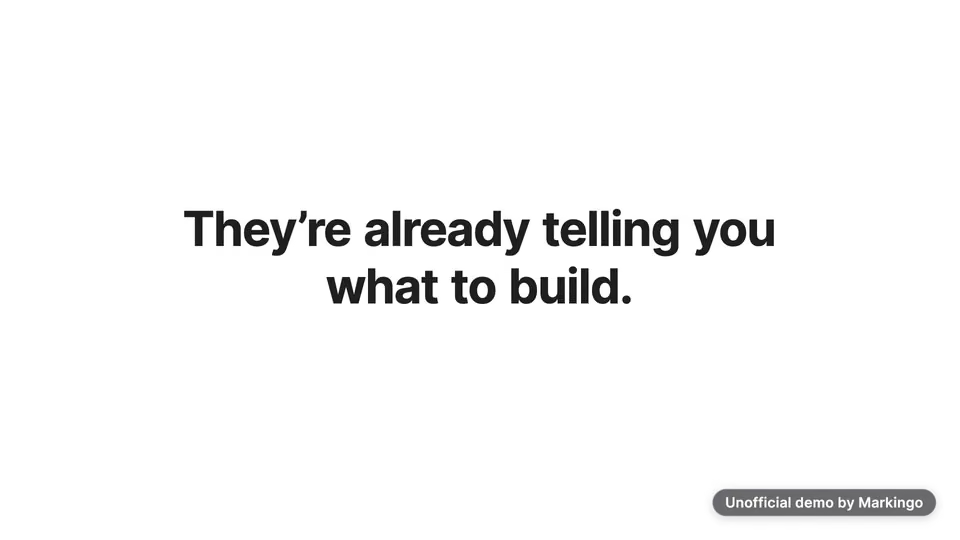
After the film, a YouTube upload asks for four pages:26
1Details
 and 3 moreand 4 more
- Its title, from the words your buyers search.
- Its description, with chapters written to the rules.32
- Its thumbnail, picked from the film's own frames to read small.
Written and picked by MarkingoSteps02and08
Shown in Thumbnail size, above on this pageShown in Chapters and end screens, above on this page
2Video elements
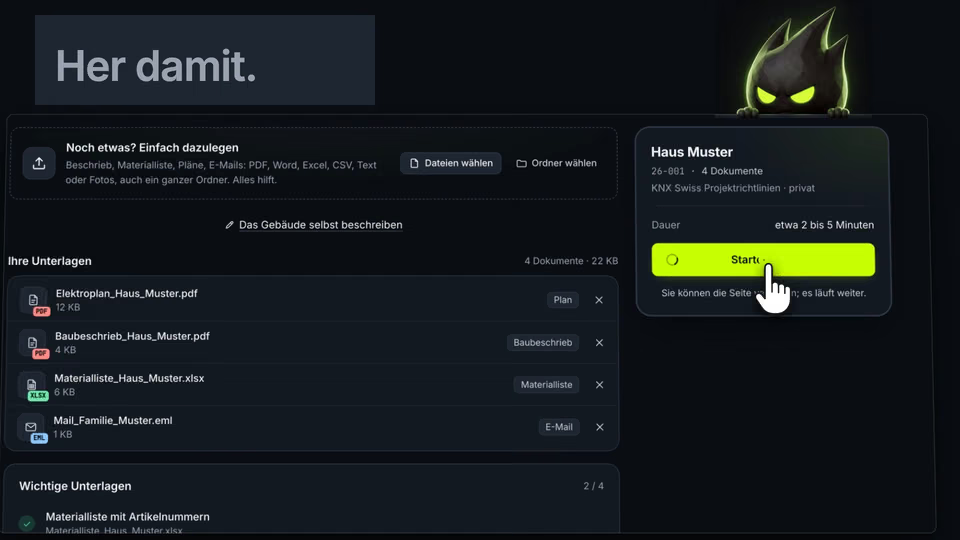
The film's wordsYou sign in and drop in what you have.Give it here.He reads every symbol, finds every room and is already working ahead.Thirty eight symbols. You're welcome.
Its German voice, our English captions.
- Its captions file: every spoken word, timed to the voice.
- It runs well past the 25 seconds an end screen needs, and ends on its own end card.48
Captioned by Markingo, on GrumpySpark, our own German character explainer.Steps09and10
3Checks
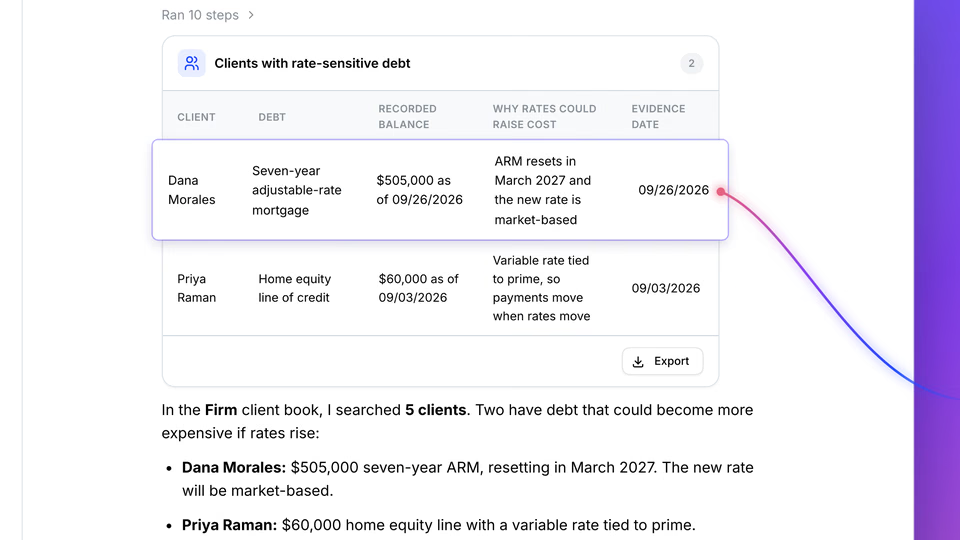 Unofficial demo by MarkingoUp close: the frame that sharpens in Video size.
- Every size, frame rate and file rule in Video size, checked on your film before you see it.
- The upload then screens it for copyrighted content; your film's music is made for it.26
Checked by MarkingoStep11
4Visibility
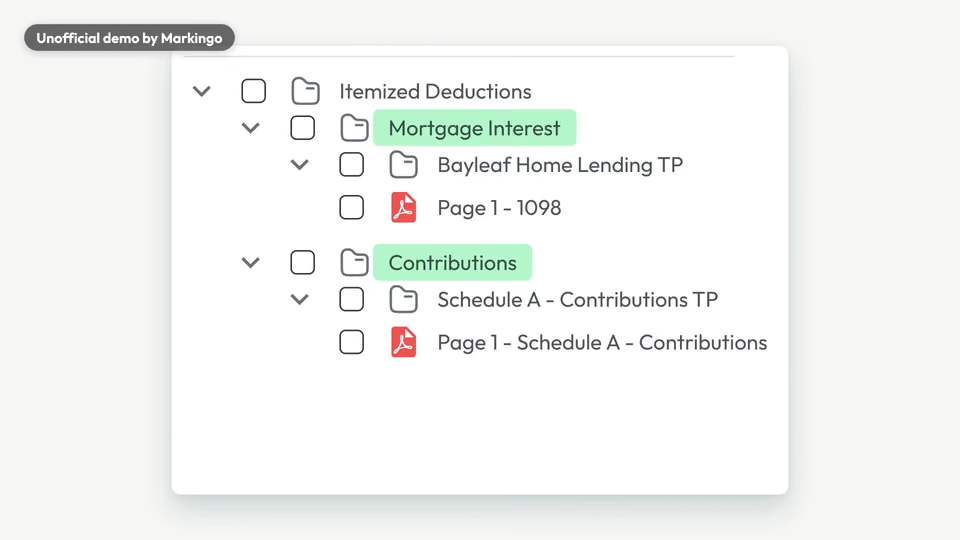
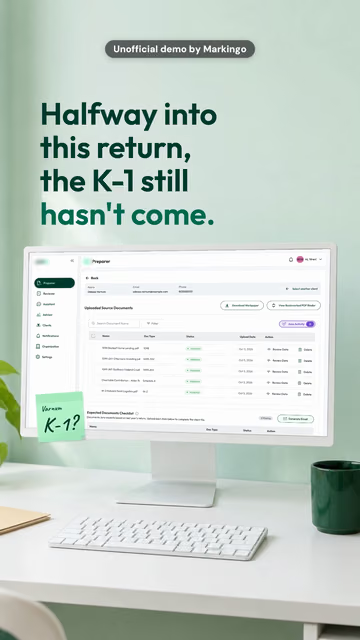 16:99:16One Juno film, wide for the YouTube feed and upright for Shorts. The Short plays in Length.Ready to post in 48 hours
- Public, unlisted or scheduled: when it goes live is your call.26
- Ready to post on every screen: the YouTube film and upright cuts for Shorts.
Cut by MarkingoStep11
Questions
Questions about YouTube videos, answered
Answers first, each from a YouTube or Google page we read on Oct 30, 2026. Then what people ask about us.
What size is a YouTube thumbnail?
3840 x 2160 pixels (16:9), at least 640 wide, as JPG or PNG: up to 50 MB from a computer, 2 MB from a phone.2 Shown in Thumbnail size, above on this page
Did YouTube increase the thumbnail size?
Yes. 4K thumbnails were announced on Oct 29, 2025;9 YouTube Help still said 1280 x 720 on Mar 11, 2026,8 and 3840 x 2160 by Mar 12.3 Shown in Thumbnail size, above on this page
What size is a YouTube video?
16:9 as standard. YouTube Help lists eight sizes, from 426 x 240 to 7680 x 4320 (8K), 1920 x 1080 (1080p) and 3840 x 2160 (4K) among them.1 Files up to 256 GB or 12 hours, whichever is less.17 Shown in Video size, above on this page
Is 4K or 1080p better for YouTube?
No size is named best.1 The YouTube tip for TV viewers is 4K,4 the Google ad specs recommend 1080p,24 and YouTube Help still says an SD upload is never shown in HD,25 though some are now upscaled, labelled as such.9 Shown in Video size, above on this page
Is YouTube 16:9 or 4:3?
16:9 on a computer. Other shapes play too: the player adapts to them, and the YouTube player may add padding around some. Never add black bars yourself.1 Shown in Video size, above on this page
What format should a YouTube video be?
An MP4 set to Fast Start, with H.264 High Profile video at the frame rate you filmed, AAC-LC sound at 48 kHz and BT.709 color.27 MOV, WebM and ProRes upload too.29 Shown in Video size, above on this page
How long can a YouTube video be?
Up to 12 hours or 256 GB, whichever is less, once your account is verified with a code by text message or a voice call. Until then, 15 minutes.17 Shown in Length, above on this page
How long should a YouTube video be?
As long as its value needs: YouTube Help says there is no optimal length.45 Hook viewers in the first 5 to 10 seconds.23 Our films on this page run 1:09 to 1:29. Shown in Length, above on this page
When is a YouTube video a Short?
When it is square or vertical and 3 minutes or less (since Oct 15, 2024). A 16:9 video is long-form at any length.28 Shown in Length, above on this page YouTube Shorts
What is the 8 minute rule on YouTube?
A channel earning from ads can put ad breaks inside a video (mid-rolls) only when it is longer than 8 minutes.44 Shown in Length, above on this page
How do I add chapters to a YouTube video?
Type timestamps and titles in the description: the first at 00:00, three or more in order, each 10 seconds or longer, and no maximum is named. It needs advanced features.32 Shown in Chapters and end screens, above on this page
What is a YouTube end screen?
Up to four elements over the last 5 to 20 seconds of a video at least 25 seconds long: a video, a playlist, Subscribe, a channel or, for YouTube Partner Program channels, a website.48 Shown in Chapters and end screens, above on this page
What are YouTube cards?
Up to 5 per video: a video, playlist, channel or link, each a teaser at the second you choose. Links need the YouTube Partner Program.31 Shown in Chapters and end screens, above on this page
How do I add captions to a YouTube video?
Upload a caption file (.srt, .sbv or .vtt).49 Automatic captions come in 67 languages, but YouTube Help asks creators for professional captions first.42 Shown in Chapters and end screens, above on this page
How long are YouTube ads?
Skippable ads run any length, and a viewer can skip them after 5 seconds.43 Non-skippable ones run 7 to 15 seconds (16 to 30 on TVs); bumpers, up to 6.51 Shown in Video ads, above on this page
Do people watch YouTube on TV?
Yes. In the US the TV is now the main screen for YouTube viewing (YouTube data, Dec 2024),5 and by watch time no streaming platform there is bigger (Oct 28, 2026).56 Shown at the top, above on this page
About us
How much does a product video cost?
Your first film is on us, and it's yours to keep even if you don't like it. We're that sure of it. After that, we price every project with you by what it needs. Start yours, below
What do I have to do?
Only your domain. We take it from there: your market, every size, the chapters and the thumbnail, ready in under 48 hours, revised as often as you like. What you get, above on this page
Do you make character or cartoon explainers?
Yes, every kind: films of your real product, character and cartoon animation, whiteboard and live action. Your first film on us can be a character or cartoon explainer too. Meet Grumpy in What you get, above on this page
Yours next
Your first YouTube film is on us.
You give us your domain. We do everything else, and it's ready in under 48 hours. Yours to keep, even if you don't like it.
- Book a call with Shivam (opens your email)A short call with Shivam, our co-founder, about your film.
- Get a homepage video audit (opens your email)A recorded video review of your homepage, on us.
The sizes a YouTube upload is processed at, smallest first: 240p426 x 240360p640 x 360480p854 x 480720p1280 x 7201080p1920 x 10801440p2560 x 14402160p13840 x 2160
A YouTube video can go live once its SD version is processed; HD and 4K may take longer.26
More from Markingo
Keep going
Where else your film can play, more of our films, and how we make them.
Where else it plays
Sources
Every fact on this page links its number here. All read on Oct 30, 2026. YouTube Help pages show no dates, so the thumbnail change is dated by Internet Archive copies.
56 pages: , , , , , , and 3 more.
Opens in a new tab
- 1Video resolution and aspect ratiosYouTube Help
- 2Add custom thumbnails on YouTubeYouTube Help
- 3Add video thumbnails on YouTubeInternet Archive, Mar 12, 2026 (capture)
- 4How to optimize your YouTube channel for the TV screenThe YouTube Blog, Nov 27, 2024
- 5Opportunities for brand marketing on YouTubeThink with Google, Feb 18, 2026
- 6Keyboard shortcuts for YouTubeYouTube Help
- 7Speed up or slow down YouTube videos (Android)YouTube Help
- 8Add video thumbnails on YouTubeInternet Archive, Mar 11, 2026 (capture)
- 95 New Features to Help Creators Shine on TV ScreensThe YouTube Blog, Oct 29, 2025
- 10YouTube Creator News: October's Biggest UpdatesThe YouTube Blog, Nov 3, 2025
- 11Videos (API reference)YouTube Data API
- 12Thumbnails (API reference)YouTube Data API
- 13Revision historyYouTube Data API, Sep 14, 2026 (entries of Sep 11 and Sep 14, 2026)
- 14Thumbnail and title tipsYouTube Help
- 15Add custom thumbnails on YouTubeInternet Archive, Aug 10, 2026 (capture)
- 16Add custom thumbnails on YouTubeInternet Archive, Aug 22, 2026 (capture)
- 17Upload videos longer than 15 minutesYouTube Help
- 18Verify your YouTube accountYouTube Help
- 19Thumbnails policyYouTube Help
- 20Spam policyYouTube Help
- 21A/B test titles and thumbnailsYouTube Help
- 22Add Multi-language features to your videosYouTube Help
- 23Create Long-form Videos: Tips and ToolsYouTube for Creators
- 24About video ad specsGoogle Ads Help
- 25Change the quality of your videoYouTube Help
- 26Upload YouTube videosYouTube Help
- 27YouTube recommended upload encoding settingsYouTube Help
- 28Understand three-minute YouTube ShortsYouTube Help
- 29Supported YouTube file formatsYouTube Help
- 30New marketing opportunities in the YouTube eraThink with Google, Apr 17, 2026
- 31Add info cards to videosYouTube Help
- 32Video ChaptersYouTube Help
- 33Video SEO Best PracticesGoogle Search Central
- 34About the ABCDs of effective video adsGoogle Ads Help
- 35The YouTube Formula for 2026: 4 ways to unlock your brand's potentialThink with Google, Jan 26, 2026
- 36Premiere a new videoYouTube Help
- 37Tips to learn what content to createYouTube Help
- 38Customize your YouTube channel layoutYouTube Help
- 39Use the inline playerYouTube Help
- 40YouTube ABCDs: Video ad best practicesThink with Google, Apr 19, 2022
- 41How engagement metrics are countedYouTube Help
- 42Use automatic captioningYouTube Help
- 43Skippable in-stream adsGoogle Ads Help
- 44YouTube advertising formatsYouTube Help
- 45Good to know about recommendationsYouTube Help
- 46Short and long-form video contentThink with Google, Sep 28, 2022
- 47Create YouTube Shorts from your videos (Android)YouTube Help
- 48Add end screens to videosYouTube Help
- 49Supported subtitle and closed caption filesYouTube Help
- 50Use the inline player (Android)YouTube Help
- 51Non-skippable in-stream adsGoogle Ads Help
- 52In-feed video adsGoogle Ads Help
- 53The First Five Seconds: Creating Unskippable Video AdsThink with Google, Jun 16, 2015
- 54About video ad formatsGoogle Ads Help
- 55YouTube Shorts ads: Asset specs and best practicesGoogle Ads Help
- 56Q3 2026 earnings call: remarks from the CEOThe Keyword, Google, Oct 28, 2026
Every company's film on this page is our own unofficial demo, made independently by Markingo from the company's live product. None was made, sponsored or endorsed by the company it shows. Company names and logos belong to their owners and are shown only to name the product. GrumpySpark's film is our own work. Want your company's film off this page? Email shivam@markingo.io and it comes down the same day.
YouTube, YouTube Shorts, YouTube Studio and Google Ads are trademarks of Google LLC. Markingo is an independent studio, not affiliated with or endorsed by YouTube or Google.