Skip to the page
Your first film, on usin 48 hours

How we made Packback's product video.

A 68-second film we made in Packback's live product, as an example of our work. Below is how their newest assignment became the film.

EdtechProduct film · B2B · Unofficial demo1:08 · Unofficial demo

11 chapters

Packback is a learning platform for college and K-12 courses. Our film shows its newest assignment: the student teaches, and the instructor sees the thinking.

Packback's part
Press play.

Packback: the film

0:00 / 1:08
02What Packback does

We studied Packback first.

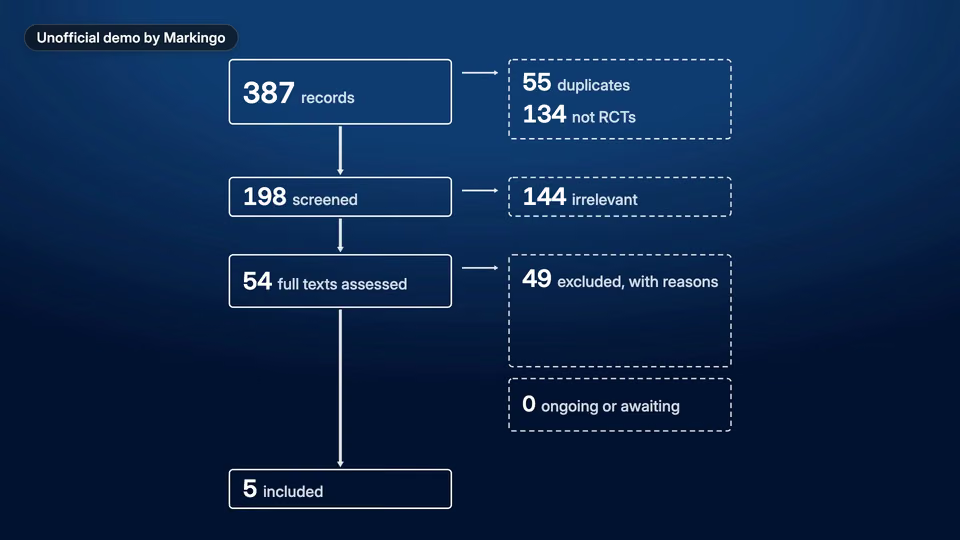
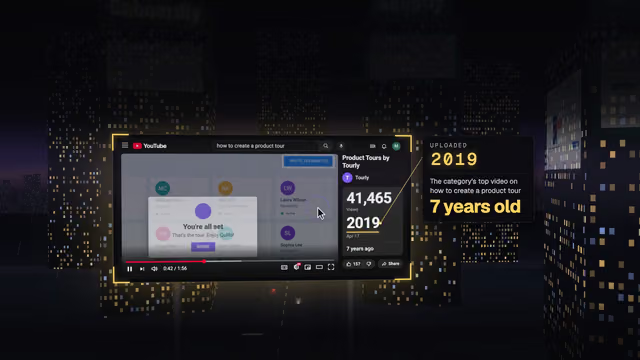
We read their 15 launch posts and pages, and looked through all 293 videos on their YouTube channel to see what they already make.[1]

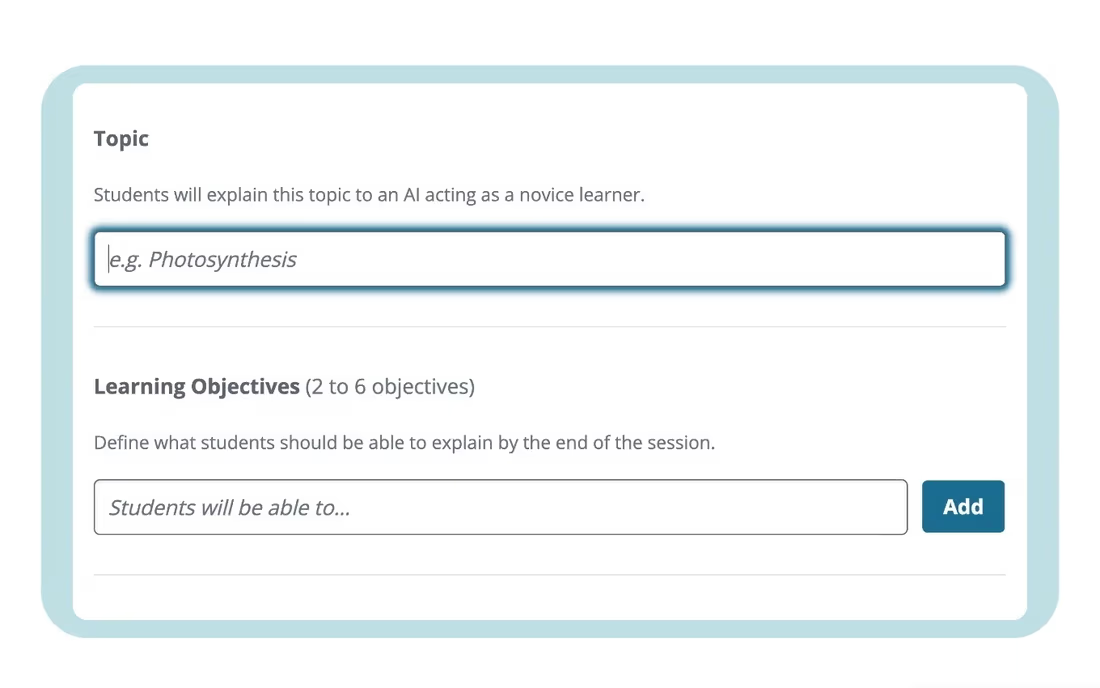
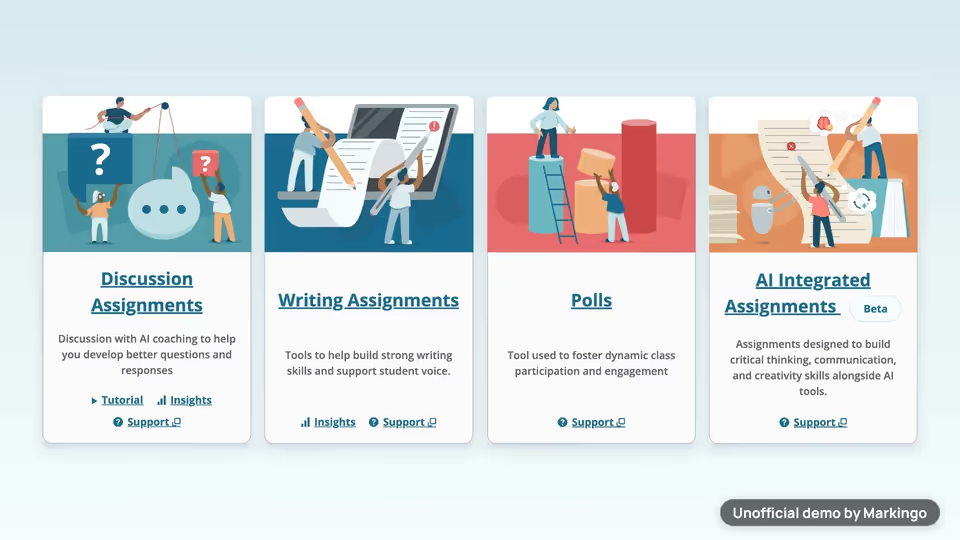
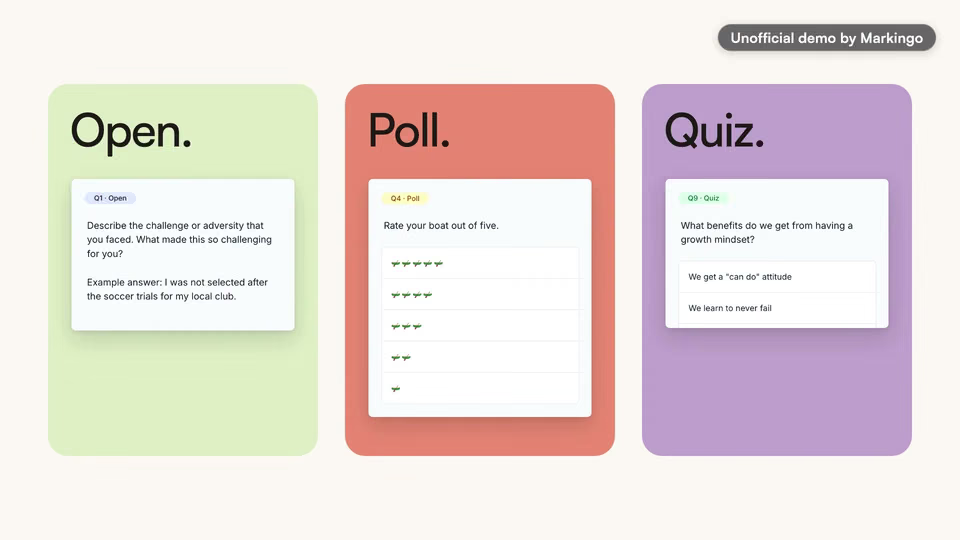
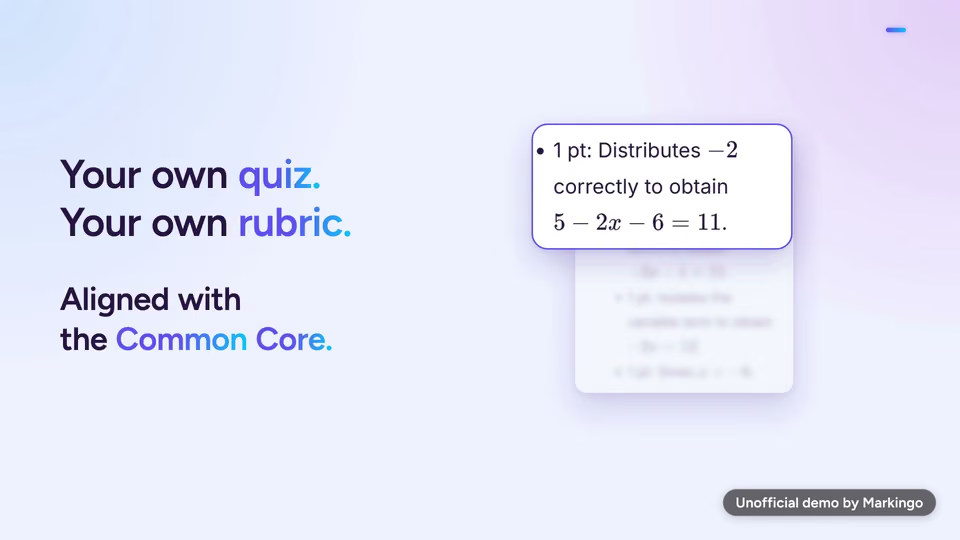
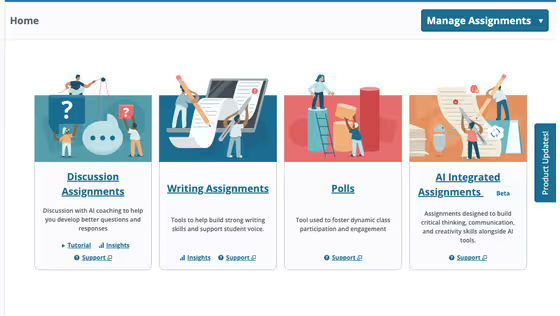
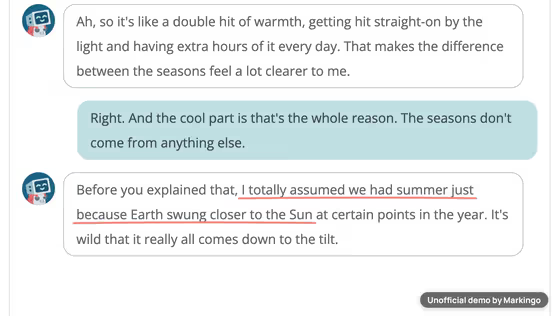
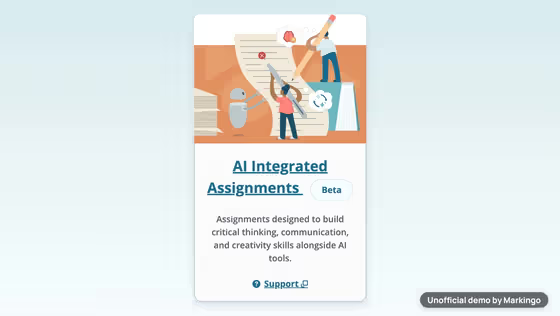
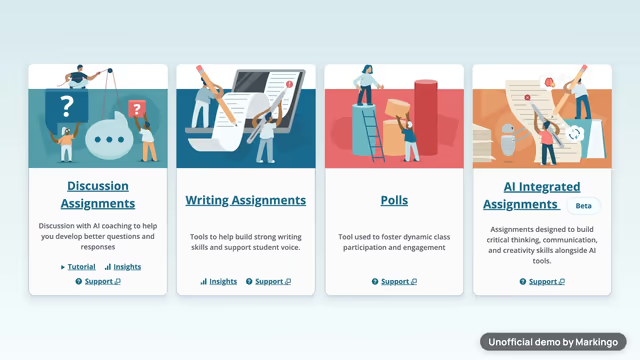
Packback is a learning platform for college and K-12 courses: online discussion and writing, each with feedback built in. Its newest assignment turns the tables: the student teaches a topic to a chat partner built into Packback, which asks questions like a curious learner, and the instructor sees what the student understood.[2,3]

Their channel goes back to Aug 29, 2018. We also read 19 pages of their site to see where they use video, and every piece published for the launch.[1]

“Make Student Thinking Visible”

The title of Packback's homepage (opens in a new tab).
One launch: 15 pieces, one six-minute video, then ours.[1]

Each ring is one piece they published for the launch; the long bar is their video.

  1. Aug 2018 to May 2026: 292 earlier videos
  2. LaunchReady-made templates for the new assignments[5]
  3. A help article on building the assignment[6]
  4. A post on making student thinking visible[7]
  5. A webinar recap on visible thinking[8]
  6. A post: meet the panic with pedagogy[9]
  7. An infographic of essential skills[10]
  8. A webinar recap with the first look[11]
  9. A field guide for faculty[12]
  10. A practitioner's guide to the new assignments[13]
  11. VideoProduct clip · 5:59 (opens in a new tab)
  12. LaunchThe assignments page and a one-pager[14]
  13. The launch: a press release and the CEO's post[3]
  14. A post on Instructure's blog, in Canvas[15]
  15. A webinar recap: a maturity model for faculty[16]
  16. A post on assignments where students still think[17]
  17. Their LinkedIn post sharing the Canvas piece[18]
0314 edtech films
For your film, we study your market

We watched 14 edtech films.

We found 27 films and watched 14 in full, the main short films of 13 companies, to see what edtech films show and leave out. In 9 of them a chat assistant writes the student's work. Our film starts there too, to show the problem.

in the film not in itWe watched all 14 in full.

All 10 things we looked for
9 of 14 films show a chat assistant writing the student's work; only ours shows the student teaching.
FilmLengthA chat assistant writes the workOpens on the logoPeople on cameraPromises saved timeTalks about cheatingTeacher sees the processA cartoon helperStudent puts it in their own wordsStudent teaches the chat partnerA wrong idea, corrected
A chat assistant's study mode film (opens in a new tab)[19]YesYesNoNoNoNoNoYesNoNo
A chat assistant's guided learning film (opens in a new tab)[20]YesNoYesNoNoNoYesNoNoNo
A chat assistant's education film (opens in a new tab)[21]YesNoNoNoNoNoNoNoNoNo
A teaching assistant film (opens in a new tab)[22]YesNoYesYesNoNoYesNoNoNo
A study app film (opens in a new tab)[23]YesYesNoNoNoNoNoNoNoNo
A course platform's assistant film (opens in a new tab)[24]YesYesYesYesNoNoNoNoNoNo
A writing integrity tool film (opens in a new tab)[25]YesYesNoYesYesYesNoNoNoNo
A writing assistant film for instructors (opens in a new tab)[26]NoNoYesNoYesYesNoNoNoNo
A writing assistant film for students (opens in a new tab)[27]NoYesYesNoYesYesNoNoNoNo
A writing feedback platform film (opens in a new tab)[28]YesYesYesYesYesYesNoNoNoNo
A peer feedback platform film (opens in a new tab)[29]NoNoYesNoNoNoNoNoNoNo
A writing feedback service film (opens in a new tab)[30]YesNoYesYesNoNoNoNoNoNo
A social annotation platform film (opens in a new tab)[31]NoYesNoNoNoNoNoNoNoNo
A peer review tool film (opens in a new tab)[32]NoYesNoNoNoNoNoNoNoNo
Films that do it9 of 148 of 148 of 145 of 144 of 144 of 142 of 141 of 140 of 140 of 14
Our filmYesNoNoYesNoYesNoYesYesYes

The 14 run from 0:34 to 2:58.

in the film not in it oursWe watched all 14 in full.

The 14 run from 0:34 to 2:58.

All 10 things we looked for

The student teaches. The learner asks.
A wrong idea on screen, then set straight.
04The story
For your film, we write the story in your brand

We picked one story.

We wrote six ideas: three films we could make, then three ways to tell the one we picked.

“So Packback swaps the roles.”

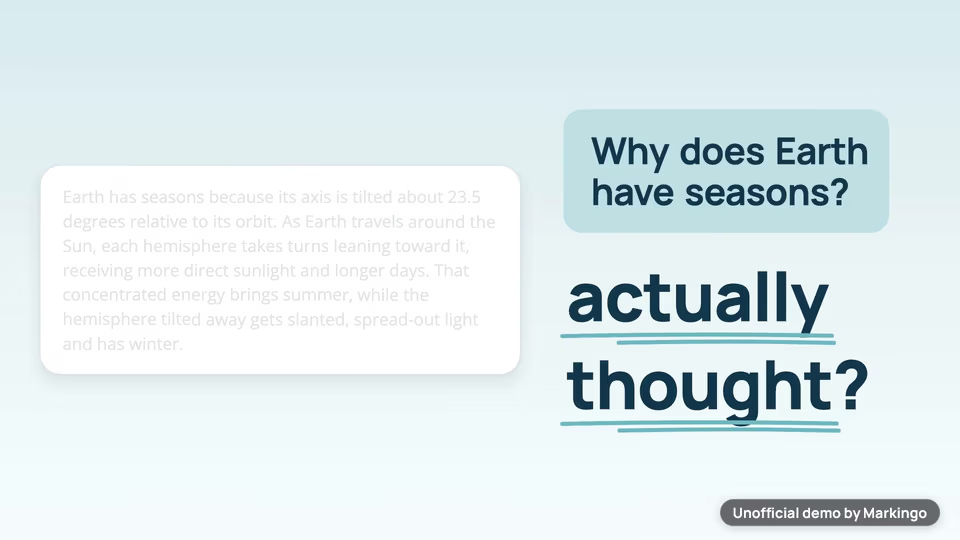
The film's third line, at : two chat bubbles trade sizes, and the student starts talking.

From their own line

“Students prove they understand a concept by teaching it”

Packback's homepage.[2]

We chose the launch film.

  1. AThe launch film for their homepageChosen

    Why we chose it: The launch was on their homepage and in a campaign of guides, and every step could be filmed.

  2. BA film of the whole platform

    Why not: Discussion and writing need real students posting.

  3. CA film for instructors who grade

    Why not: We liked the picture of an instructor grading thirty essays in one evening, but it mattered less to their buyers and was harder to film.

In six moments of the film, the student takes over the conversation from the chat partner.
  1. 1Asked

    A student's question, in the product's teal.

  2. 2Emptied

    The polished answer disappears until only a question mark is left.

  3. 3Swapped

    The bubbles trade sizes: the student talks.

  4. 4Opened

    The teal bubble opens on Packback's builder.

  5. 5Taught

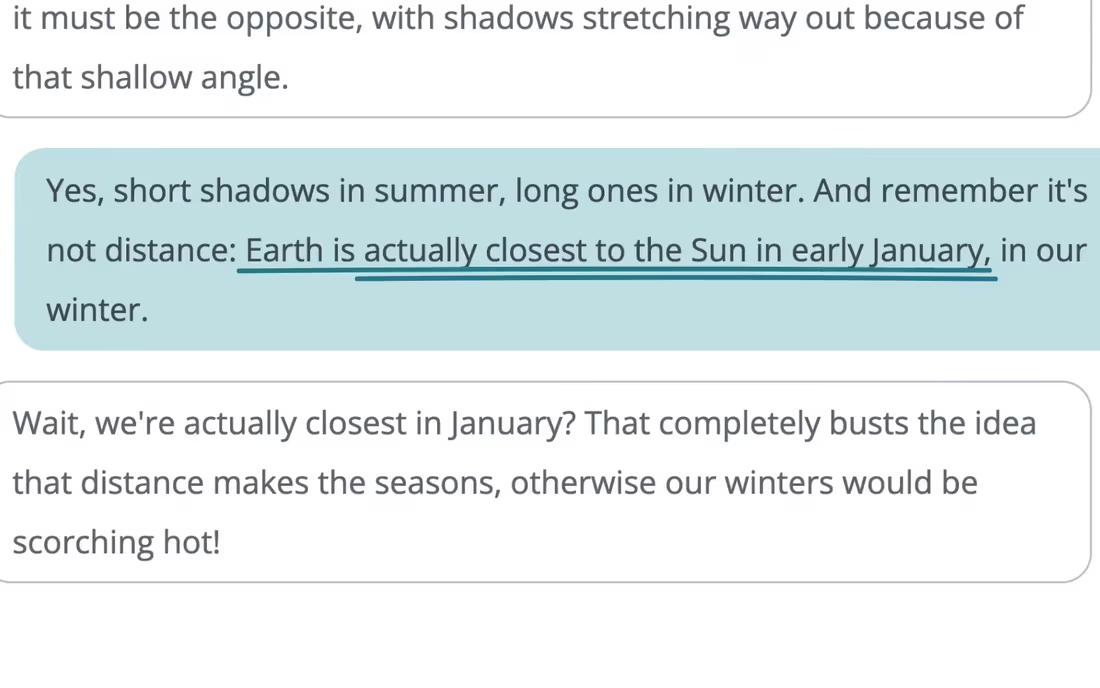
    The student sets a wrong idea straight.

  6. 6Mapped

    The conversation becomes the instructor's concept map.
05Screens, planned and filmed
For your film, we film every screen

We planned every screen, then filmed it.

We drew fourteen before filming, so we knew every screen of the assignment we had to film. Pick a moment to play it.

Changed from our plan: 5 of 6 momentsFilmed as planned: 1 momentThe rest of the film

The newest assignment·

Our storyboard·In its row, on the page

The finished film··Alone first, then in its row

PlannedThe new assignment card in its row on the Home page.

WhyTheir newest assignment, shown where an instructor finds it.

ChangedIn the film the card appears alone first, then moves into its row.

Every product screen is Packback's own: we filmed 177 shots in it, and 74 made the film.

06Motion and music
For your film, we animate it

We animated it and wrote its music.

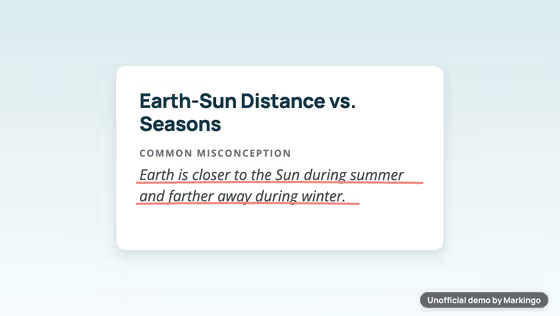
As the narrator says “maps”, four concept cards appear, and then one grows large. Our music for Packback's film runs underneath, from the first beat to the last chord.

Nine parts of music, each one changing with the story.

For your film, we write its music
Play the film from 0:00. A beat from the first second · 0:00 to 0:13 · A light beat plays from the very start, as the perfect answer floods in.Play the film from 0:13. Rising for the title · 0:13 to 0:14 · In the quiet before the assignment is named, the music grows louder and a short, soft sound brings the title on screen.Play the film from 0:14. Steady under the product · 0:14 to 0:34 · One steady level under the setup, the plan and the conversation.Play the film from 0:34. Bass and drum stop · 0:34 to 0:37 · The bass and drum stop while the student corrects the learner, and the rest of the music grows a little louder in the pause after.Play the film from 0:37. Back for the concept map · 0:37 to 0:54 · The bass returns as the narrator says “Then you get a concept map”.Play the film from 0:54. Out again · 0:54 to 0:58 · The bass stops again while the narrator names the platform.Play the film from 0:58. Back again · 0:58 to 1:02 · The bass and drum come back in full as the narrator says “trusted at over six hundred”.Play the film from 1:02. Softer · 1:02 to 1:05 · The music gets quieter so you hear the last line clearly.Play the film from 1:05. The ending · 1:05 to 1:08 · The music comes back to full, and its last chord fades out over the closing screen.
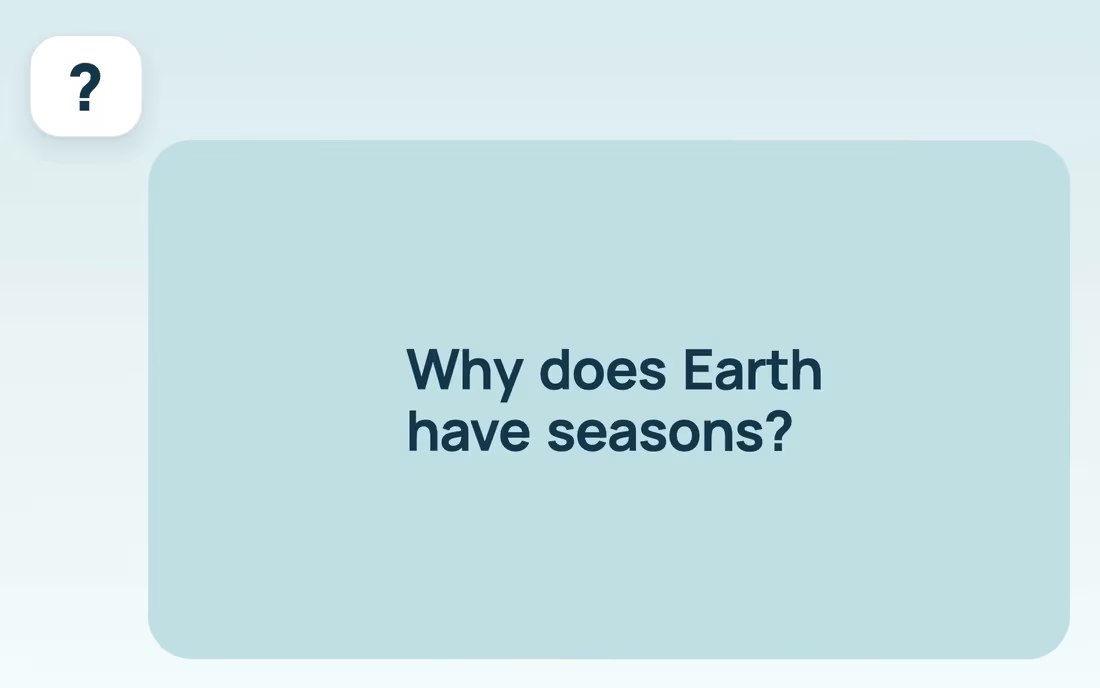
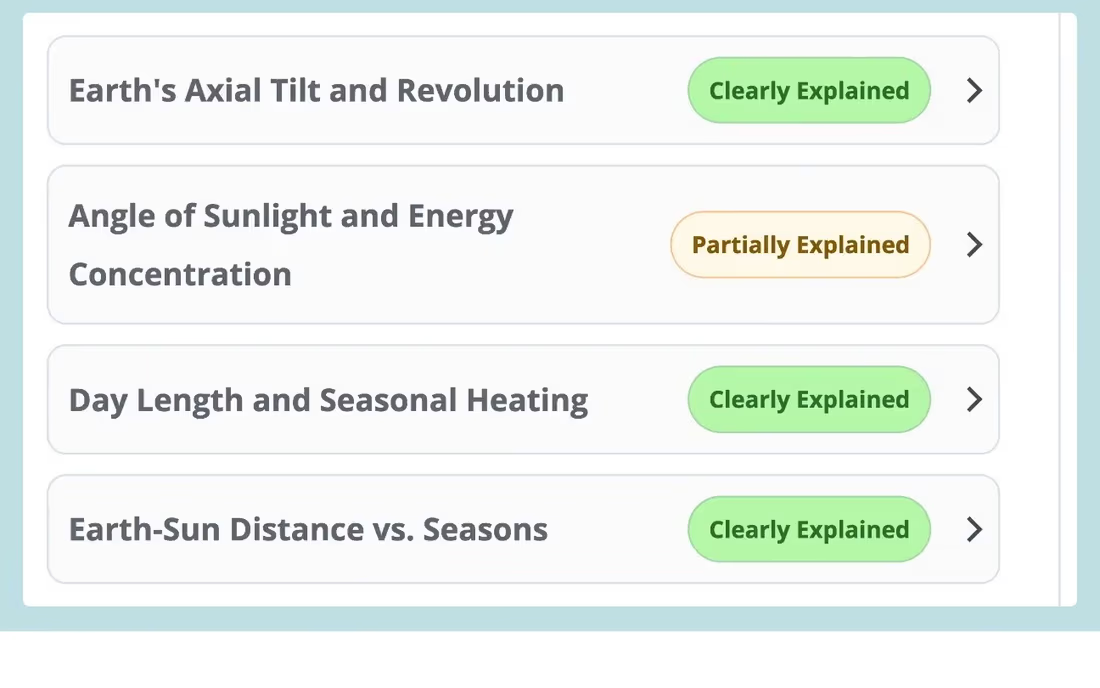
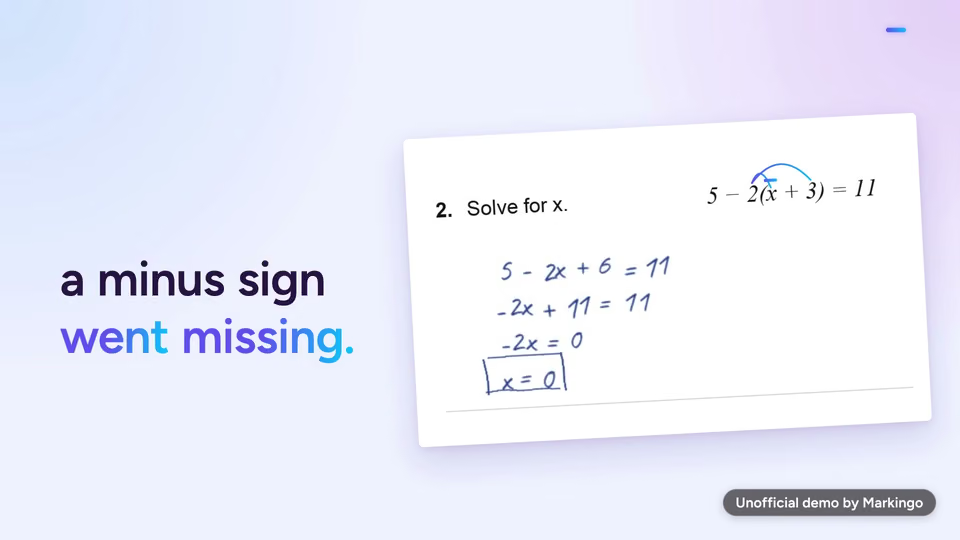
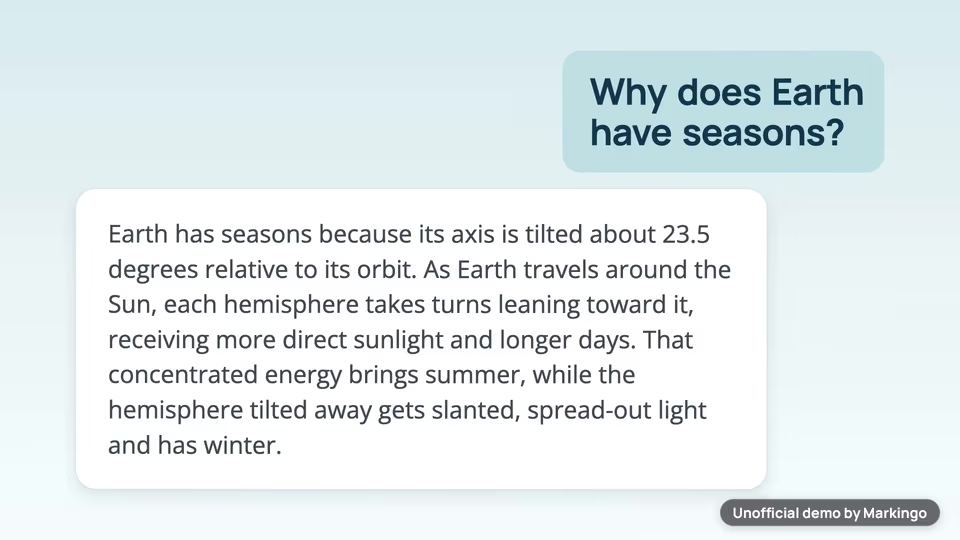
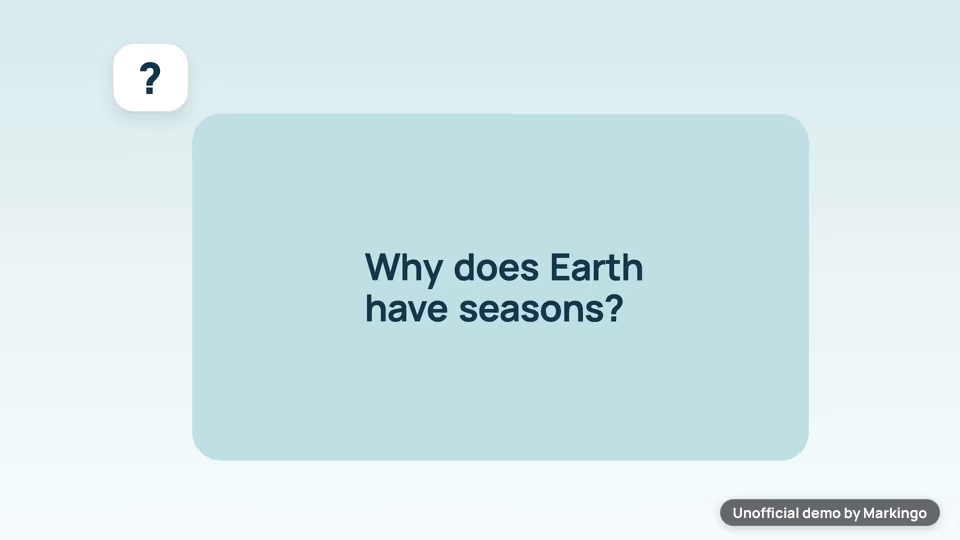
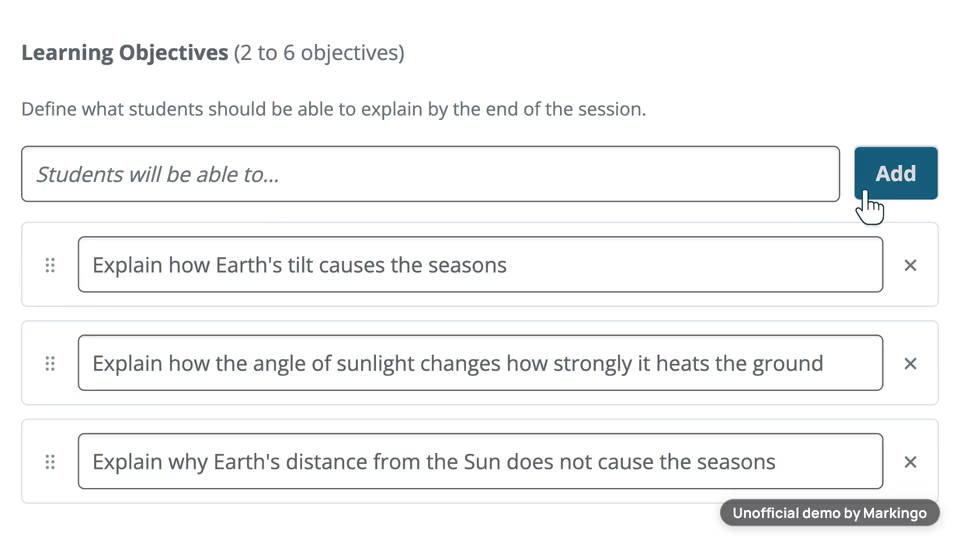
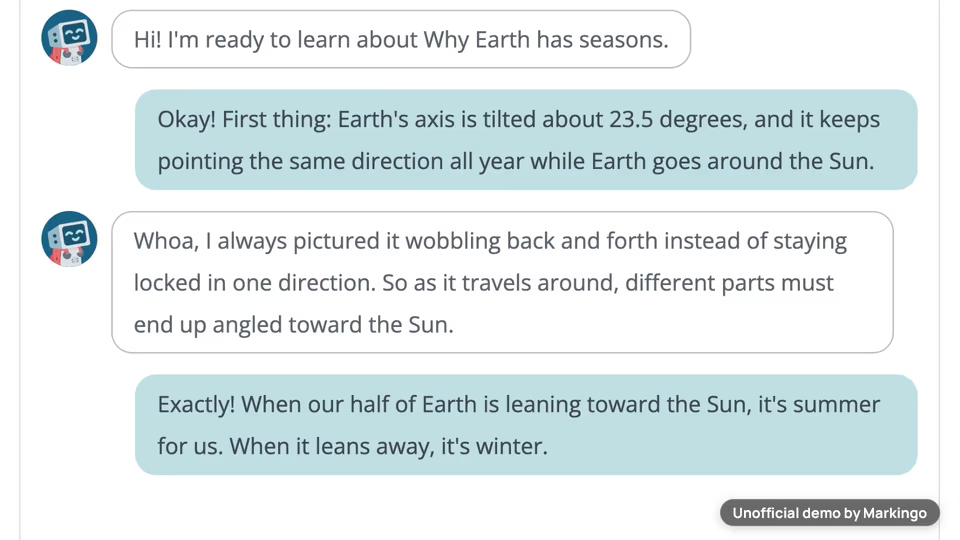
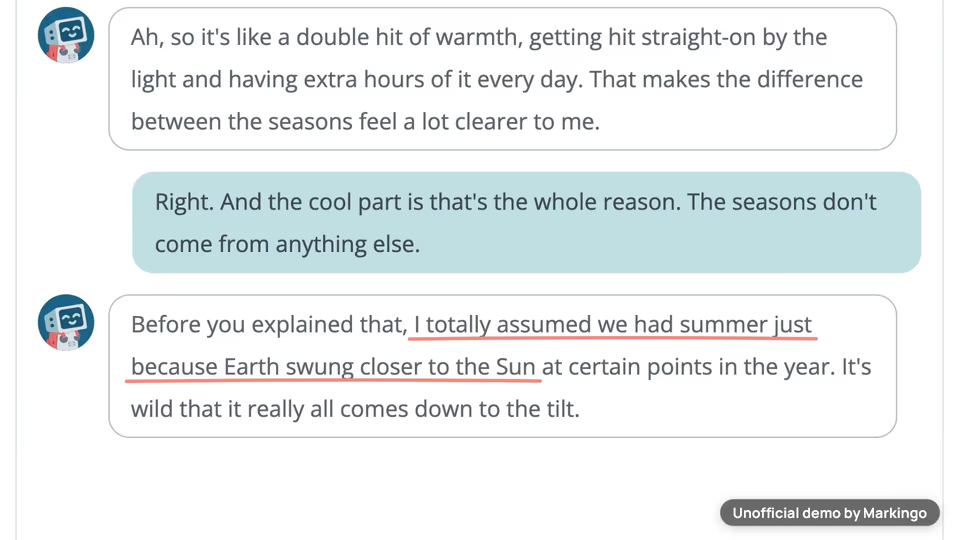
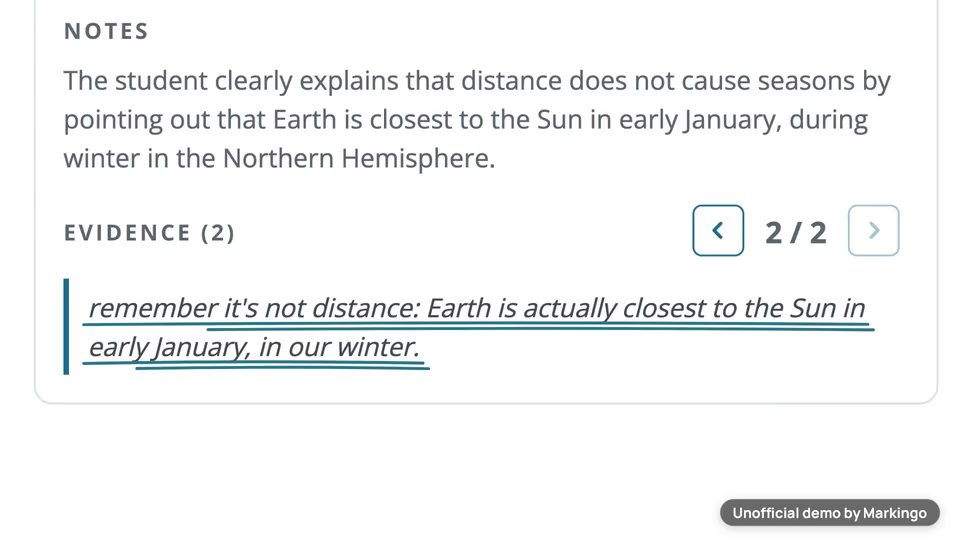
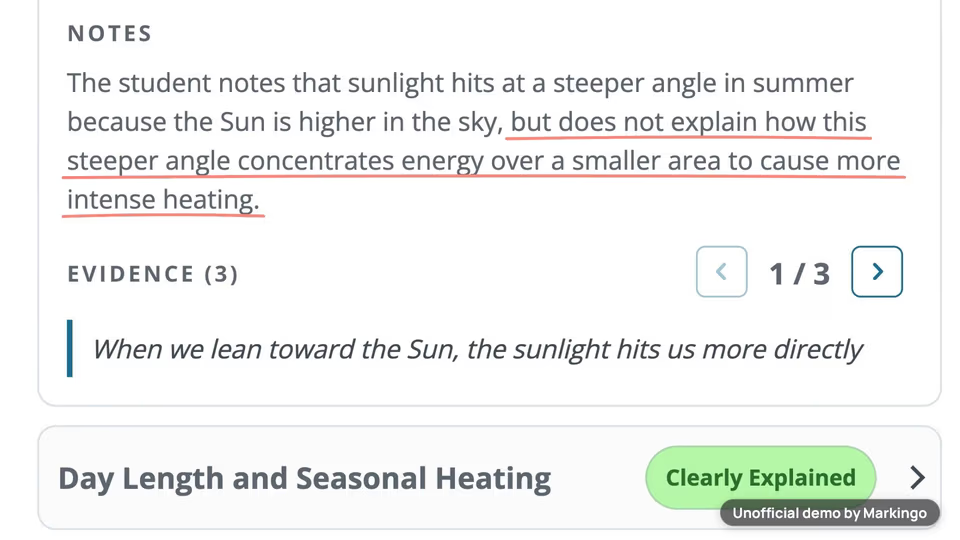
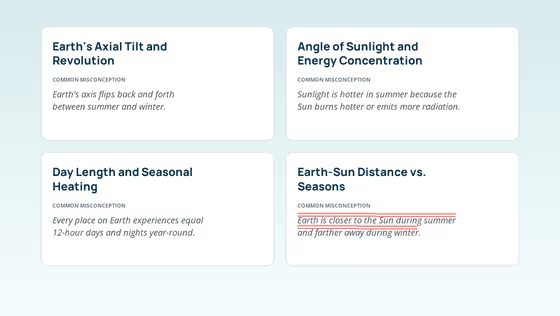
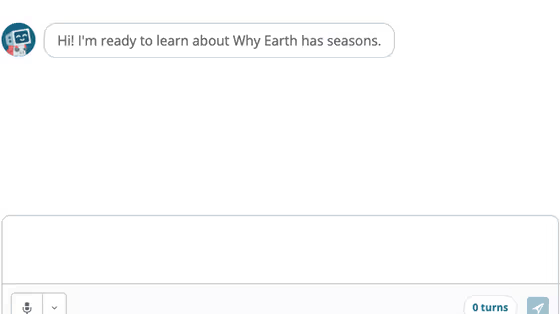
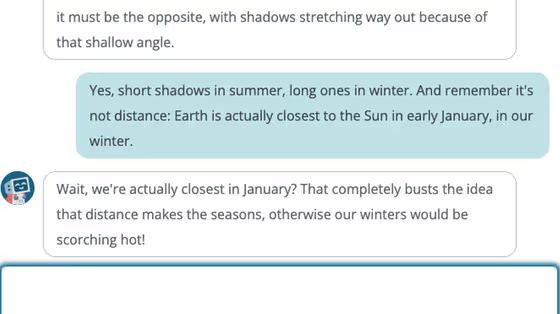
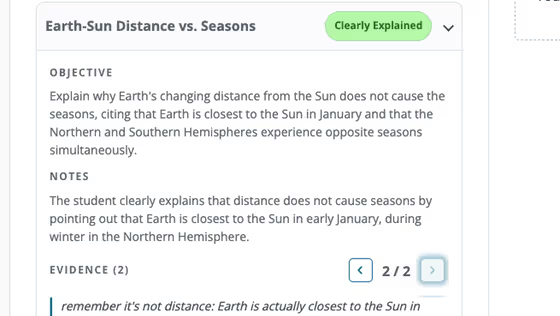
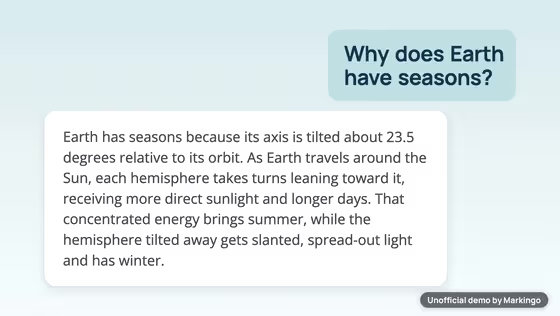
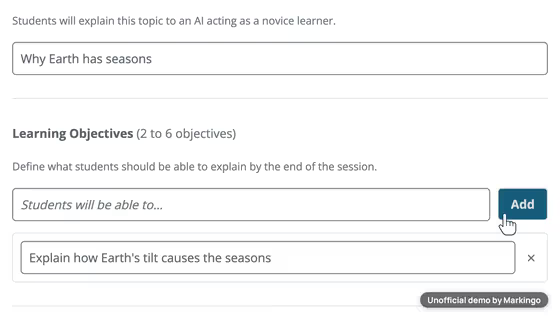
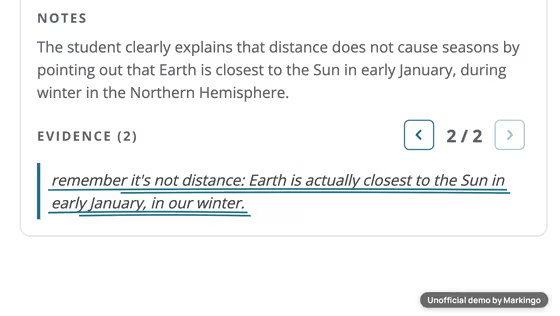
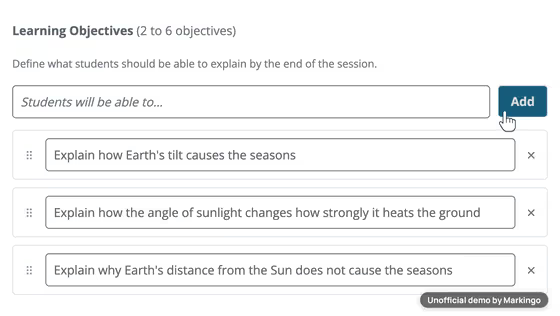
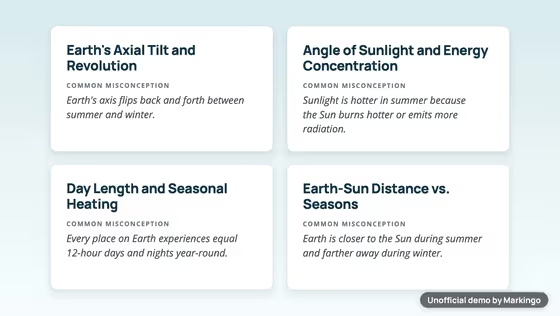
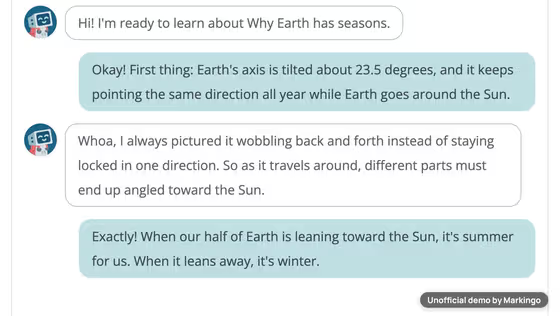
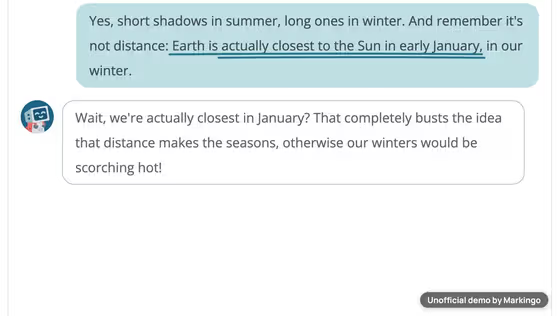
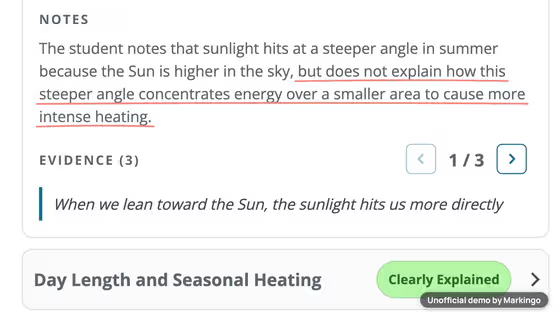
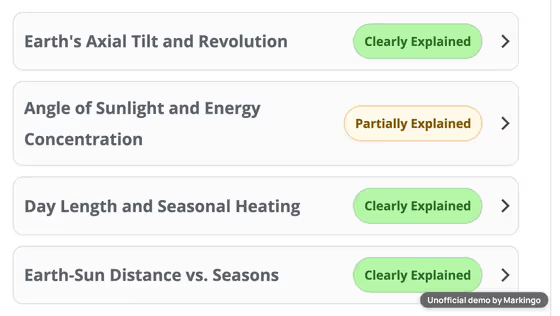
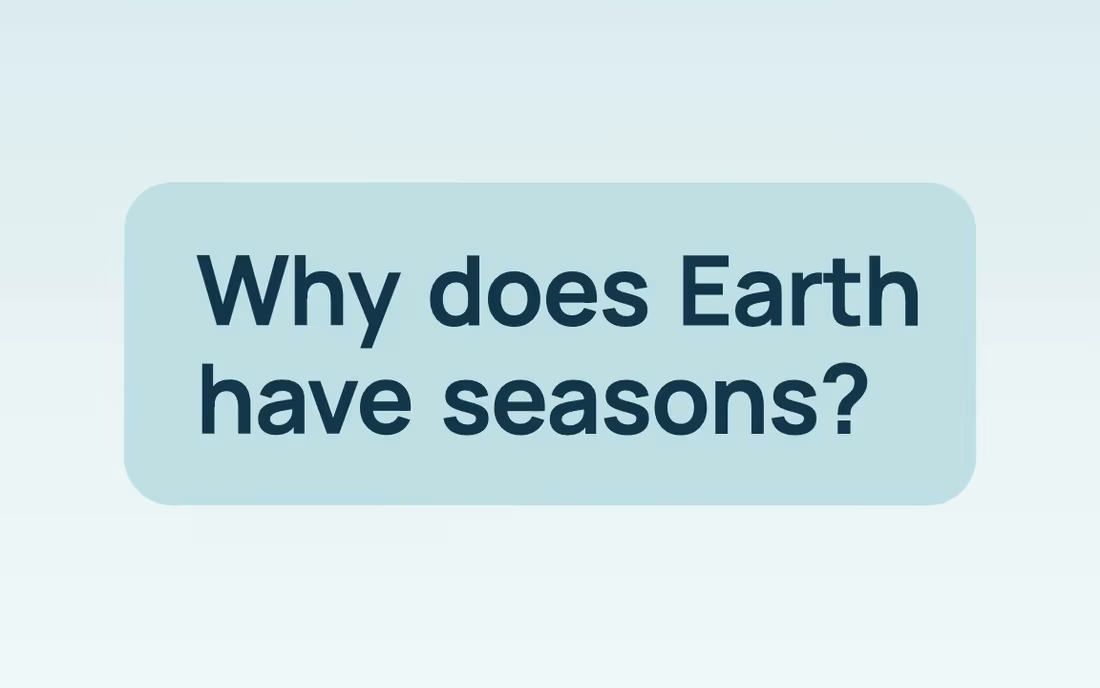
Play the film from 0:01: Ask an AI why Earth has seasons... and you'll get a perfect answer in seconds.Play the film from 0:06: But when every answer looks this polished, how do you know a student actually thought about it?Play the film from 0:11: So Packback swaps the roles.Play the film from 0:14: With Teach the AI, students teach... and the AI learns!Play the film from 0:19: You set the topic and what they should be able to explain, and Packback maps each concept, with its common misconceptions.Play the film from 0:26: Students plan first.Play the film from 0:28: Then they teach a curious AI learner.Play the film from 0:31: It asks how things work, and it brings up the wrong ideas, so students have to set it straight.Play the film from 0:37: Then you get a concept map of what they really understood.Play the film from 0:41: Every concept is tagged, with the evidence in their own words.Play the film from 0:45: So you see where the thinking is clear... and exactly where it still needs work.Play the film from 0:49: It speeds up your read, and the grade is still yours.Play the film from 0:53: It's the newest AI Integrated Assignment from Packback, the discussion and writing platform trusted at over six hundred higher ed and K-12 institutions.Play the film from 1:02: Make student thinking visible.
  1. A light beat plays from the very start, as the perfect answer floods in.

  2. In the quiet before the assignment is named, the music grows louder and a short, soft sound brings the title on screen.

  3. One steady level under the setup, the plan and the conversation.

  4. The bass and drum stop while the student corrects the learner, and the rest of the music grows a little louder in the pause after.

    “so students have to set it straight.”

  5. The bass returns as the narrator says “Then you get a concept map”.

  6. The bass stops again while the narrator names the platform.

  7. The bass and drum come back in full as the narrator says “trusted at over six hundred”.

  8. The music gets quieter so you hear the last line clearly.

  9. The music comes back to full, and its last chord fades out over the closing screen.

We made 9 parts of music and 2 sound effects to go with the 172 spoken words.

07What we learned

What we learned.

Three details that keep Packback's film easy to read, and one idea for yours.

Seen in the film·
Every word rests on its line.

Try this on yours

Put your product's idea in one picture a visitor understands with the sound off.

08Done for them
Our process, step by step

Every step, done for them.

It began with a real assignment we built in their product and ended after four rounds of review.

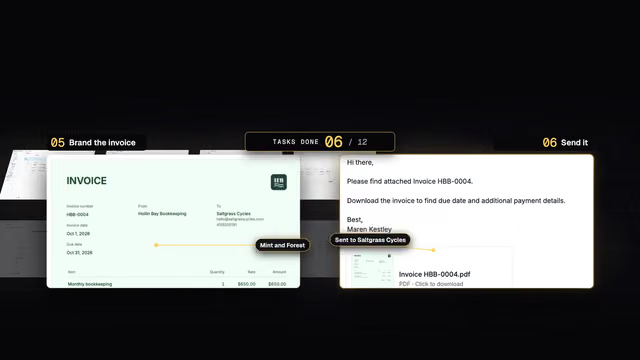
  1. Research and plan5 steps
    1. 01We started on Packback's newest launch.
    2. 02We built a real assignment in their product.
    3. 03We played the student and taught the topic, one reply at a time.
    4. 04We chose the story and wrote the script.
    5. 05We drew 14 storyboards.
  2. Filmed, voiced, animated5 steps
    1. 06We wrote the narration first: 172 words, three planned pauses.
    2. 07We wrote music for the film.
    3. 08We filmed the live product.
    4. 09We designed every scene in their colors and fonts.
    5. 10We animated it in five drafts.
  3. Reviewed and finished2 steps
    1. 11We reviewed the film four times.
    2. 12We finished the film: 68 seconds.

Our part

The twelve steps above.

Packback's part

Your part

Tell us your website.

Your turn

Your first film is on us.

You pay nothing, and it's ready in 48 hours.

Every step on this page, done for your product. Tell us what to change, as often as you like.

  • 48hYour film in under 48 hours
  • Every stepOn this page, included
  • YoursTo keep, even if you don't like it
11Words and sources

The film's own words.

Everything you hear in the film, word for word, with the time it is said. Choose a line to play from there.

The work behind this film

sources read
54
rival films watched
14
ideas written
6
storyboards drawn
14

Every word the narrator says, in order.

  1. Narrator

Show all 14 lines

54 sources read for this film

The sources this page cites come first, numbered as you meet them; then every other source we read. All links accessed November 11, 2026.

Their own pages and posts 35

  1. 2Packback's homepage (opens in a new tab) Packback · their siteBack to the text
  2. 3Packback's launch press release (Oct 22, 2026) (opens in a new tab) Packback via PR Newswire · press releaseBack to the text
  3. 5Their post with assignment templates (Aug 6, 2026) (opens in a new tab) Packback · blog postBack to the text
  4. 6Packback's help article on building and grading the new assignment (opens in a new tab) Packback help center · company docsBack to the text
  5. 7Their post on visible, gradeable thinking (Aug 19, 2026) (opens in a new tab) Packback · blog postBack to the text
  6. 8Their webinar recap on visible thinking (Sep 1, 2026) (opens in a new tab) Packback · webinar recapBack to the text
  7. 9Their post on meeting the panic with pedagogy (Sep 17, 2026) (opens in a new tab) Packback · blog postBack to the text
  8. 10Their infographic on literacy skills (Sep 22, 2026) (opens in a new tab) Packback · infographicBack to the text
  9. 11Their webinar recap with the first look (Oct 5, 2026) (opens in a new tab) Packback · webinar recapBack to the text
  10. 12Their field guide for faculty (Oct 7, 2026) (opens in a new tab) Packback · ebookBack to the text
  11. 13Their Practitioner's Guide (Oct 15, 2026) (opens in a new tab) Packback · guideBack to the text
  12. 14Packback's page for the new assignments (opens in a new tab) Packback · their siteBack to the text
  13. 16Their webinar recap for academic leaders (Oct 27, 2026) (opens in a new tab) Packback · webinar recapBack to the text
  14. 17Their post on designing assignments (Nov 2, 2026) (opens in a new tab) Packback · blog postBack to the text
  15. 18Packback's LinkedIn post (Nov 3, 2026) (opens in a new tab) Packback on LinkedIn · company postBack to the text
  16. 33Packback's launch post (Oct 22, 2026) (opens in a new tab) Packback · blog post
  17. 34Packback's one-pager on the new assignment (opens in a new tab) Packback · one-pager
  18. 37Events | Packback (opens in a new tab) Packback · their site
  19. 38Packback: Pedagogy (opens in a new tab) Packback · their site
  20. 39Packback: LTI integration (opens in a new tab) Packback · their site
  21. 40Packback: Platform (opens in a new tab) Packback · their site
  22. 41Packback: Solutions (opens in a new tab) Packback · their site
  23. 42Packback: About (opens in a new tab) Packback · their site
  24. 43Packback: FAQ (opens in a new tab) Packback · their site
  25. 44Packback: Higher education solutions (opens in a new tab) Packback · their site
  26. 45Packback: Faculty solutions (opens in a new tab) Packback · their site
  27. 46Packback: K-12 solutions (opens in a new tab) Packback · their site
  28. 47Packback: ROI (opens in a new tab) Packback · their site
  29. 48Packback: Case studies (opens in a new tab) Packback · their site
  30. 49Packback: Discussions (opens in a new tab) Packback · their site
  31. 50Packback: Writing (opens in a new tab) Packback · their site
  32. 51Packback: Writing Lab (opens in a new tab) Packback · their site
  33. 52Packback: Engagement insights (opens in a new tab) Packback · their site
  34. 53Packback: Release notes (opens in a new tab) Packback · their site
  35. 54Packback's efficacy research page (opens in a new tab) Packback · their site

Other films we studied, press and reviews 15

  1. 15Instructure's post on the new assignments in Canvas (Oct 23, 2026) (opens in a new tab) Instructure · partner articleBack to the text
  2. 19A chat assistant's study mode film, Jul 29, 2025 (1:04) (opens in a new tab) an edtech filmBack to the text
  3. 20A chat assistant's guided learning film, Oct 27, 2025 (2:48) (opens in a new tab) an edtech filmBack to the text
  4. 21A chat assistant's education film, Apr 7, 2025 (0:34) (opens in a new tab) an edtech filmBack to the text
  5. 22A teaching assistant film for teachers, May 21, 2024 (2:07) (opens in a new tab) an edtech filmBack to the text
  6. 23A study app film, Aug 8, 2023 (1:19) (opens in a new tab) an edtech filmBack to the text
  7. 24A course platform's assistant film, Feb 6, 2024 (1:13) (opens in a new tab) an edtech filmBack to the text
  8. 25A writing integrity tool film, Apr 7, 2025 (1:36) (opens in a new tab) an edtech filmBack to the text
  9. 26A writing assistant film for instructors, Mar 26, 2025 (1:13) (opens in a new tab) an edtech filmBack to the text
  10. 27A writing assistant film for students, Aug 18, 2026 (1:10) (opens in a new tab) an edtech filmBack to the text
  11. 28A writing feedback platform film, Feb 28, 2024 (1:34) (opens in a new tab) an edtech filmBack to the text
  12. 29A peer feedback platform film, Nov 3, 2020 (1:47) (opens in a new tab) an edtech filmBack to the text
  13. 30A writing feedback service film, Feb 29, 2024 (2:03) (opens in a new tab) an edtech filmBack to the text
  14. 31A social annotation platform film, Sep 12, 2024 (1:52) (opens in a new tab) an edtech filmBack to the text
  15. 32A peer review tool film, Jan 28, 2022 (2:58) (opens in a new tab) an edtech filmBack to the text