Skip to the page
Your first film, on usin 48 hours

How we made Canny's product reel.

A 54-second vertical video of Canny, customer feedback software, made from its live product as an example of our work. It shows Canny turning a chatty email into one plain request; here is how we made it.

Customer feedbackProduct reel · 0:54 · Vertical · Unofficial demo0:54 · Unofficial demoAlsoThe film · 1:14
AlsoThe film · 1:14

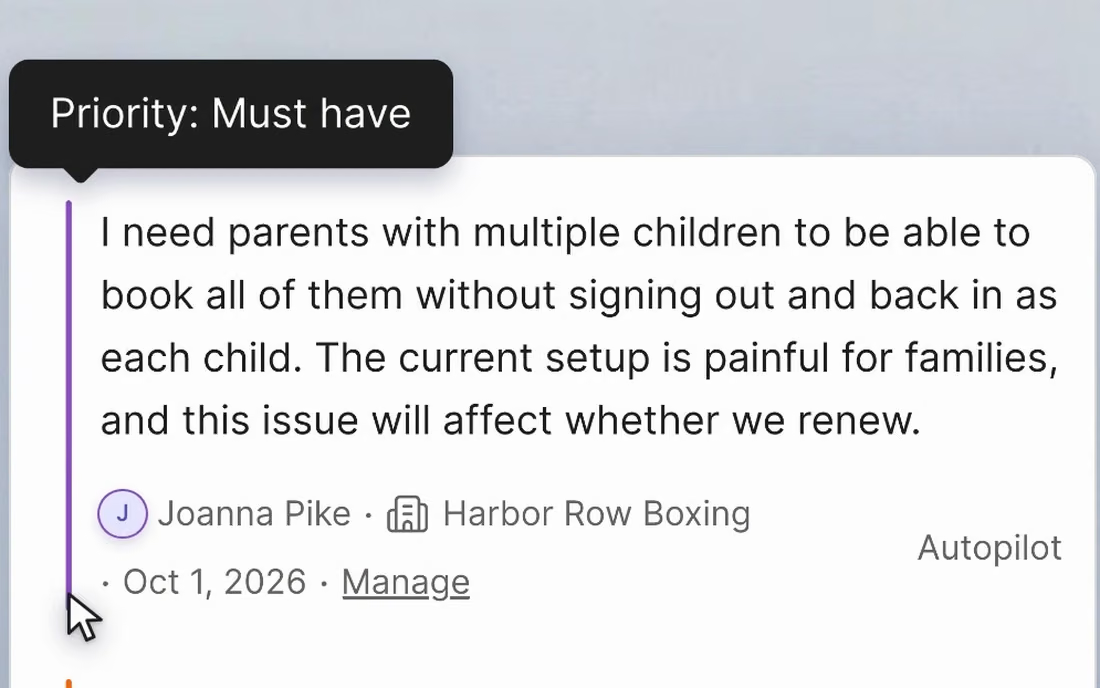
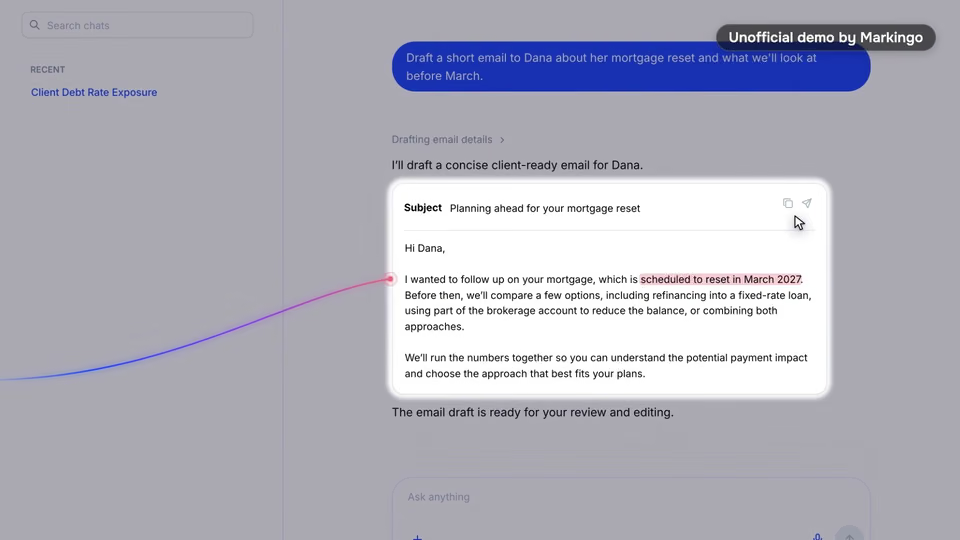
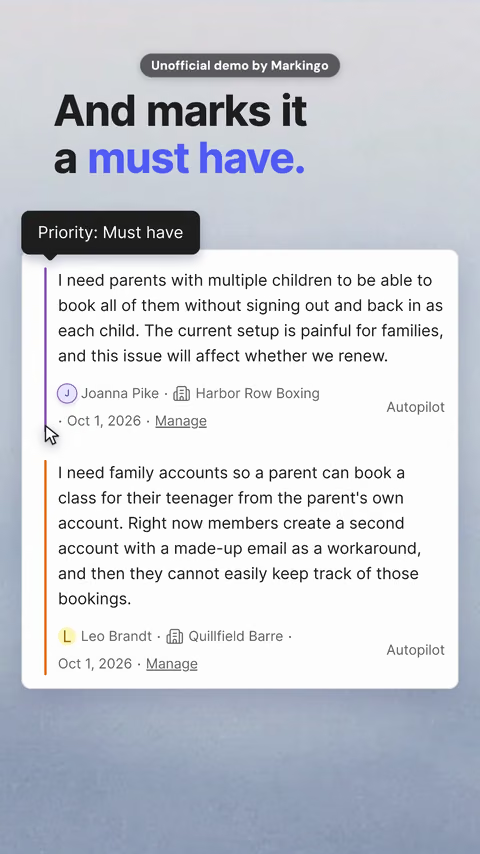
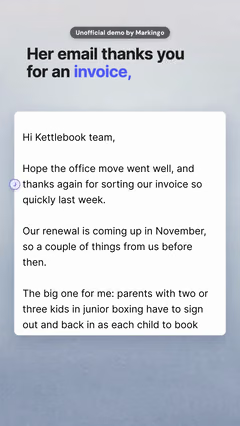
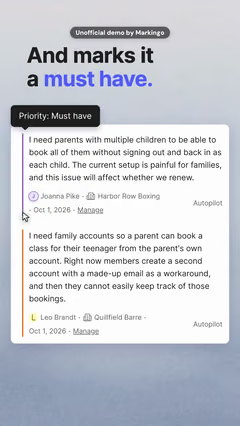
Canny Autopilot reads what customers send and files their requests.[1] Our reel follows one customer's chatty email until Canny files it as a must have, though she never wrote those words.

Canny's part
Press play.
02Why this reel
For your reel, we check how people find you

We showed what their Shorts only talk about.

We went back to their 233 videos, 31 of them Shorts, and to the 21 rival films we found for our Canny film.[2]

  1. 01 Missing from the category

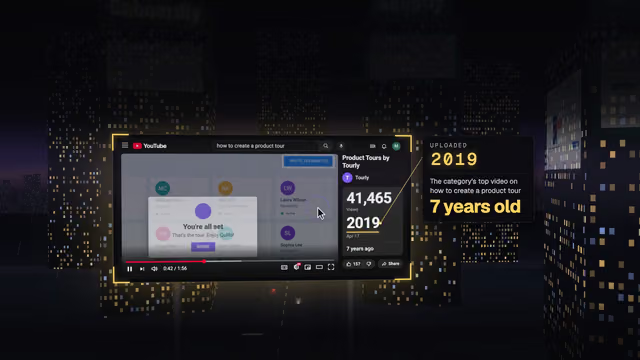
    Rival tools' short videos lead with a presenter, and ours is the only one we found that shows a customer's words being read in the product.[3,4]

  2. 02 A teammate talks in their Shorts

    In their Shorts, a teammate talks into the camera. One tells what Autopilot does with sales calls; ours shows it working.[5,6]

  3. 03 Their own promise

    Their Autopilot page promises repeat requests merged into true demand. Ours shows one merge, start to end.[1,7]

03The story
For your reel, we write the story in your brand

We built it on one claim Canny proves.

Out of ten ideas, we kept the one where Canny proves the reel's first line.

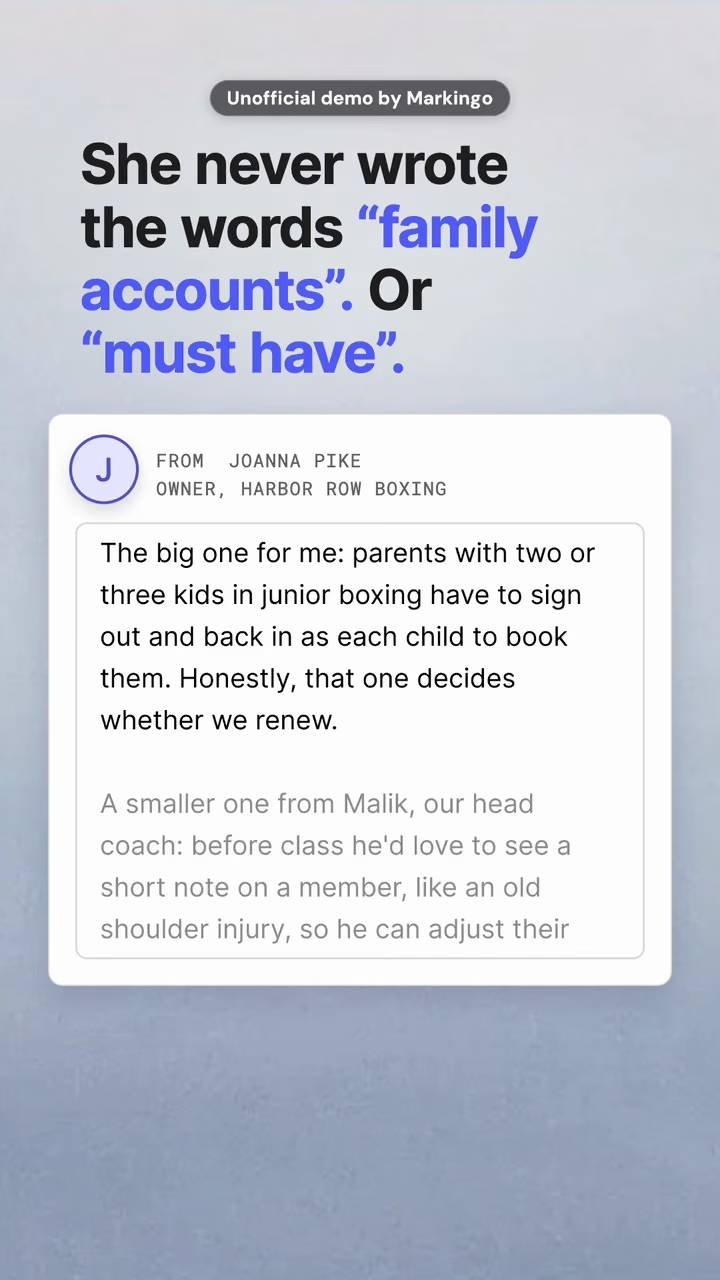
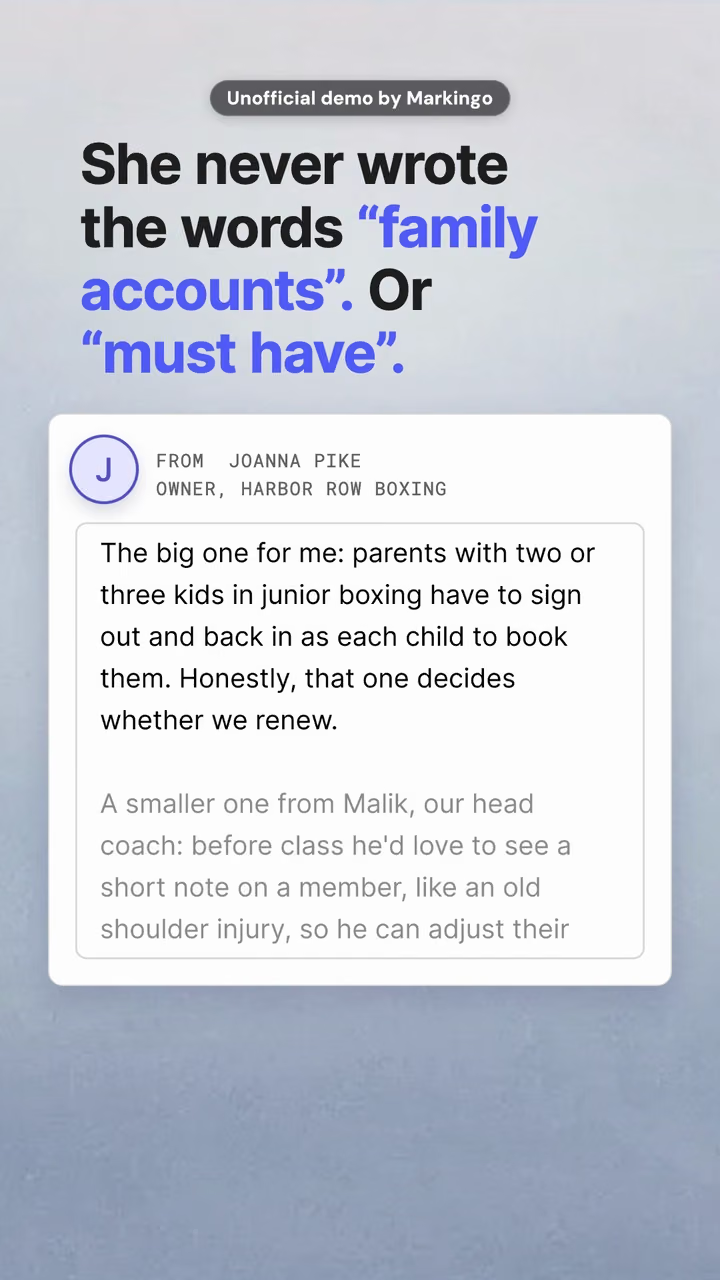
“She never wrote the words family accounts. Or must have.”

The reel's first line, and its cover.

We chose “She never wrote it”.

  1. She never wrote itChosen

    Why we chose it: Canny does the clever part twice, on screen: the match, then the must have.[7]

  2. The big one, the smaller one

    Why not: On its own, only half the story. The reel we chose still shows the smaller request, marked nice to have.

  3. Already asked

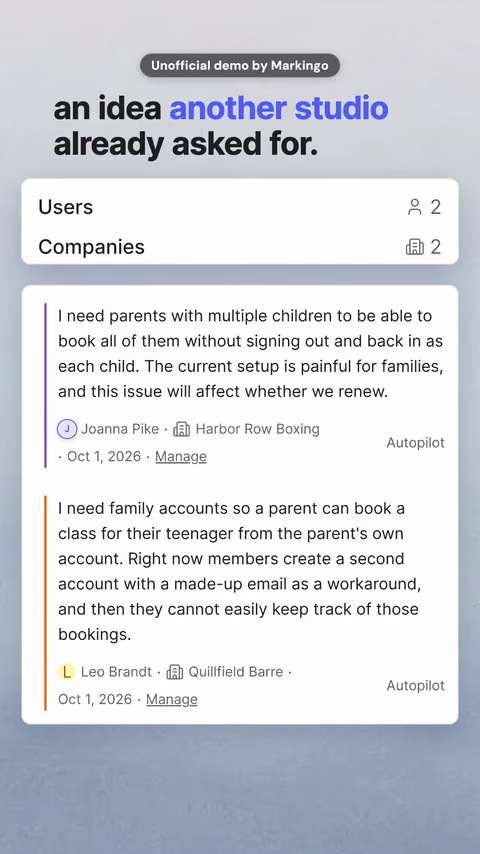
    Why not: It showed only Canny matching her request to an earlier one. The reel we chose keeps that match as its twist.

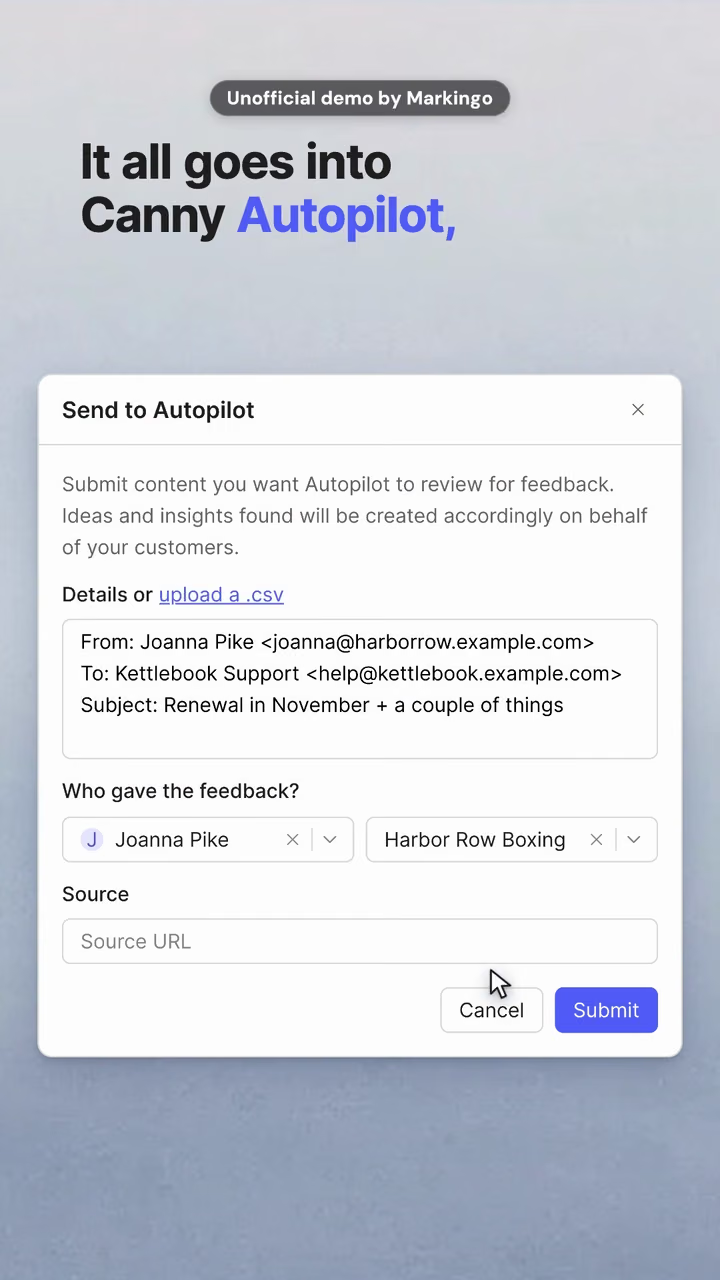
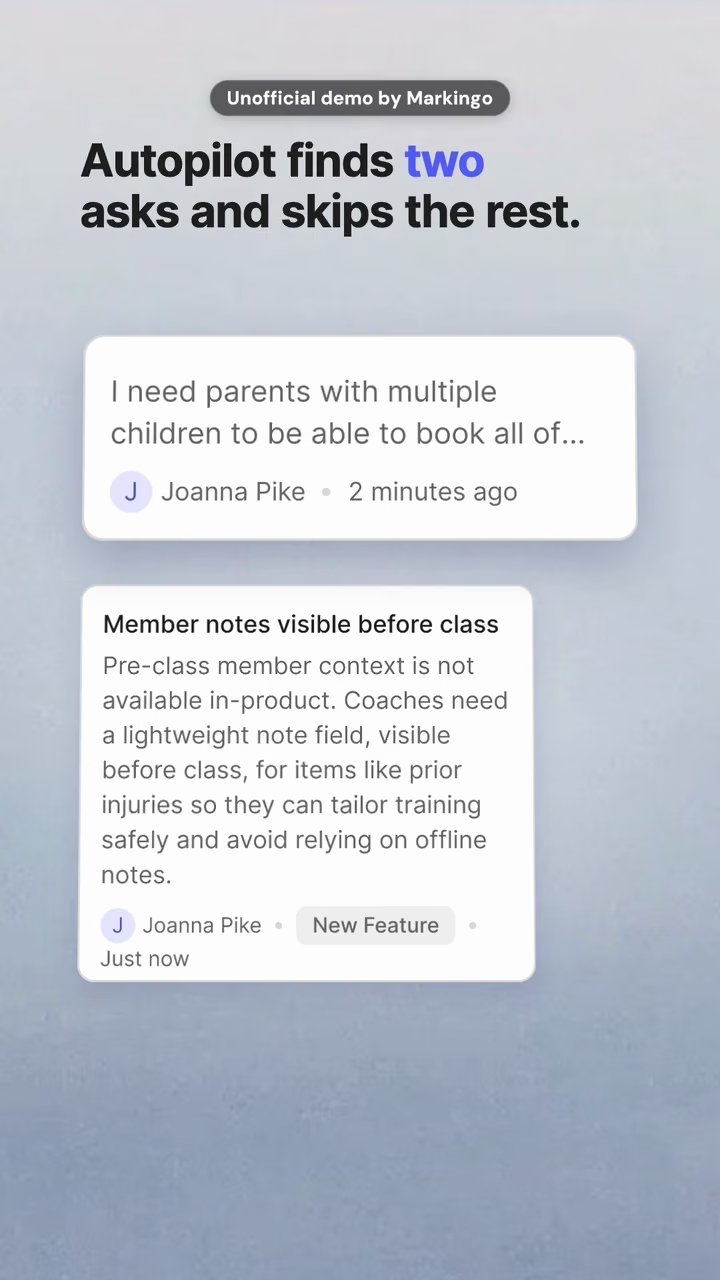
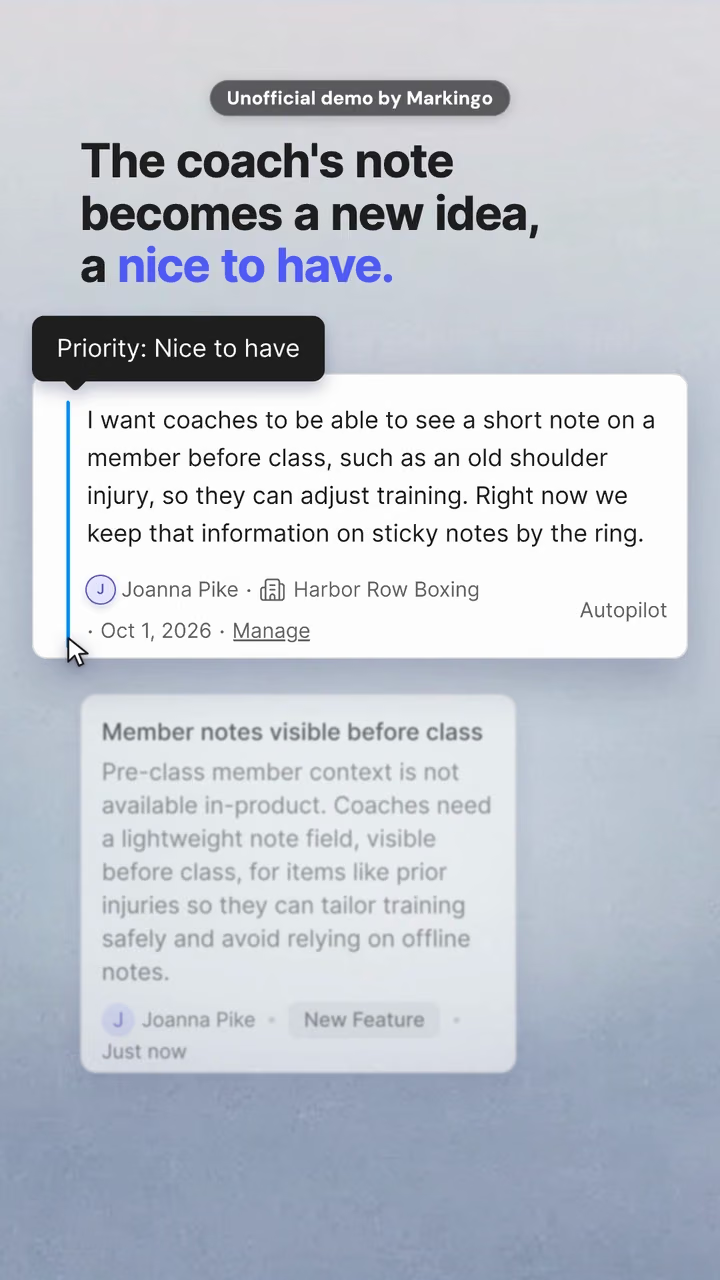
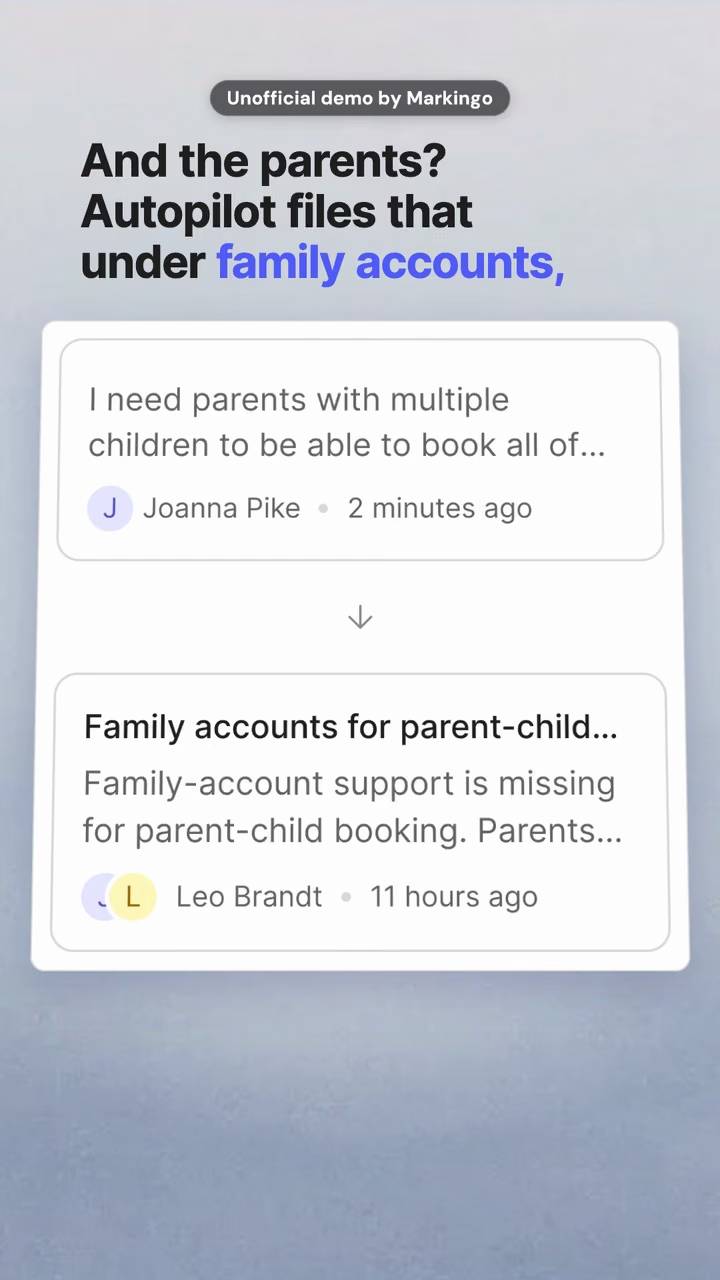
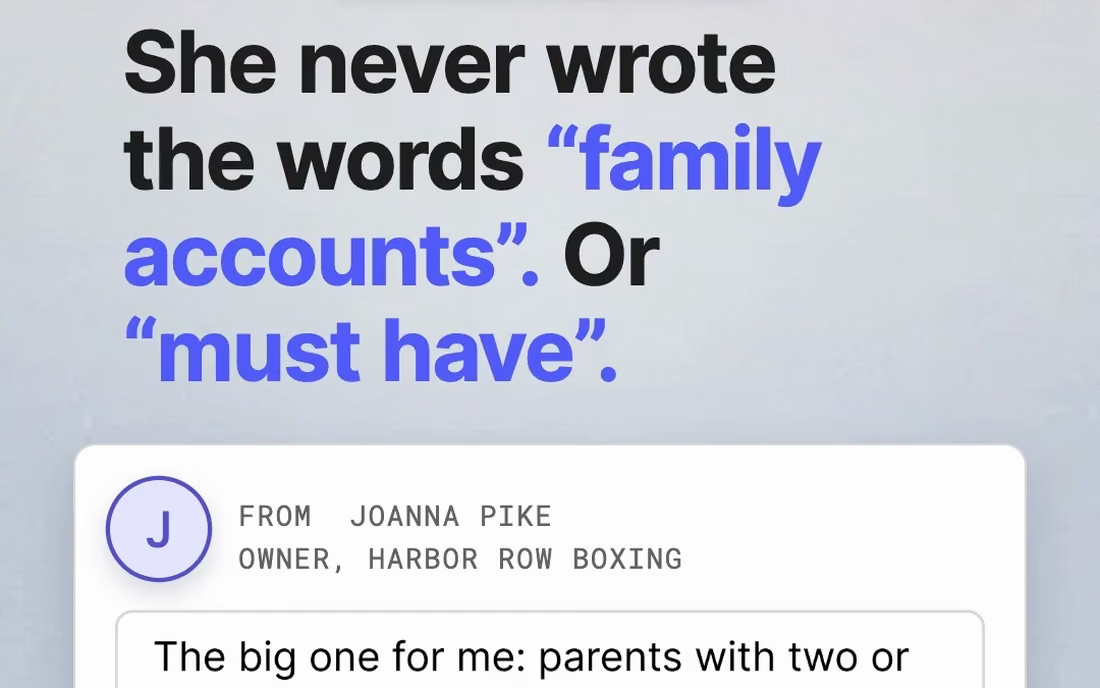
What Autopilot did with her email, step by step.
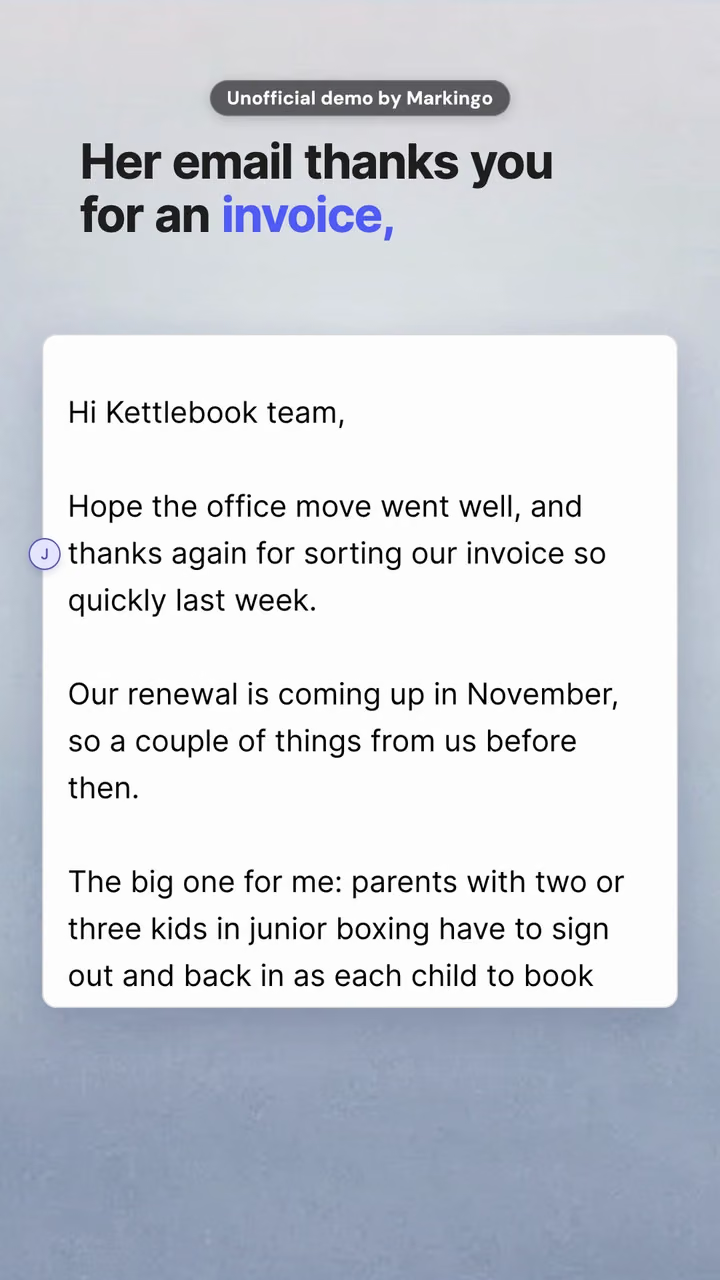
  1. 1Written

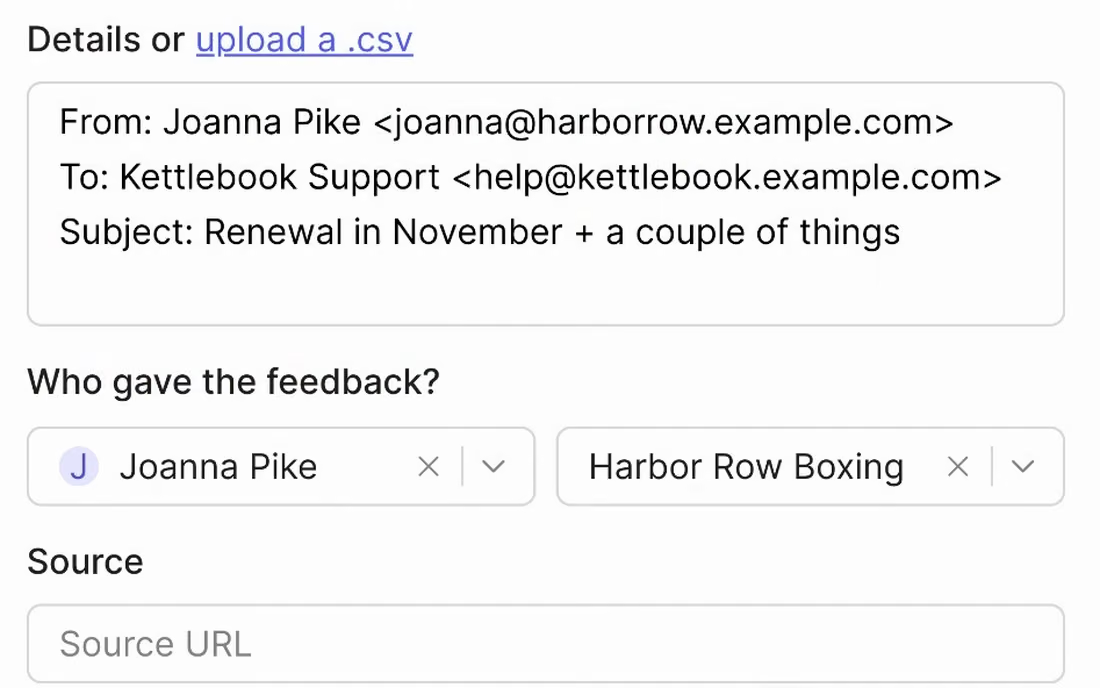
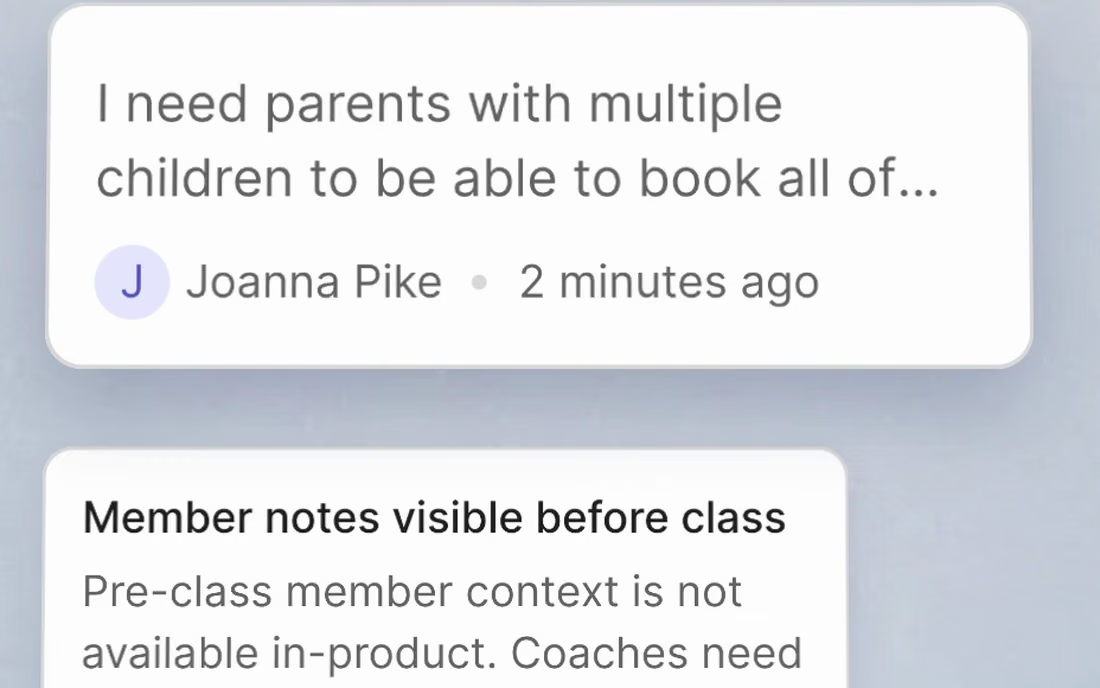
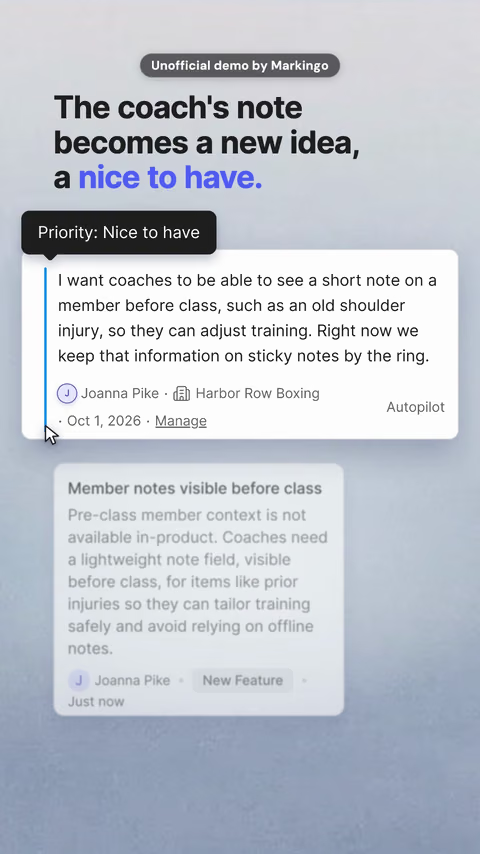
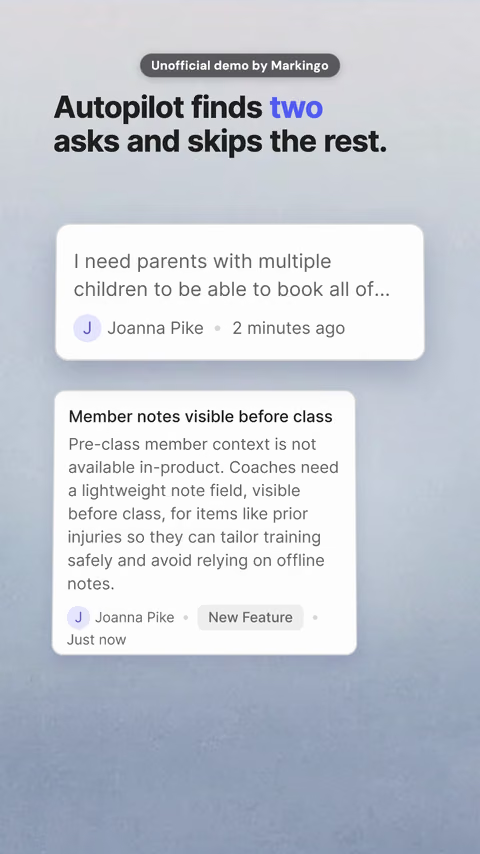
    Two requests, in a chatty email.

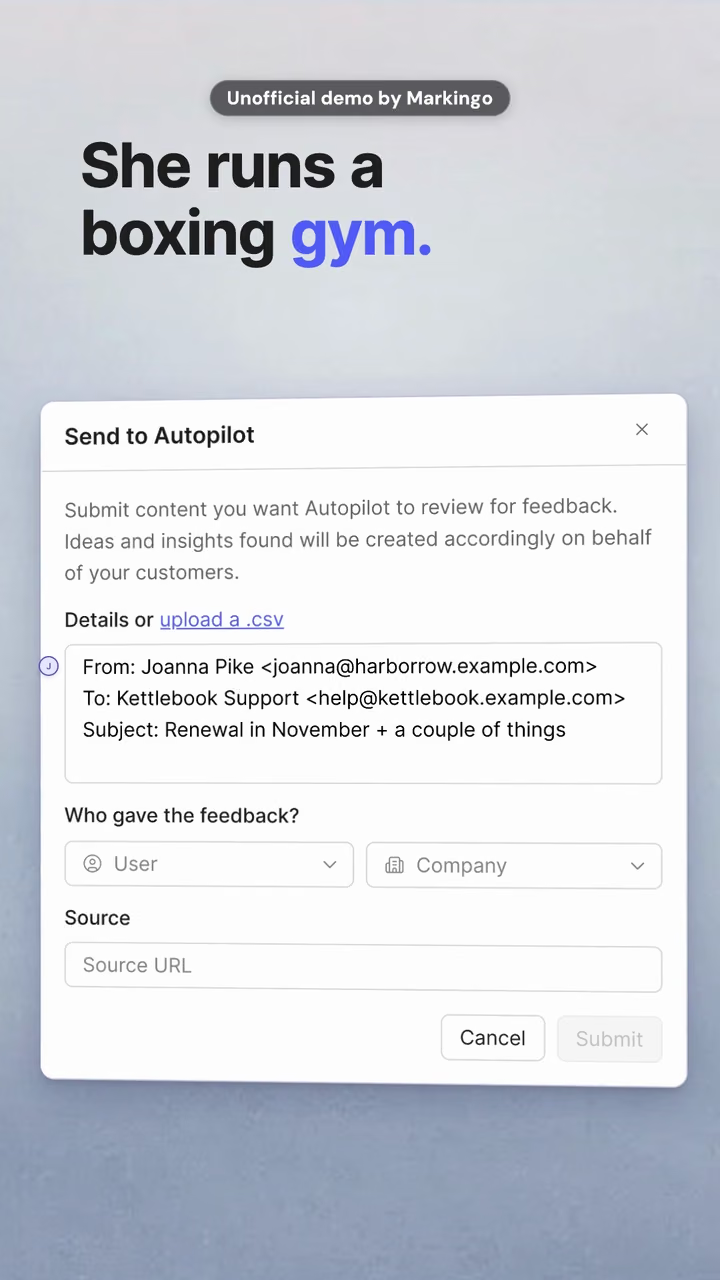
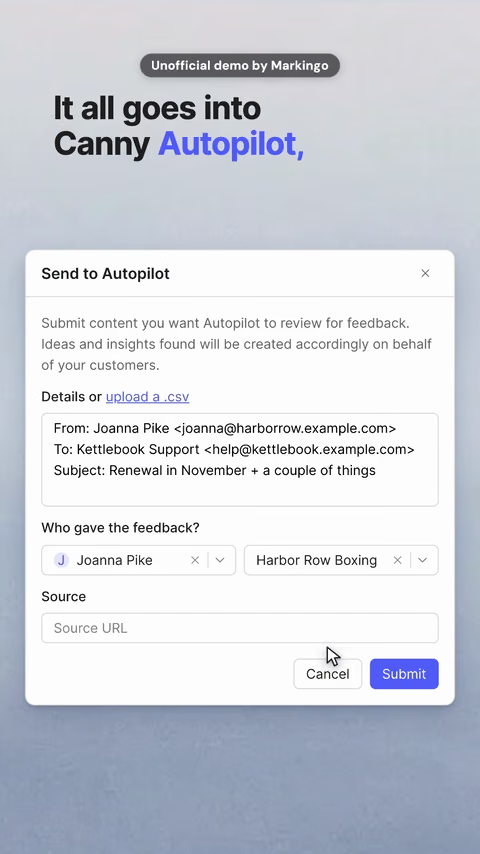
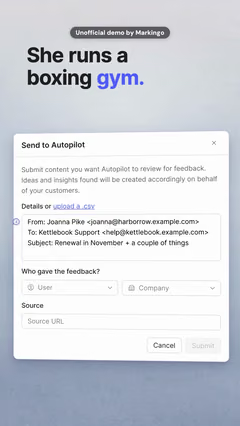
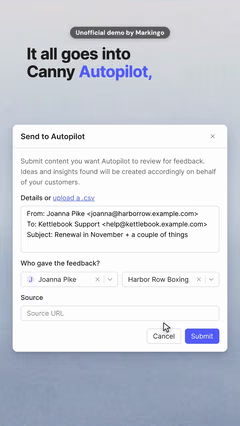
  2. 2Pasted in

    As she wrote it, with her name.

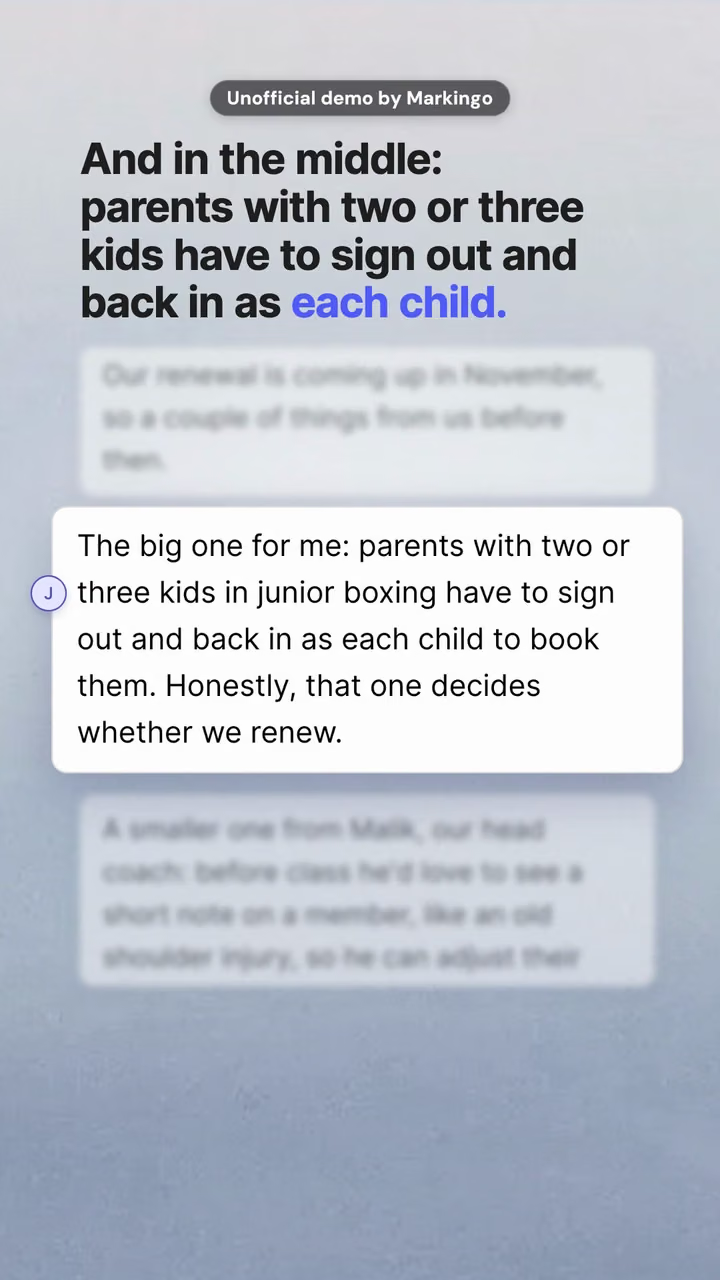
  3. 3Found

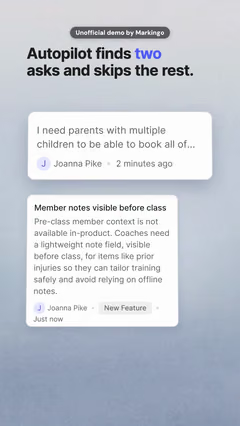
    Two requests. The small talk, skipped.

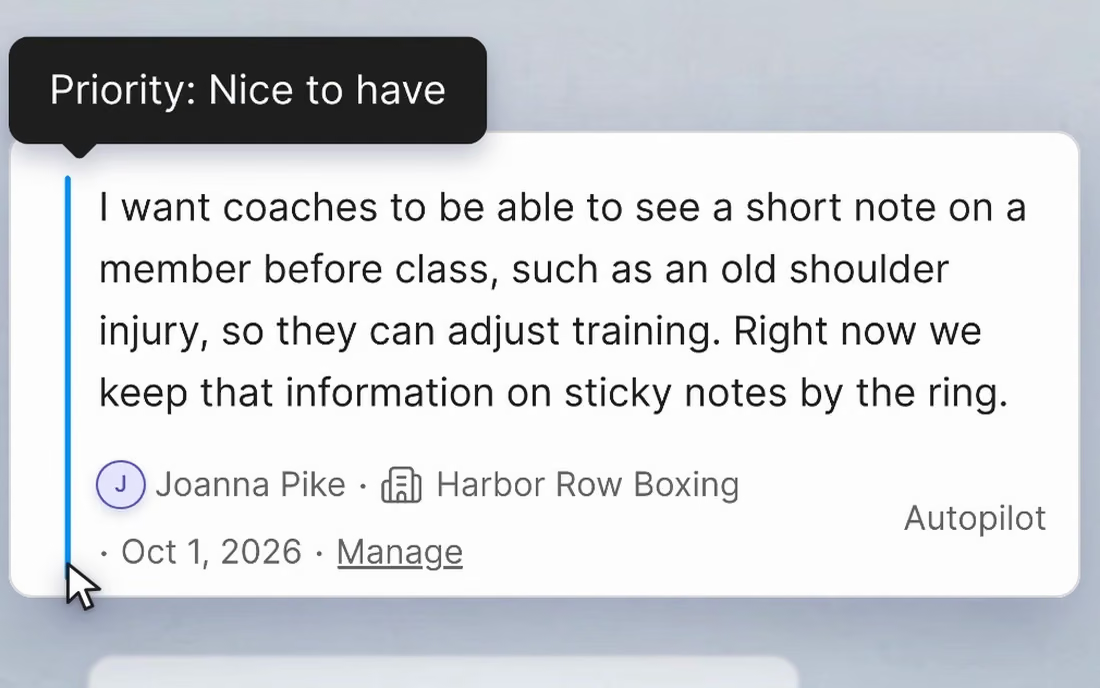
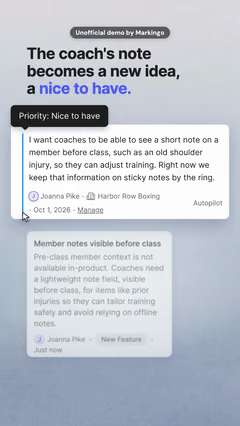
  4. 4Weighed

    The coach's note: a nice to have.

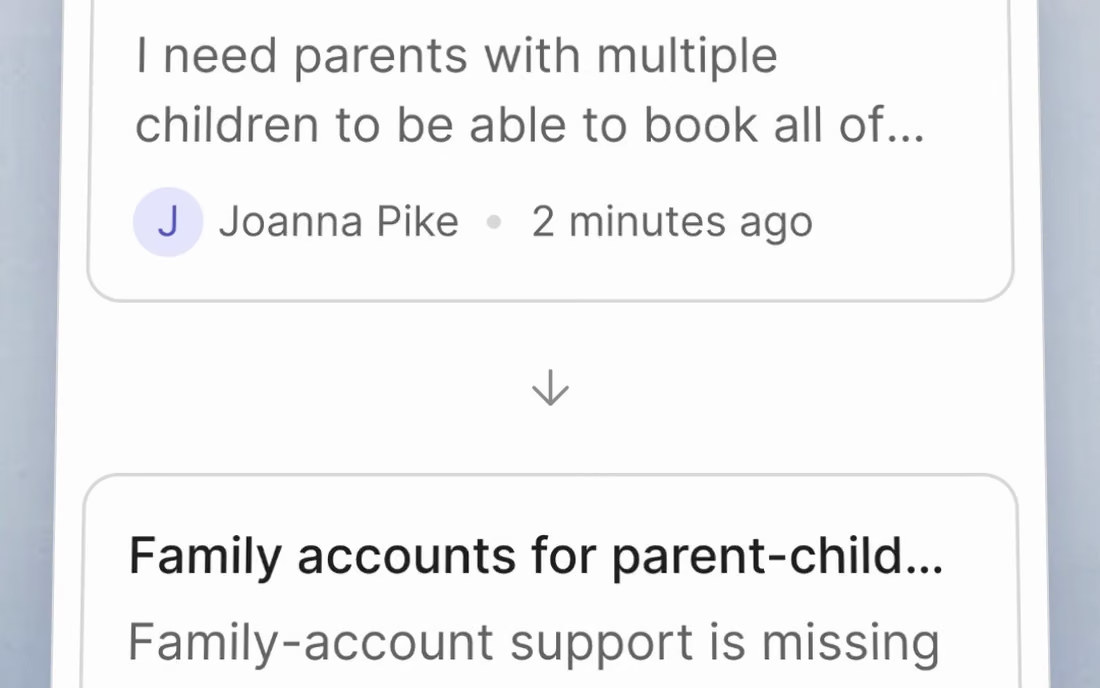
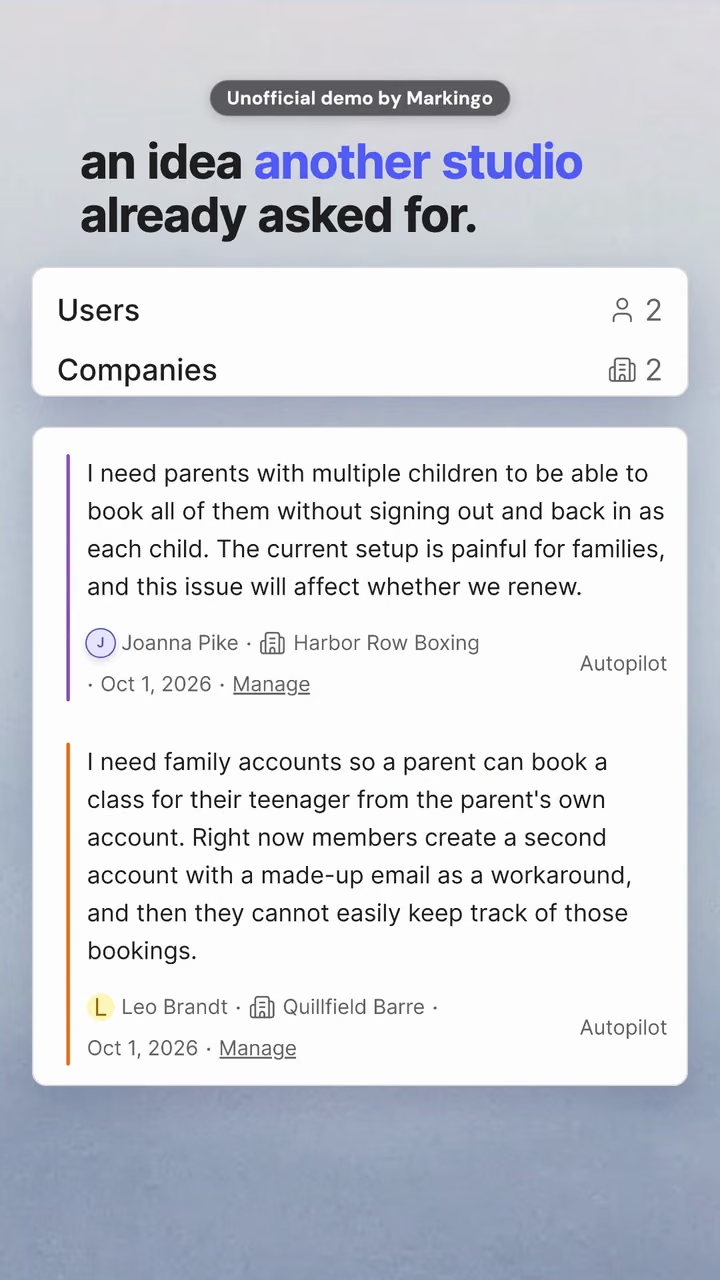
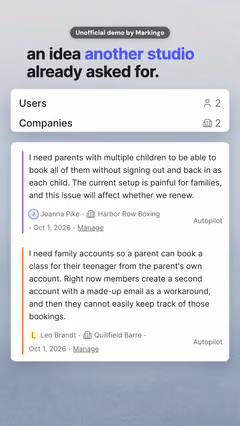
  5. 5Matched

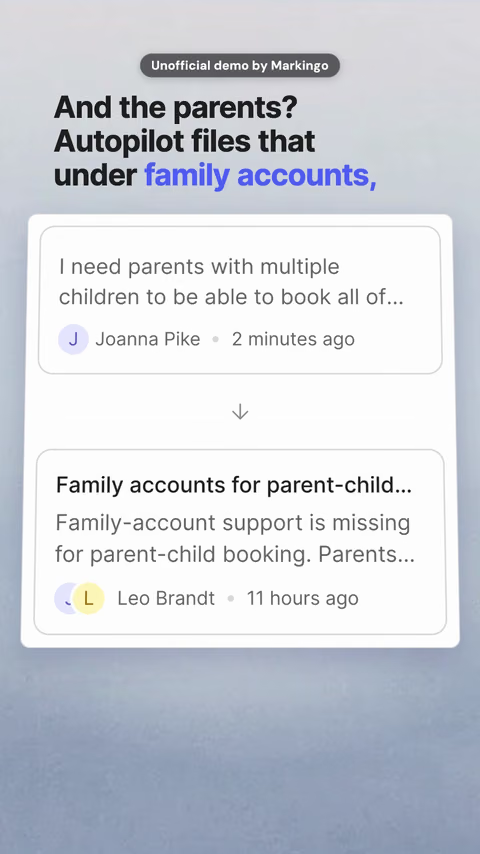
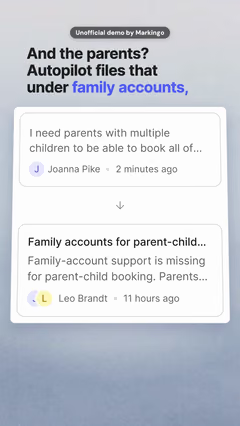
    Under an idea another studio asked for.

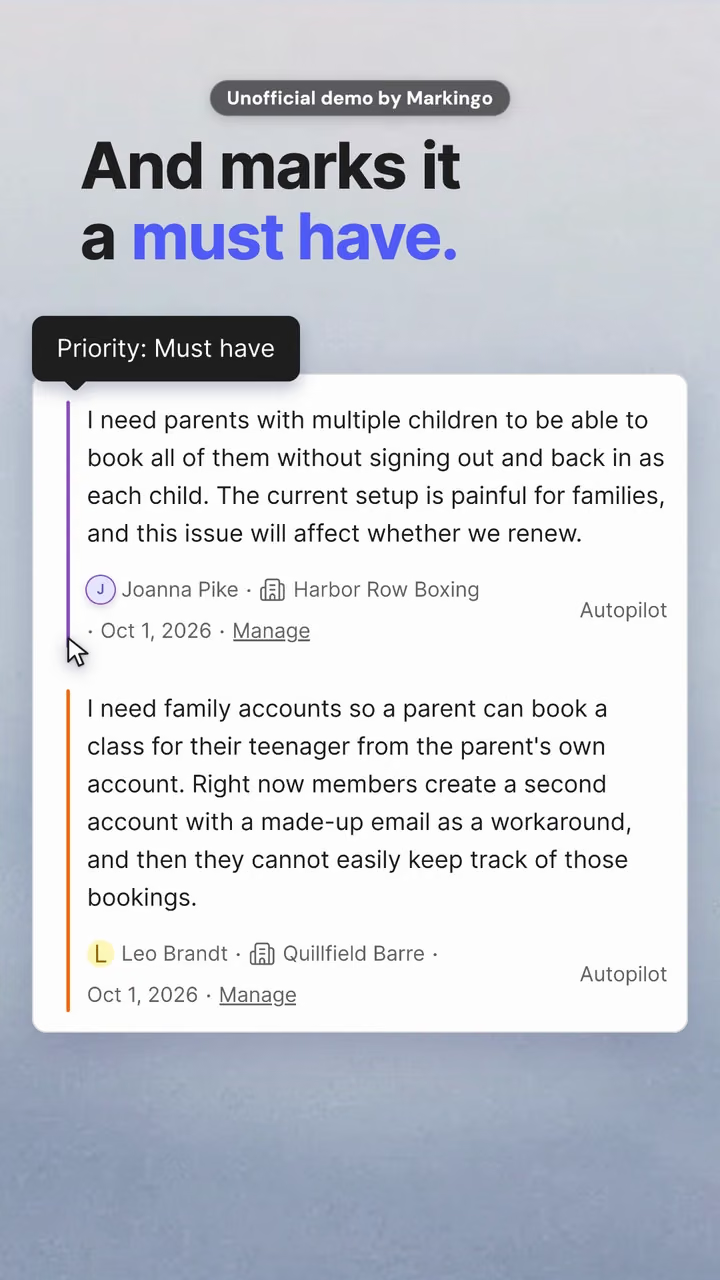
  6. 6Marked

    Must have, in Canny's own words.
04What we learned

We learned three things.

Each works on a reel of your own product.

What she wrote

Chatty, and no must have

What Canny filed

One plain request, two studios

The same request, before and after Autopilot read it.

  1. 01

    The product does the translating: her chatty paragraph went in; Canny filed one plain request.

  2. 02

    We proved it in the product first: her sentence went in twice; both times, a must have.

  3. 03

    The reel ends on its first frame: the last frame is the cover, so it loops.

Try this on yours

Open on what a customer never said, then let your product show it heard them.

05Done for them
Our process, step by step

Every step, done for them.

We sent one customer's email through Canny Autopilot and filmed every screen as it happened. Canny only has to press play.

  1. Proved, then planned6 steps
    1. 01We studied their 233 videos, the 31 Shorts among them.
    2. 02We tested her request in Canny first, to see what Autopilot would do.
    3. 03Then we sent her whole email through Autopilot.
    4. 04We filmed 43 shots of Canny's screens as Autopilot read it.
    5. 05Then we wrote ten ideas around what Canny did, and chose one.
    6. 06We drew twelve storyboards from those real screens.
  2. Frames, voice, music2 steps
    1. 07We wrote the narration, 113 words, and kept its pace unhurried.
    2. 08We wrote the music for this reel.
  3. Cut, reviewed, finished4 steps
    1. 09We looked through the first full cut.
    2. 10We went through it and fixed ten spots, most where one screen gives way to the next.
    3. 11We reviewed the finished reel again.
    4. 12One more watch from the top: five more changes, to overlaps, a caption and the sound effects.

Our part

The email, the test in Canny, 43 shots and three reviews.

Canny's part

Your part

Tell us what to change, as often as you like.

Your turn

Your first film is on us.

You pay nothing, and it's ready in 48 hours.

Every step on this page, done for your product. Tell us what to change, as often as you like.

  • 48hYour film in under 48 hours
  • Every stepOn this page, included
  • YoursTo keep, even if you don't like it
08Words and sources

The reel's own words.

Everything said in the reel, word for word. Choose a line to play from there.

The work behind this reel

sources read
33
rival films found
21
ideas written
10
storyboards drawn
12

Every word said in the reel, in order.

Narrator

33 sources read for the film and this reel

The sources this page cites come first, numbered as you meet them; then every other source we read. All links accessed November 5 or 6, 2026.

Press and reviews, references and data 3

  1. 21Canny on a CRM app store (opens in a new tab) HubSpot App Marketplace · app store listing
  2. 32Canny reviews (would not open when we looked) Capterra · review site
  3. 33Canny Autopilot on Product Hunt (would not open when we looked) Product Hunt · launch post

Other films we studied 11

  1. 3UserVoice, Merge Matches (opens in a new tab) UserVoice on YouTube · videoBack to the text
  2. 4Productboard, suggested insights (opens in a new tab) Productboard on YouTube · videoBack to the text
  3. 23Productboard, introducing Spark (opens in a new tab) Productboard on YouTube · video
  4. 24Dovetail, brand spot (opens in a new tab) Dovetail on YouTube · video
  5. 25Dovetail 3.0 (opens in a new tab) Dovetail on YouTube · video
  6. 26Ask Dovetail (opens in a new tab) Dovetail on YouTube · video
  7. 27Enterpret 2.0 (opens in a new tab) Enterpret on YouTube · video
  8. 28Unwrap, the CEO's film (opens in a new tab) Unwrap on YouTube · video
  9. 29Frill, a reviewer's tour (opens in a new tab) Frill on YouTube · video
  10. 30Viable, explainer (opens in a new tab) Viable on YouTube · video
  11. 31Zeda.io, agency explainer (opens in a new tab) Zeda.io on YouTube · video