
Landing pages for local service businessesPages that turn
a search
into a phone call.
Somebody searches for the job you do, lands on 1 page, and decides there and then whether to call you. That page is the whole business in that moment. We build it section by section to a standard you approve, on your domain, with a lead form tagged so you know which page produced the call.
Every section, designed in dialect.
Browse the section archetypes we ship, heroes, features, product walkthroughs, metrics, pricing, testimonials, CTAs. Each one rendered across the industries and styles that earn the room.
- 7archetypes
- 33variants
- 8industries
Heroes
The opener, three seconds to set the argument. Six compositions across data-dense, editorial, code-forward, illustrative, minimal, and photographic.
Features
What it is, why it's different, how it works. Bento, icon strip, split copy + UI, stats with logos, comparison, alternating.
Product walkthrough
Show the thing in action. Browser frame, scroll-driven storytelling, horizontal carousel, sticky split, video-led.
Metrics & trust
Proof at weight. Logo wall, big-number editorial, KPI tile grid, animated counter.
Pricing
The offer, made legible. 3-tier classic, comparison matrix, usage slider, enterprise single-card.
Testimonials & case studies
Voice of the customer. Pull-quote editorial, photo-led, metrics-first case study, video card.
CTA & footer
The closing argument. Editorial close, split book-a-call, floating action, minimal sign-up.
Every variant is a real section we’ve shipped or can ship, same obsidian palette, same signal-lime accent, same restraint. Ask for the industry / style you want and we’ll mock the page on top.
Brief a pageThe top of the page earns the scroll.
The middle earns the trust.
The bottom earns the call.
A page carries the same job a good estimator does on a doorstep: name the problem, show the work, give the price honestly, and make the next step obvious. We write it in that order.
4 benches. 1 page that gets called.
The brief, the design and copy, the build, then live and measured. Each bench owns one part of the page, and it only goes live when all 4 have signed it off and so have you.
 the.studio
- Bench 01
What you actually sell
A working session on the jobs you want more of, the cities worth the drive, the prices you will quote, and what somebody needs to see before they pick up the phone. It comes back as a written brief. The page is decided there, before anyone opens Figma.
- Bench 02
Design and copy
A strong first cut of the layout, and every line written for the person searching right now with a problem in front of them. Your phone number where a thumb can reach it, your licences and guarantees where they answer the doubt, your own job photos instead of stock.
- Bench 03
Build on your stack
WordPress, Webflow, Next.js, whatever you already own and can keep editing after we leave. Built to load quickly on a phone on a weak signal, because that is where these searches happen, and checked on real devices before it goes anywhere near live.
- Bench 04
Live and measured
The page goes up with its lead form tagged and Search Console wired, so every enquiry arrives carrying the page that produced it. From there you can see which pages earn calls and which ones need another pass.
5 steps. Your call at every gate.
- STEP 01
The brief
Working session on the jobs, the cities and the prices. Written up and agreed before design starts.
- STEP 02
Section by section
The page is designed and written one section at a time, with your call at every gate.
- STEP 03
Your approval
Nothing moves on until the section in front of you is the standard you want the library held to.
- STEP 04
Build
Production build on your stack, checked on a real phone, forms tested end to end.
- STEP 05
Live
Page live, lead form tagged, Search Console wired, indexing confirmed.
Every page, scoped & shipped.
Fixed scope per page: the brief, the copy, the design, the build, the tagged form, the reporting. Everything below comes with every page, on your domain, in your accounts.
- 01
Working session on what you sell
The jobs you want more of, the cities worth the drive, the questions callers always ask. Written up and agreed.
- 02
Copy written for the searcher
Every line aimed at somebody with the problem in front of them right now, in the words they used to search.
- 03
Design your library inherits
The approved page becomes the reference for every sibling page built after it.
- 04
Production build on your stack
WordPress, Webflow or a custom build. Yours to keep editing after we leave.
- 05
A tagged lead form
Every enquiry arrives carrying the page that produced it, so you always know which page earned it.
- 06
Schema and on-page setup
Structured data for the business and the areas it serves, plus the titles and links Google reads first.
- 07
Search Console wired from day 1
Clicks, impressions and positions on the page, reported back in plain language.
What owners ask on the first call.
- 01
Why build 1 page so carefully?
- Because it is the reference. Every sibling page in your library is measured against the page you approved, so an hour spent on the first one is repaid across the next 40 to 300. It also settles the arguments early: the hero, the proof, the form, the phone number, all decided once instead of re-litigated on every page.
- 02
What goes on a page like this?
- The job named the way people search for it, the city it serves, what it costs or how you quote it, your licences and guarantees, photographs of your own work, the questions callers always ask, and a form and a phone number that are never more than a thumb away.
- 03
Can you build on the site we already have?
- Yes. WordPress most often, Webflow and custom builds too. We match the setup your team can keep editing after the engagement ends. For 1 plumbing client we rebuilt 46 existing pages before adding a single new one, because the pages were worth rebuilding rather than replacing.
- 04
How do we know the page works?
- The lead form is tagged to the page, so every enquiry arrives with the page attached, and Search Console shows the clicks, impressions and position for that URL. 1 realty client used pages like this to replace a rented platform costing $990 a month with a site they own outright.
- 05
Do you do the whole site or just 1 page?
- Both, in that order. We start with 1 page taken to your approved standard, then the library follows: your services crossed with your cities, shipped in monthly phases at a flat price per page.

Agree the brief.
Approve the page.
Take the call.
A working session on what you sell. Then the page, section by section, with your call at every gate. Then live on your domain with the lead form tagged and Search Console wired. That page becomes the standard for the library.
The method, written down.
How we think about this work, in long form, with every outside number linked to its source.
 Landing pages10 min read
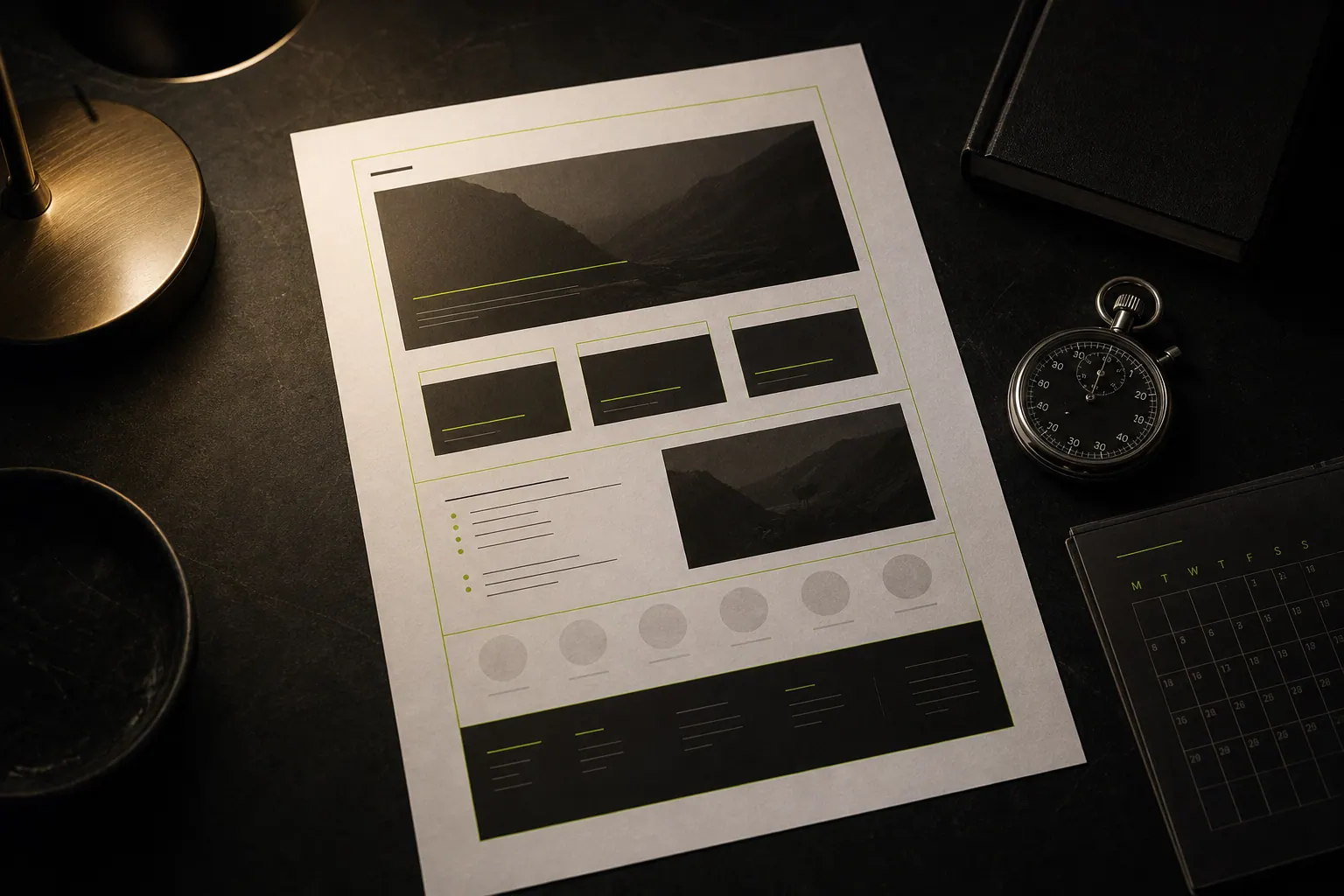
High-Converting Landing Page Design: The System We Run
The landing page system we run for local service businesses: positioning, conversion copy, design, build and instrumentation, in a fixed order that holds.
Read the piece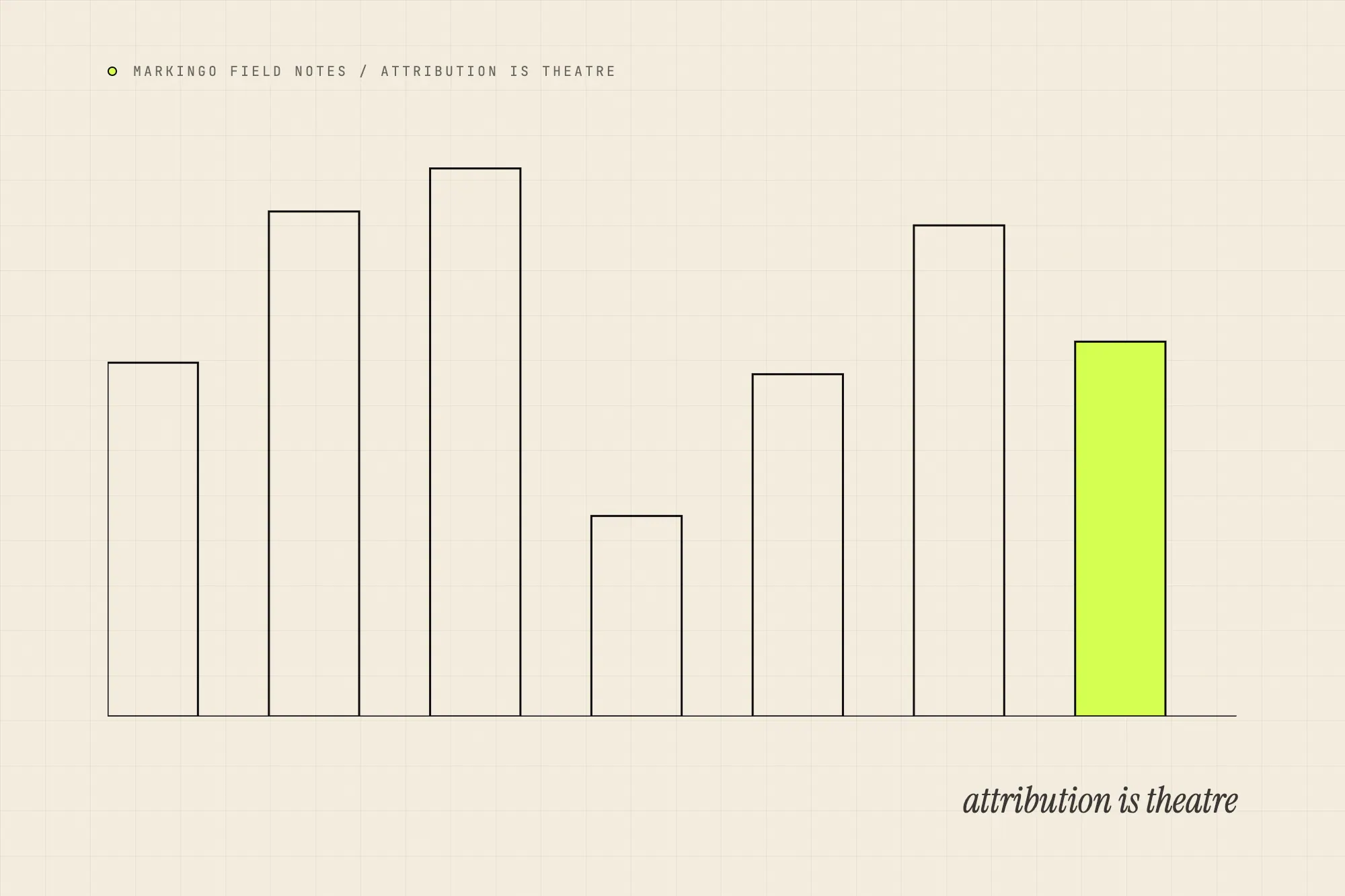 Paid9 min read
Marketing attribution is theatre. Use incrementality instead.
Multi-touch attribution sells certainty it cannot deliver. Replace it with incrementality tests and blended cost per job to see what drove the booking.
Read the piece
Pairs well with.


Send us the page you want people to land on.
A paragraph on what you sell and the jobs you want more of. We come back with a written brief for the page and what it would cost.

Want the phone to ring?
A 30-minute call. Tell us the work you want more of and the areas you serve. We’ll show you the searches happening there now, the pages it would take to cover them, and what that costs at $50 a page. You keep that whether or not you hire us.