Cold Email Deliverability: The Part of Outbound Nobody Talks About
Copy gets the credit, but inbox placement decides whether a word reaches a human. The SPF, DKIM, DMARC and domain warmup stack we run, to the 2024 rules.
- Copy gets the credit, but inbox placement decides whether the copy is read at all. A send that lands in spam has a reply rate of zero.
- Send on separate domains, never your primary brand, and warm them for weeks before the first prospect touch.
- Since February 2024, Gmail and Yahoo require bulk senders to authenticate and keep spam complaints below 0.3%. Outlook.com started rejecting non-compliant bulk mail in May 2025.
- Spread volume across enough inboxes and domains that each one stays well under a conservative daily cap, and randomize send times.
- A person reads and answers every positive reply, fast. The infrastructure protects the inbox, the human protects the brand.
Deliverability decides whether outbound works before anyone reads a word of the copy, and it is the part nobody wants to talk about, because it is boring infrastructure, not clever writing.
Every outbound post you have read is about subject lines, personalization, and the perfect 5 line sequence. That is the visible part. The part underneath decides whether any of those words land in a primary inbox or rot in spam, and it is governed by DNS records, sending reputation, and volume discipline. Our outbound work spends most of its engineering on that unglamorous layer, because the best email ever written has a zero percent reply rate from the spam folder.
Here is the full deliverability stack we run, in the order it matters: domains, authentication, inbox rotation, send-time behavior, and human reply handling. None of it is secret. Almost nobody does all 5 at once, which is exactly why it works.
The multiplication nobody prices in
Think of outbound as 2 multiplied numbers: the percentage of sends that reach a human, and the percentage of reached humans who reply. Teams pour effort into the second number and assume the first is 100 percent. It is not. A cold domain with no authentication and aggressive volume can lose a large share of its sends to spam, which quietly cuts every result before the copy gets a vote.
The rules are public. Since February 2024, Google's sender guidelines require anyone sending more than 5,000 messages a day to Gmail to authenticate with SPF, DKIM and DMARC, support one-click unsubscribe, and keep the spam rate below 0.1 percent, never reaching 0.3 percent. Yahoo's rules set the same 0.3 percent ceiling. Microsoft followed for Outlook.com in May 2025, rejecting mail from domains sending more than 5,000 messages a day that fail SPF, DKIM or DMARC. Reputation is scored across the whole sending domain, not per campaign, which is why deliverability is a standing discipline, not a setup step you do once and forget.
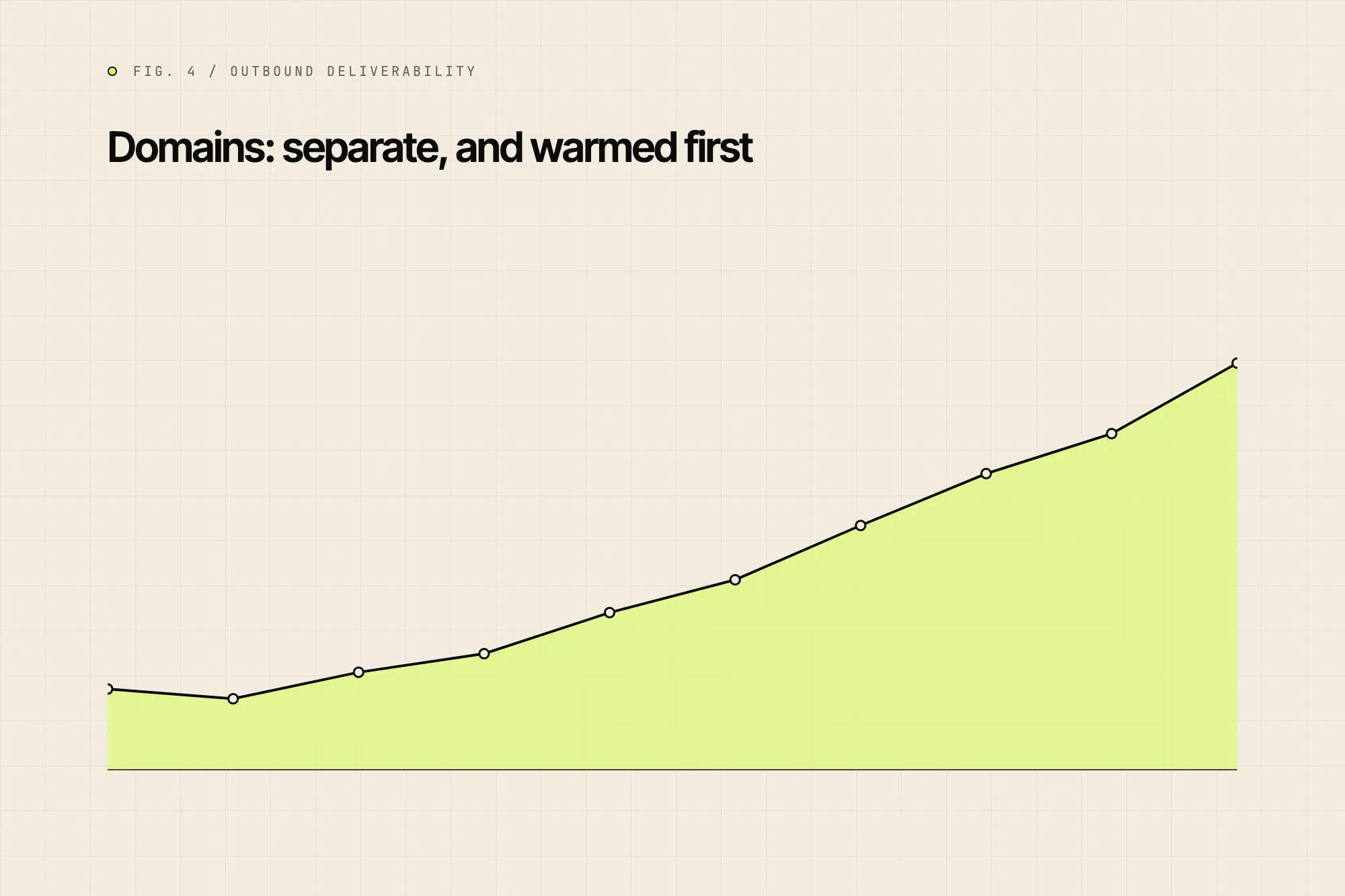
Domains: separate, and warmed first
Rule 1: never send cold volume from your primary brand domain. One bad week torches the reputation your quotes, invoices, and booking confirmations depend on. We use separate sending domains, usually close variants of the brand, and treat them as disposable infrastructure that absorbs the risk.
Rule 2: warm every new domain before a single prospect send. Warming means low, steadily increasing volume to real, engaged inboxes, so the domain builds a sending history that looks human. We aim to ramp over weeks, not days. Skipping this is one of the most common reasons a campaign dies on day one, and there is no shortcut, because reputation is a function of time plus consistent behavior.
Authentication: SPF, DKIM, DMARC on reject
Authentication is how inbox providers verify the mail actually came from who it claims. 3 records do the work, and all 3 are non-negotiable.
- SPF lists which servers are allowed to send for the domain, so a spoofed sender fails the check.
- DKIM cryptographically signs each message, proving it was not altered in transit and genuinely came from the domain.
- DMARC ties the two together and tells providers what to do on failure. The providers accept a policy of 'none'. We aim to move each domain to reject once it is stable, because that also stops anyone else sending mail in its name.
For bulk volume these records are no longer best practice, they are the entry ticket: Gmail, Yahoo and Outlook.com all require them from high-volume senders, and Outlook.com rejects the mail outright when they fail. The records take an afternoon to configure and pay rent every day after.
Inbox rotation: the volume arithmetic
No single inbox should carry meaningful cold volume, because per-inbox sending limits are what keep reputation healthy. We spread the load across many inboxes and let boring arithmetic keep every one of them under the line.
- 01Set a conservative inbox cap
Hold each inbox to a modest number of cold sends per day. Past a point, engagement signals dip and providers start treating the inbox as a bulk sender. The right cap depends on the domain's age and how recipients engage, so set it low and raise it only on evidence.
- 02Do the math for your volume
A 10,000-send month is roughly 500 sends per business day. Divide that by your cap to get the inboxes you need, then add headroom across more than one domain, so the program survives any one inbox getting flagged.
- 03Rotate and rest
Sends rotate across the pool, and inboxes that show any reputation dip get pulled and rested while the rest carry the load. No single point of failure takes down the campaign.
Spreading volume this way is not over-engineering, it is the floor for predictable placement. The same scoring and segmentation behind our lead intelligence work also decides which inbox pool goes to which audience, so the accounts that hand out the biggest jobs never share a sending reputation with bulk volume. The lead intelligence playbook covers that scoring in full.
Send-time behavior and the human layer
Real people do not fire 10 emails at exactly 9:00:00. Robotic, on-the-minute sending is a pattern filters learn fast, so our cadence tool randomizes send time per inbox per day, with natural gaps and business-hours weighting. The goal is to look like a busy human, not a cron job, because that is what the spam filters are actually scoring.
The last mile is human, and it is the part most automated stacks skip. A person reads every reply, and we aim to answer positive ones quickly during business hours. The infrastructure protects the inbox, the human protects the brand, because nothing kills a hard-won reply faster than a delayed, obviously templated answer. A real, fast, specific response is where deliverability work finally turns into a site visit on the calendar.
The best email ever written replies at zero percent from the spam folder. Win deliverability first, then argue about subject lines.
Shivam Bindal
We run the domains, warming, authentication, rotation, and human reply desk so your copy reaches primary inboxes instead of spam.
Monitoring a sending pool
Deliverability is not a state you reach, it is a number you watch drift. A pool that lands well one week can slide the next after a bad list, a spike in complaints, or one inbox provider changing its filters. We treat the sending pool like production infrastructure, with 3 metrics on a dashboard the team reads every day.
- Inbox placement: the share of sends landing in primary, not spam or promotions. A sustained dip on a warmed pool is a fire, not a footnote.
- Complaint rate: the percentage of recipients marking mail as spam. Google asks bulk senders to stay below 0.1 percent and never reach 0.3 percent, and Yahoo sets the same 0.3 percent ceiling.
- Bounce rate: invalid or rejected addresses. The mailbox providers publish no bounce ceiling, but a spike tells them your list is stale, so keep it low through list verification before send. A spike here is usually a list problem, not a sending problem.
When a metric drifts, the fix is almost always to slow down, not to push harder. We pull the affected inboxes, drop volume, and let reputation recover before scaling back up. Outbound teams that treat a placement dip as a reason to send more are the ones who lose a whole domain in a week. The discipline is closer to running a database than writing copy, which is exactly why the copy-obsessed crowd keeps losing to it.
List quality feeds directly into all three numbers, which is why deliverability and targeting are the same problem wearing two hats. A clean, well-scored list bounces less, complains less, and engages more, all of which lift placement. Send to a stale scraped dump and no amount of warming saves you, because the recipients themselves are telling the provider your mail is unwanted.
Where deliverability sits in the bigger picture
Outbound is one channel inside a portfolio, and its job is to start conversations cheaply with the property managers, builders, and facilities teams that direct mail and paid ads reinforce further down. The strongest pairing we run is a researched printed report followed by an email to the same person, covered in the direct mail post. None of that sequencing matters if the email never arrives, which is why deliverability is the first thing we fix and the last thing we stop watching.
If you take one thing from this: stop treating deliverability as setup and start treating it as a daily discipline with its own metrics. Watch placement, complaint rate, and bounce rate the way you watch reply rate. The teams that win outbound in 2026 are not the ones with the cleverest copy. They are the ones whose mail simply shows up.
Sources
- 01Google, 2024. Email sender guidelines
- 02Yahoo Sender Hub, 2024. Sender best practices
- 03Microsoft Tech Community, 2025. Strengthening email ecosystem: Outlook's new requirements for high-volume senders
Written by Shivam Bindal. Founder, Markingo.