/01Month-to-month after setup
Foundation
A SaaS team putting its first real go-to-market system in place: positioning, a site that ranks, demo video and a steady social cadence.
- Setup
- $12,000
- one time
- Monthly
- $4,000
- after setup
We script the demo from your positioning, capture the product with clean demo data, add motion, voice and captions, then cut one master edit into the versions your site, your sales team, your ads, your onboarding and your social feeds each need.
A SaaS company rarely needs one video. It needs the demo, and then the versions of it that work in each place a buyer meets the product. These are the six we make most.
The full walkthrough: the problem in the buyer's words, the workflow, and the moment it is solved. The video a prospect watches before they agree to a call.
Lives on Homepage, pricing page, sales follow-up
The idea before the interface, for buyers who do not know the category yet. Motion graphics and voiceover carry it, with the product shown only where it helps.
Lives on Top of the homepage, paid, events
One feature, one outcome. Cut for the launch post, the changelog, the customer email and the ad that tells last quarter's lost deals it now exists.
Lives on Launch post, email, LinkedIn, paid
Short how-tos, one task each, answering the questions new customers ask in their first week so the first month of use goes the way the demo promised.
Lives on In-app, help center, onboarding email
The demo re-cut per buyer and per objection: the short version for the owner, the workflow detail for the ops lead, the security walkthrough for IT.
Lives on Sales email, proposals, the deck
9:16 with burned-in captions and a hook in the first seconds, built to be watched with the sound off in a feed.
Lives on Reels, Shorts, TikTok, LinkedIn
The most common reason a demo video does not get used is that it was made before anyone agreed on what the product is for. Ours start from the strategy document, so the script is an argument you have already approved.
Written from the messaging house: a hook, the problem as the buyer describes it, the workflow, the proof, the ask. Approved by you before anything is recorded.
Screen capture on a staging account at full resolution, filled with synthetic records and cleaned of stray notifications, so every frame is one you would put on your homepage.
Zooms, callouts and motion graphics that point at what matters, with a human or AI voiceover chosen per video type, and licensed music.
The long version, built in layers (screen, motion, voice, captions on separate tracks) so a changed screen means one section re-recorded, not a new video.
The master cut into the lengths and aspect ratios each placement needs, with captions files, thumbnails and the project files handed over.
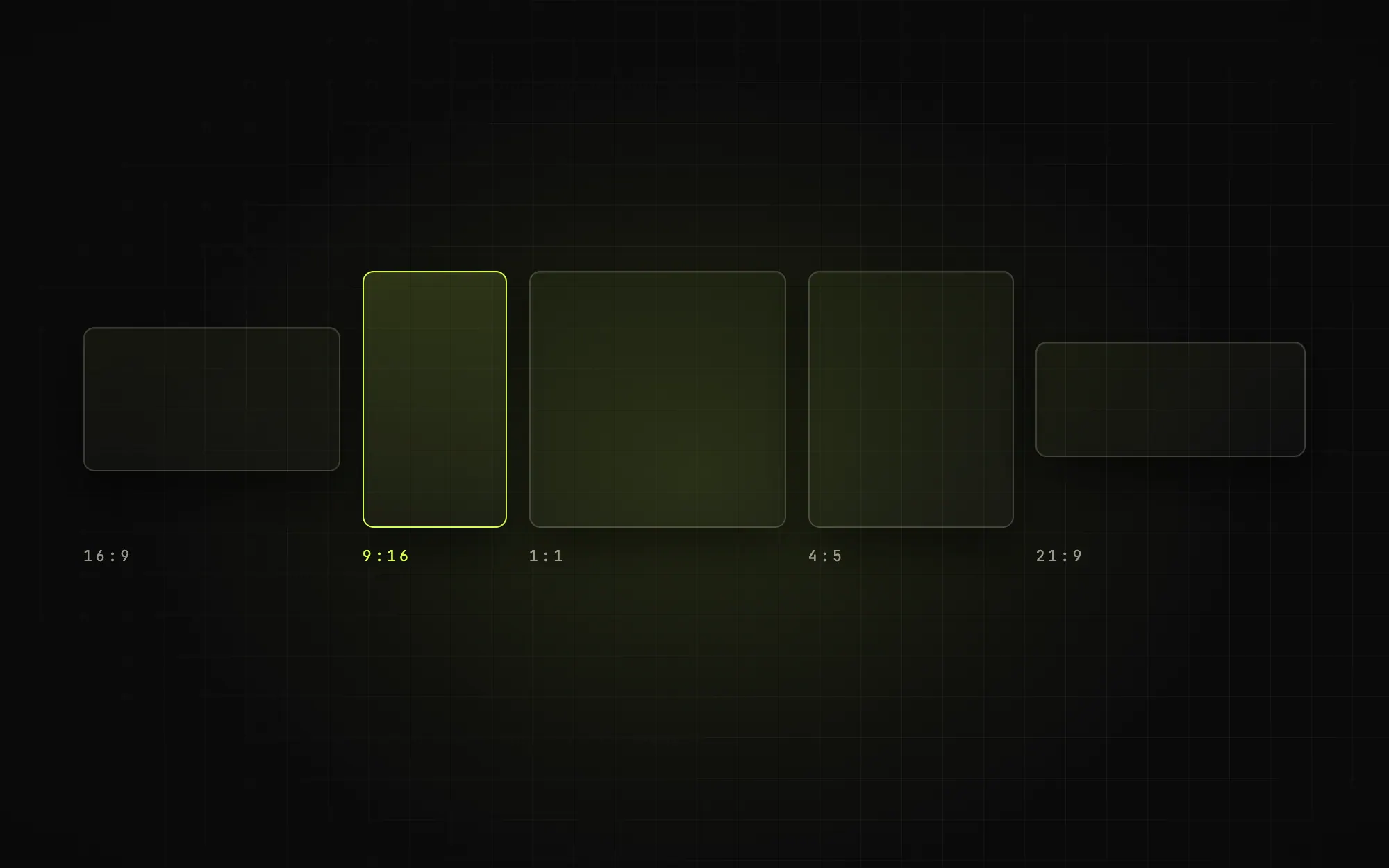
Each placement gets the cut built for it. This is the default map; the channel plan decides which of these your launch uses first.
From your side
Regulated SaaS
For healthcare, finance and legal software, nothing real appears on screen: no patient, no client, no account number. Claims in the script are tied to a source, and your compliance or legal reviewer approves the cut before it ships.
How a healthcare build changesThe vertical cuts feed the weekly calendar on social media content, and the full demo sits on the pages built in SEO and AI search, so one shoot keeps paying out across the system.
Each plan opens with a one-time setup quarter that builds the system, then a monthly retainer that keeps it running. Ad spend and print are billed at cost, separate from the fee.
A SaaS team putting its first real go-to-market system in place: positioning, a site that ranks, demo video and a steady social cadence.
A SaaS team running several channels at once, with outbound, paid and direct mail working from the same strategy as the content.
A SaaS team covering several segments or verticals, with account-based direct mail and founder thought leadership on top.
Every monthly line has a published unit price, so a plan can be trimmed or extended to fit the channels the strategy says to run. You own the pages, the videos, the source files and the accounts.
Compare the plansHow long should a SaaS product demo video be?
Do you use real customer data on screen?
Human voiceover or AI voice?
What happens when the product UI changes?
Are demo videos included in the plans?
Each piece is built from the same strategy document, by the same team, so the demo, the pages, the posts and the ads all say the same thing.
B2B SaaS marketing agency, the go-to-market team
GTM strategy for B2B SaaS, ICP to channel plan
Social media content for B2B SaaS, shipped weekly
SEO and AI search (GEO) for B2B SaaS companies
Healthcare SaaS marketing, HIPAA-aware GTM builds
A 30-minute call. Walk us through the product the way you would on a demo, and we will come back with the script outline and the cuts we would make from it.